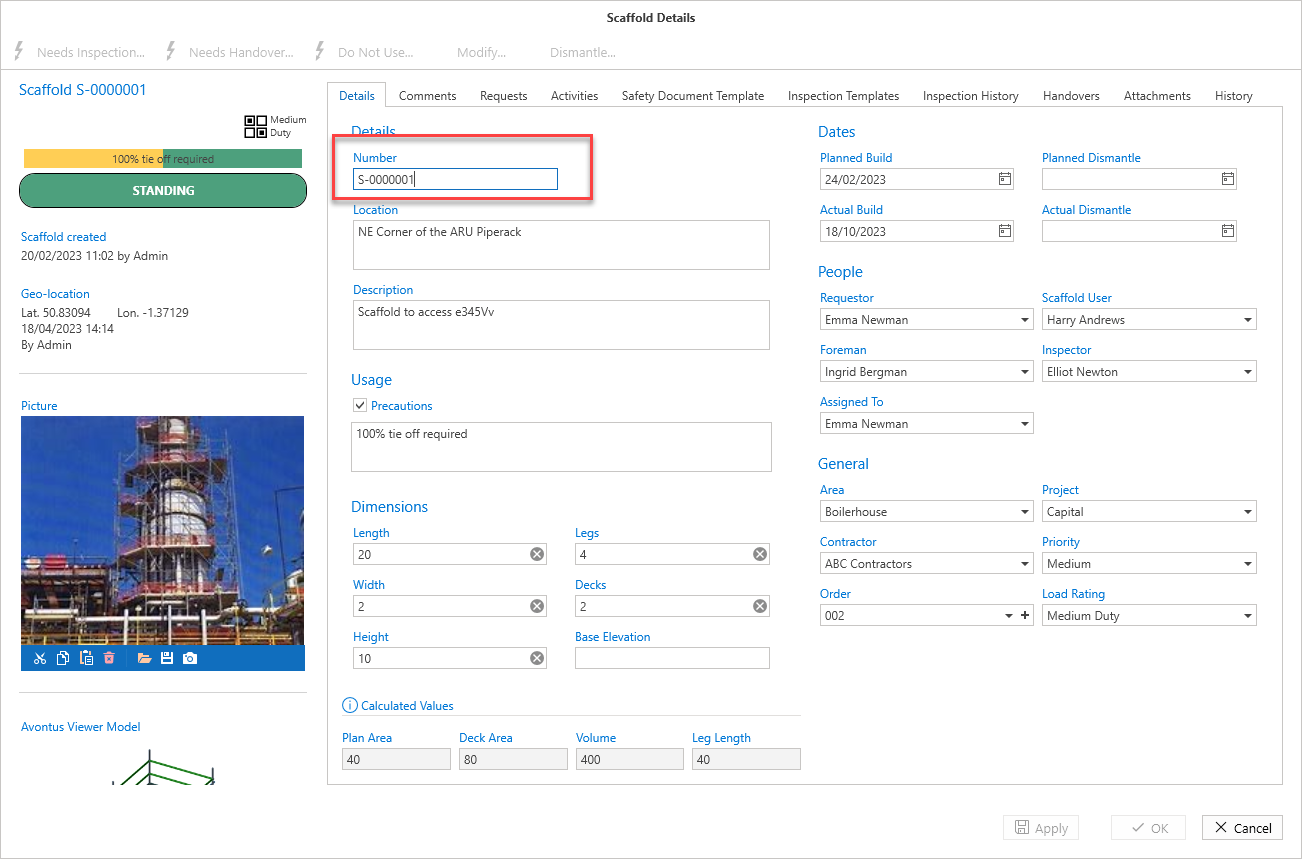
It is possible to give a Scaffold its own name. For example, if you have both Avontus Designer and ScaffoldIQ, you can name the Scaffold in Site the same as your Avontus Designer save file.
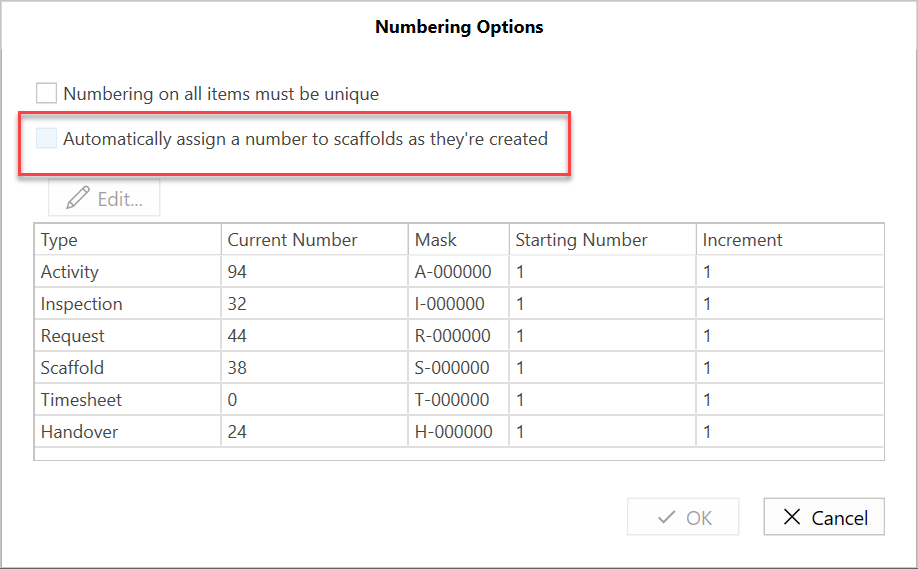
You will need to disable the auto-assigning of Scaffold names in the Numbering Options of Global Settings.
To do this
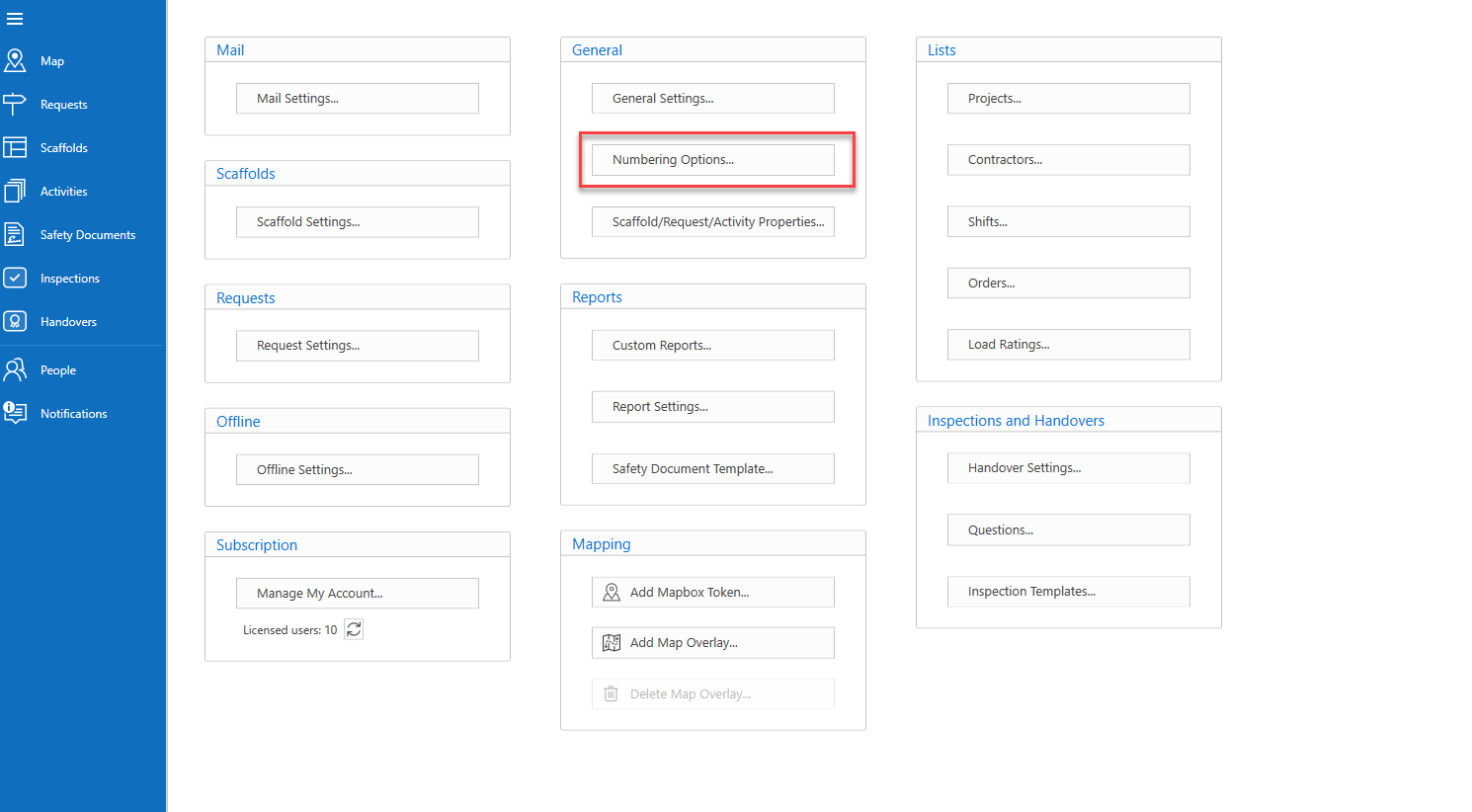
Click Global Settings
Select Numbering Options
Ensure the checkbox is blank, and click OK or Cancel
When the Automatically Assign a number to Scaffolds as they’re created option is unchecked, you will be able to give new Scaffolds a unique name, and update existing Scaffolds with a name of your choice.
Double-click on a Scaffold to open its details, and click Edit.
You will be able to modify the name of the scaffold and change it to one more relevant to you.