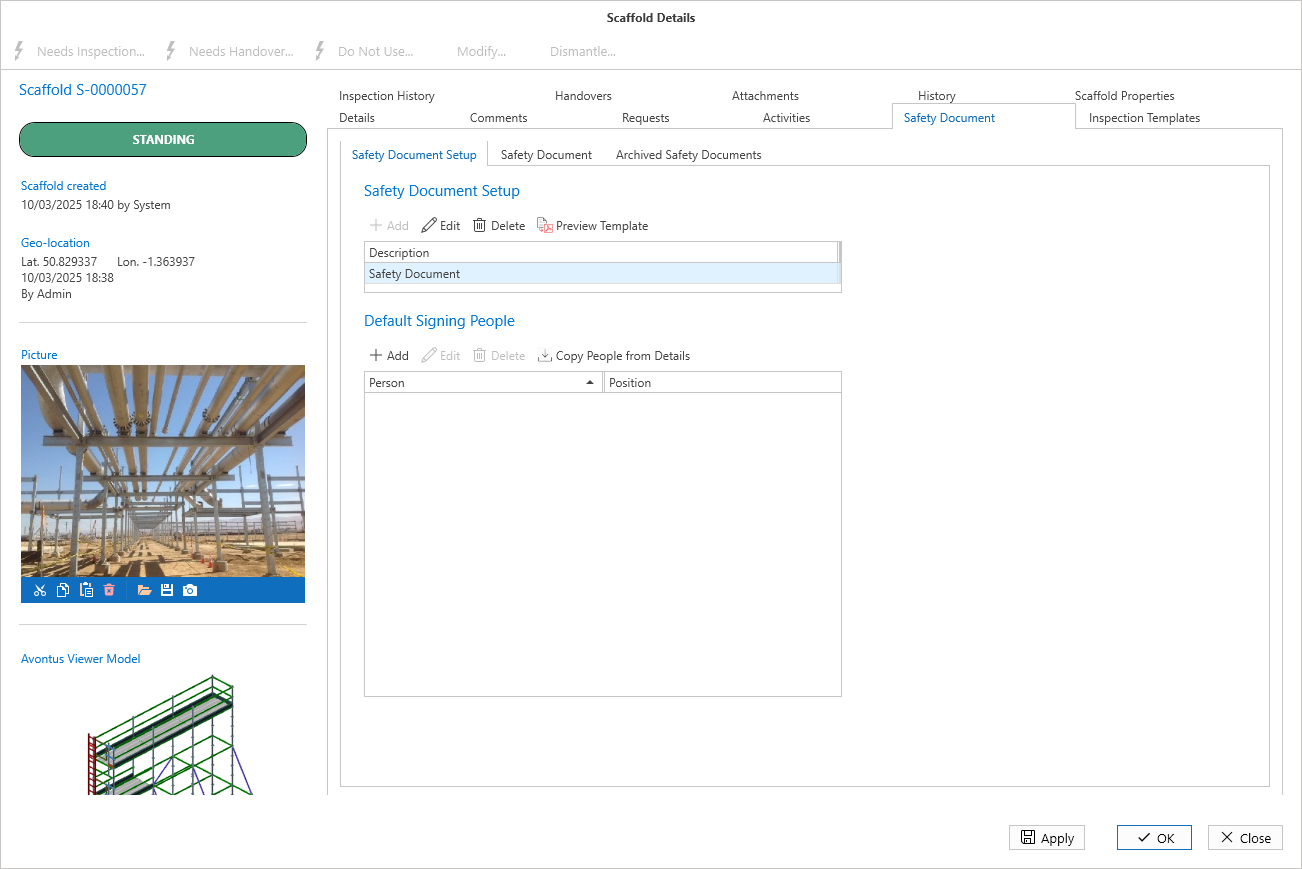
Safety Document Templates created in the Global Settings can be assigned to a Scaffold or Request. You can select to apply specific Text sections of the Safety Document Template so that you only assign relevant text sections to the Scaffold.
To do this
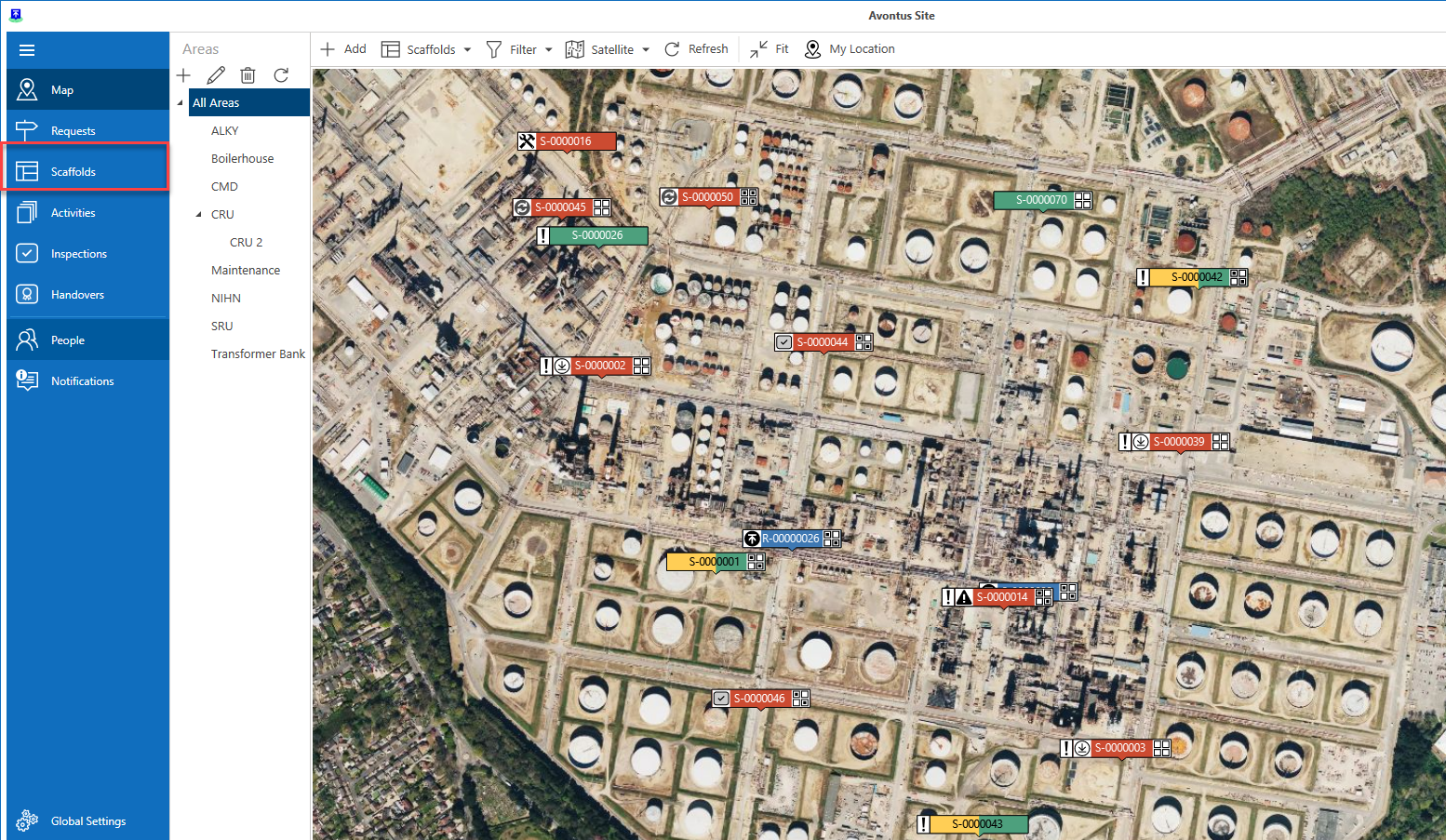
Select Scaffolds (or Requests)
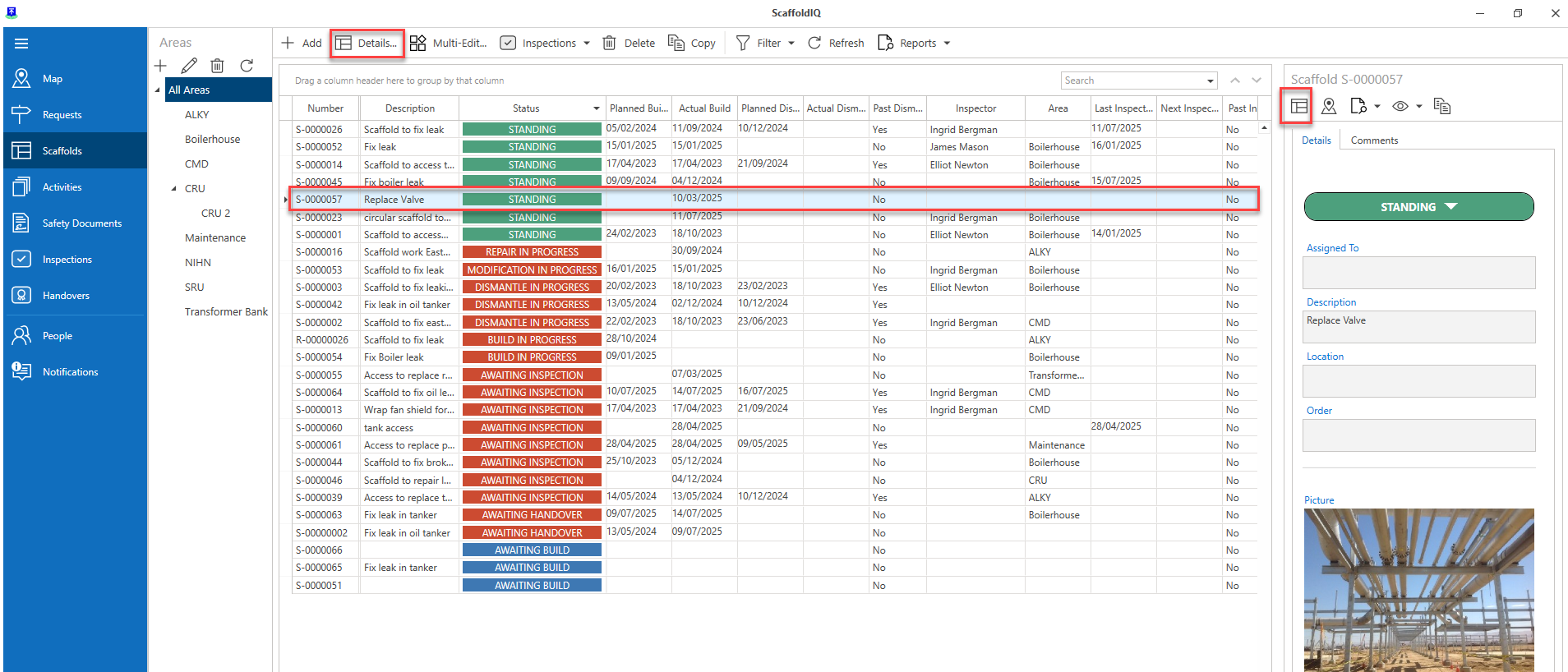
Open the Scaffold (or Request) Details
Select the Safety Document Template tab
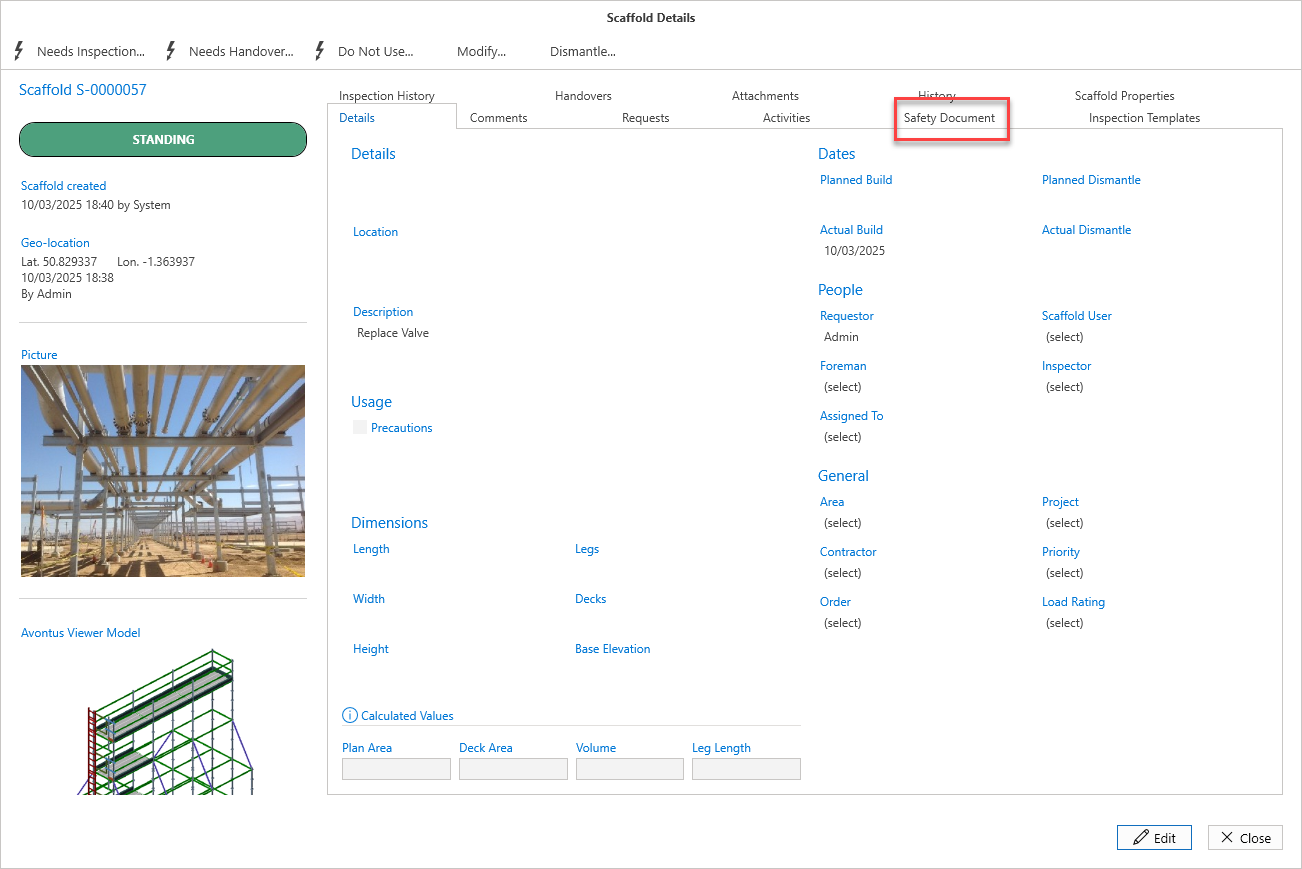
Click the Edit button
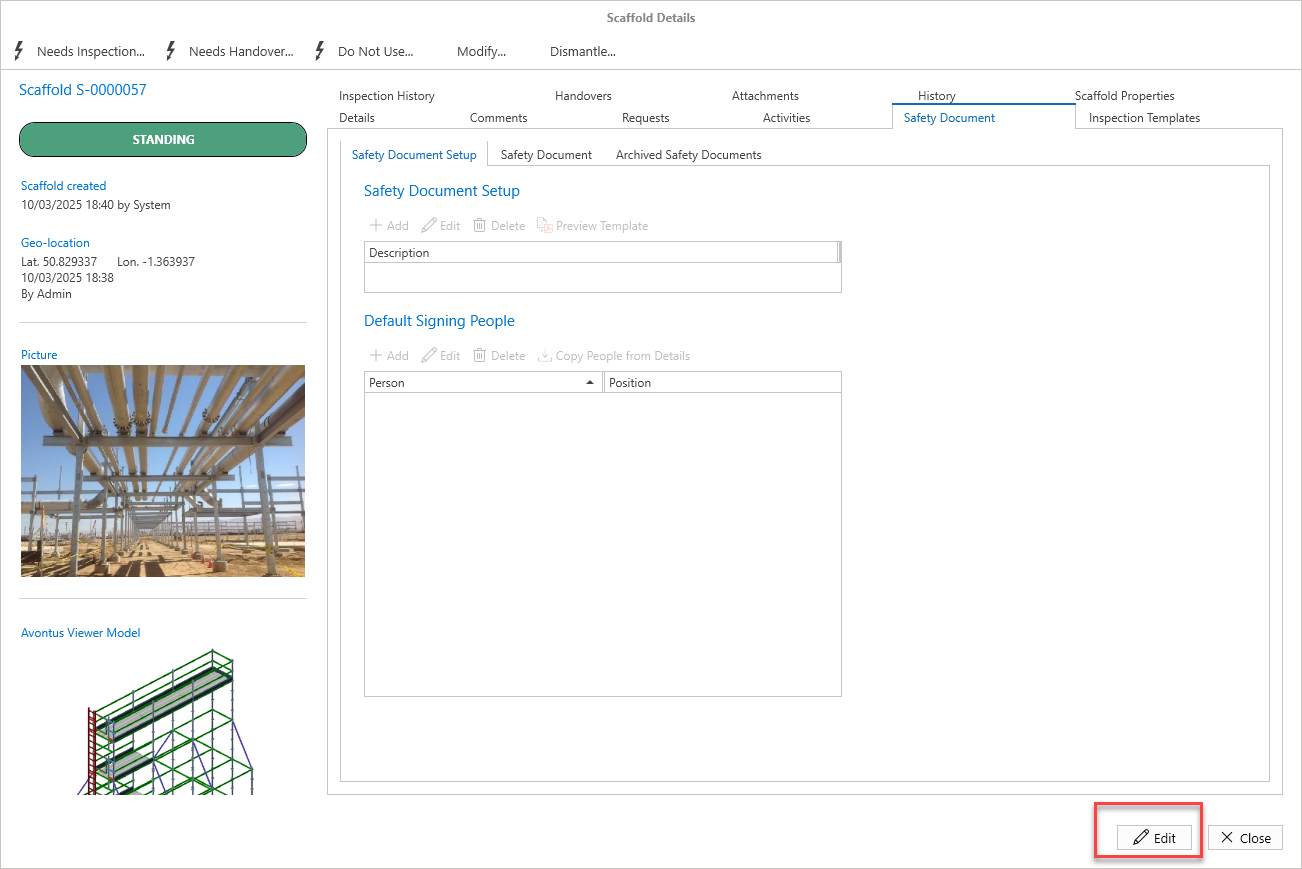
5. Click Add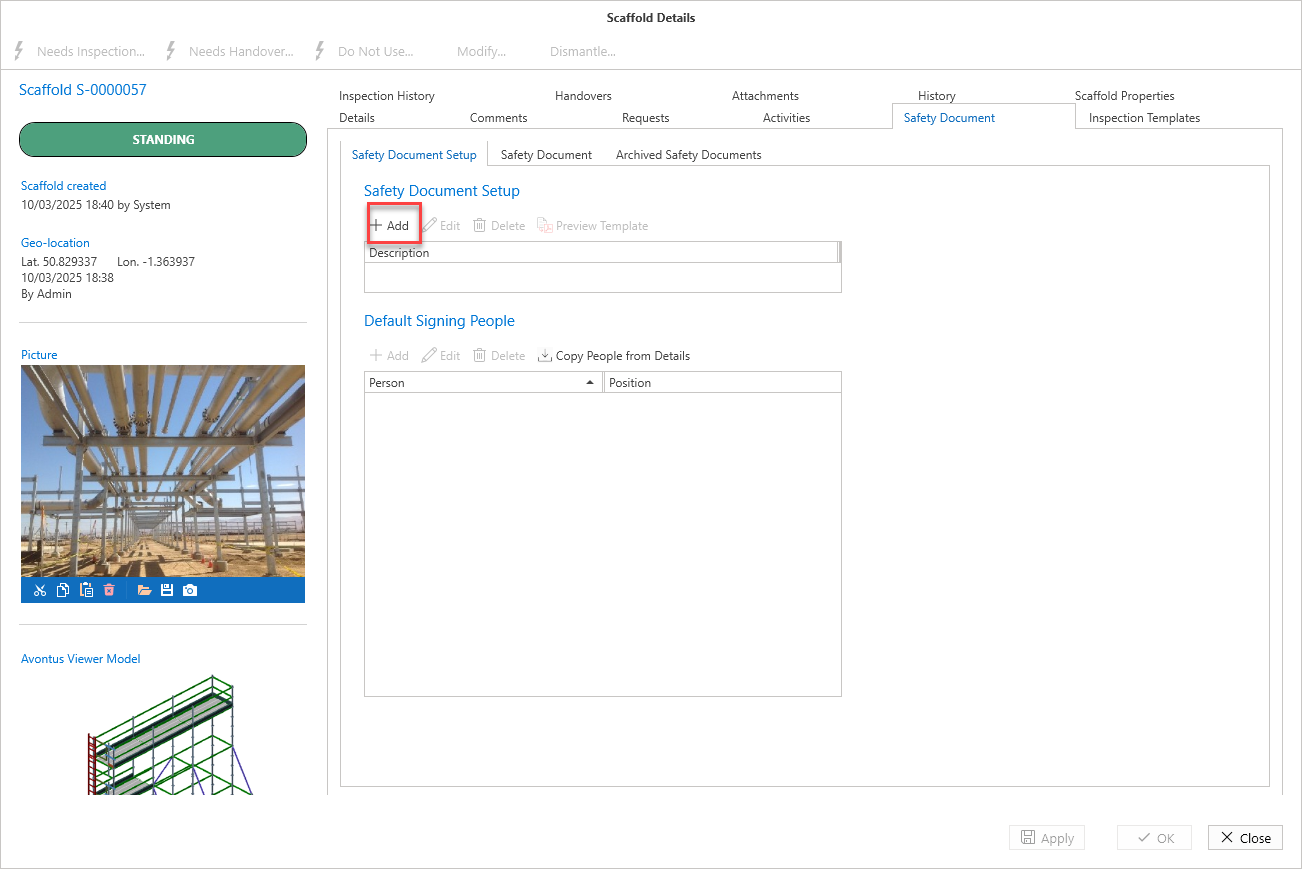
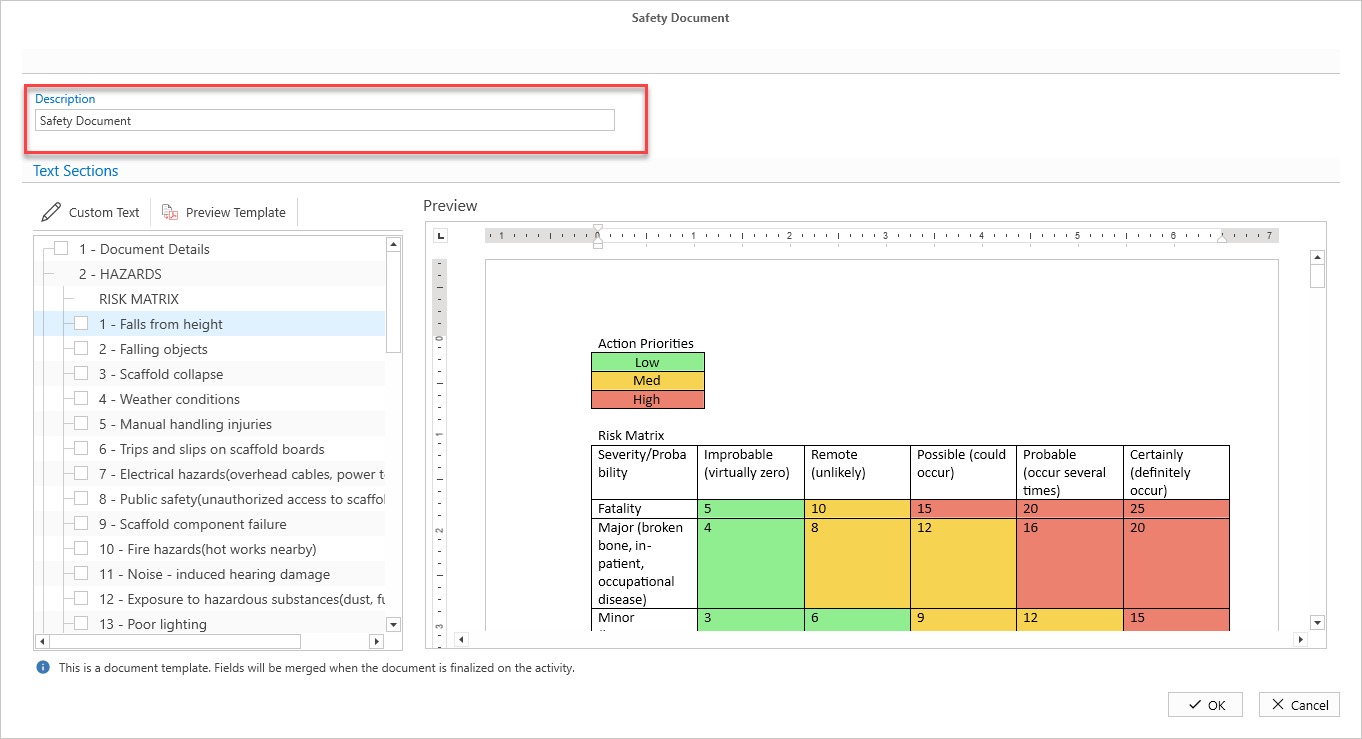
Provide the Description
Select the checkbox of a section you wish to include.
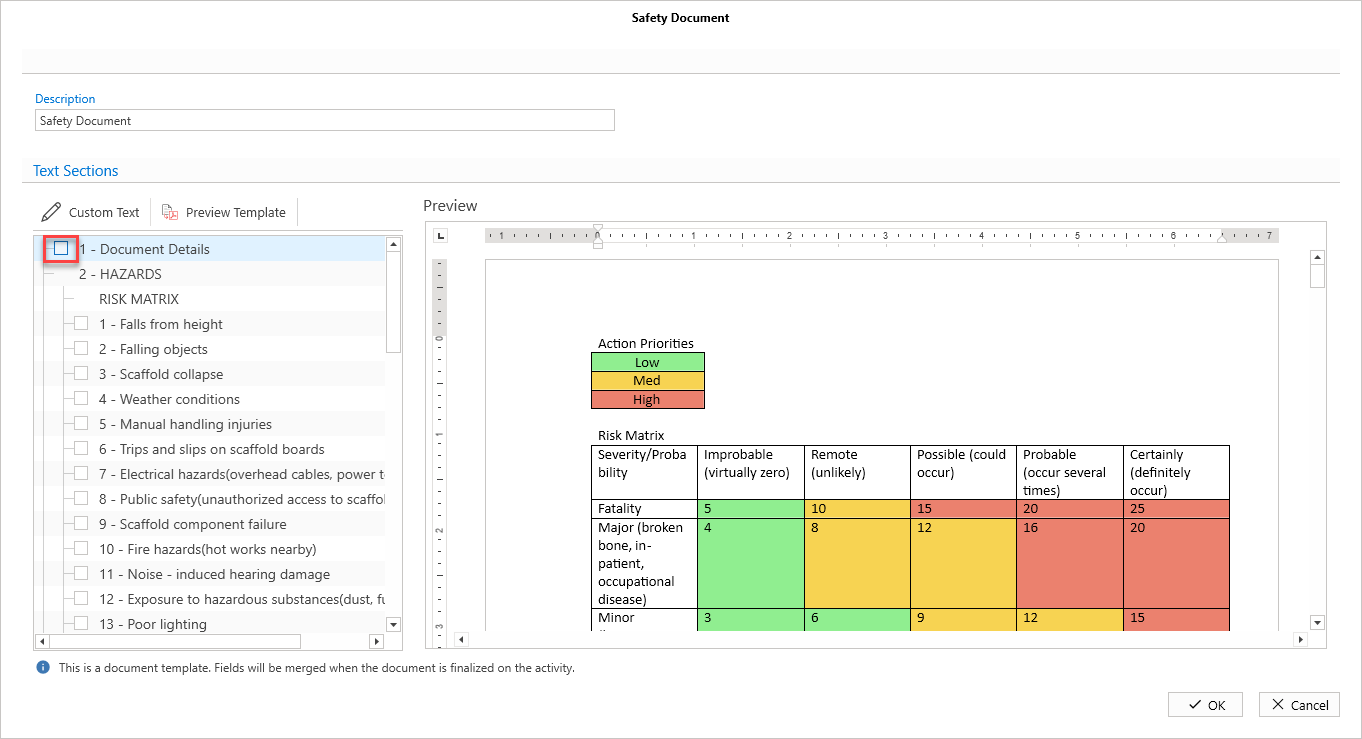
In some cases you may need to provide severity and probability details.
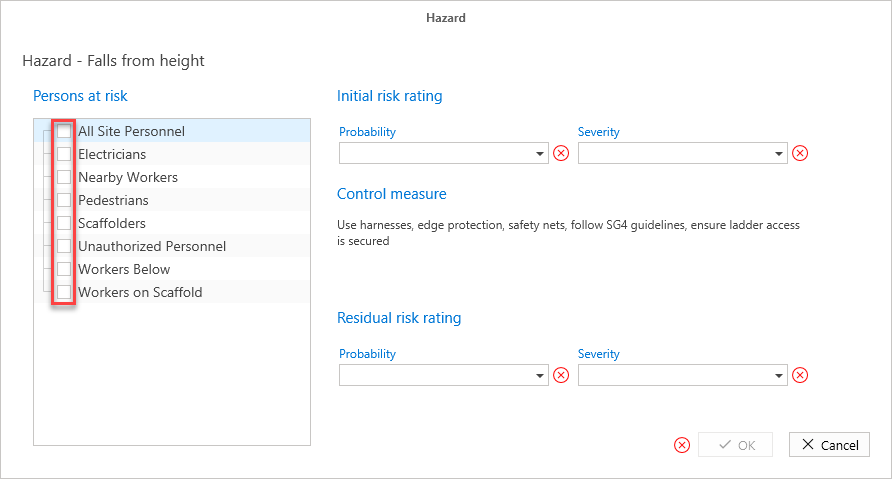
Select the Persons at risk from the grid on the left by clicking in the checkbox of the relevant role
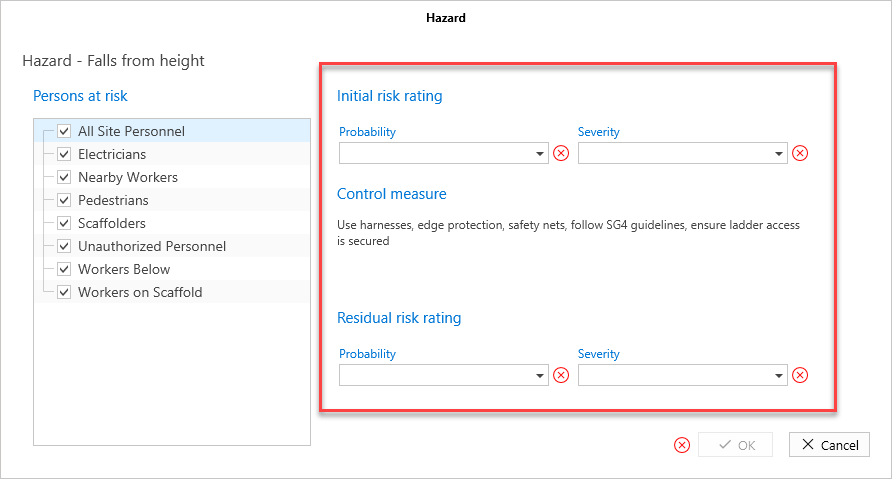
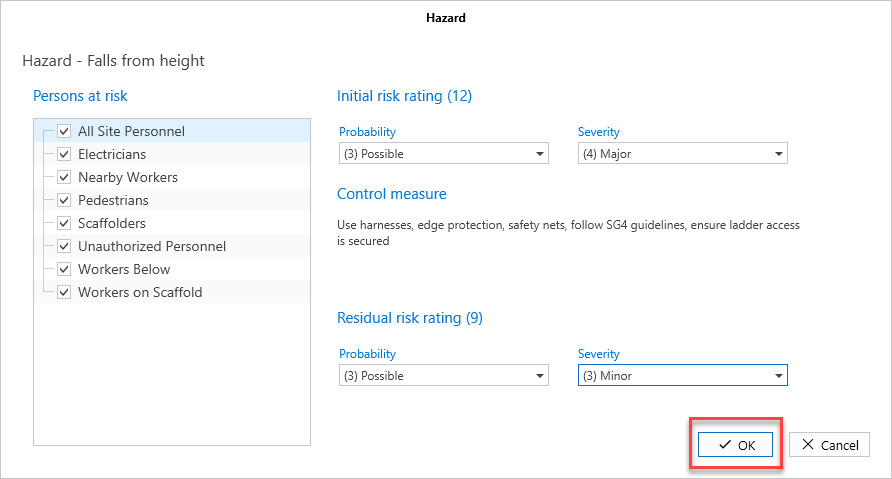
Select the Probability and Risk Rating for the Initial Risk Rating
Select the Probability and Risking Rating for the Residual risk rating
Click OK
Repeat steps 7 - 11 as necessary
Click OK
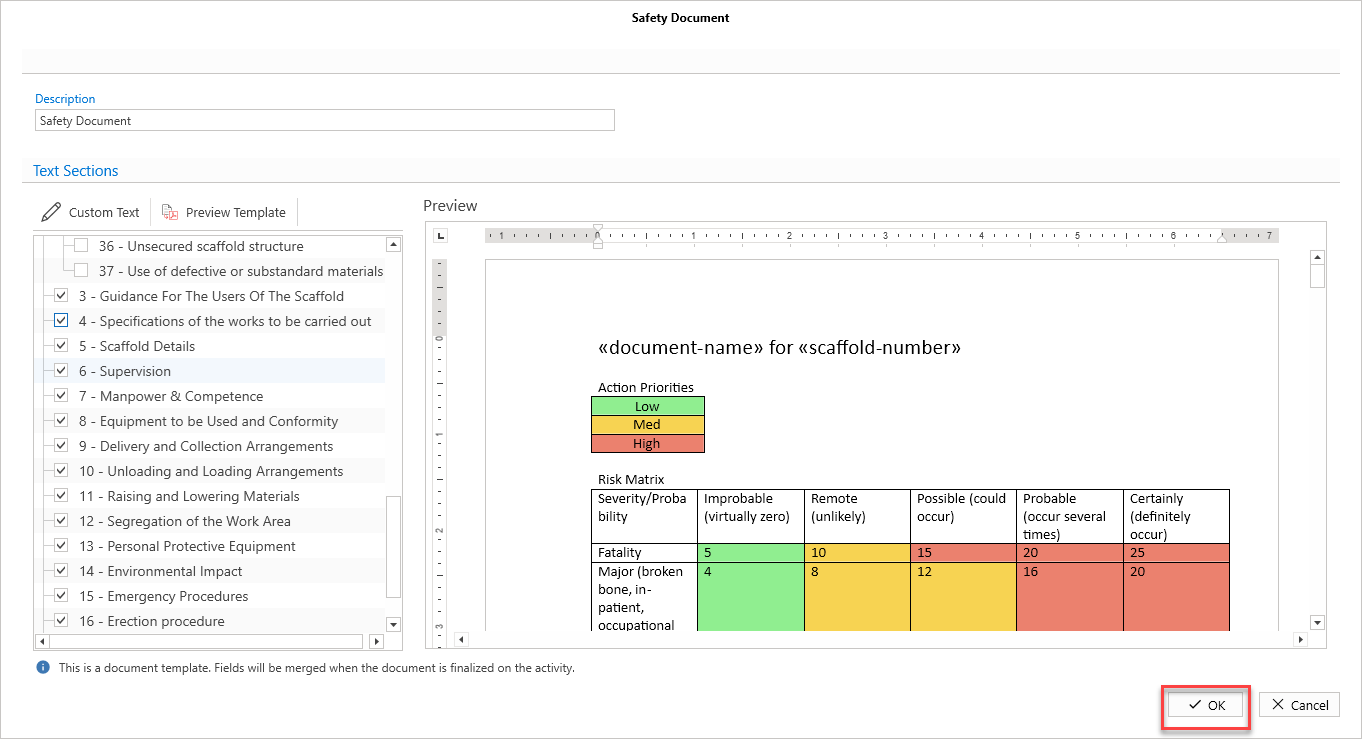
The template will be added.