The Bracket Settings section gives a user control over shaping the appearance of the side brackets of a scaffold bay. This includes selecting the materials, which will adjust the size of the side bracket, and how and where these side brackets appear on the scaffold.
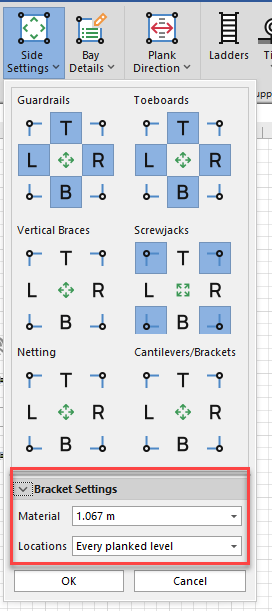
Material
This selects the material that will be used to create the side brackets. This will modify the length of the side bracket.
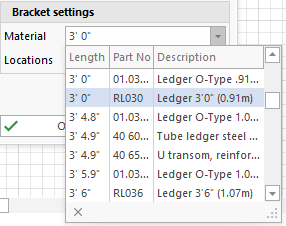
Locations
This will specify where the brackets will be used on the scaffold.
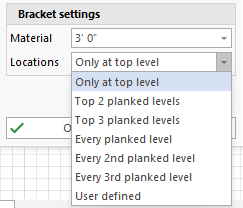
Only at top level
Place the side bracket at the top level of the scaffold only.
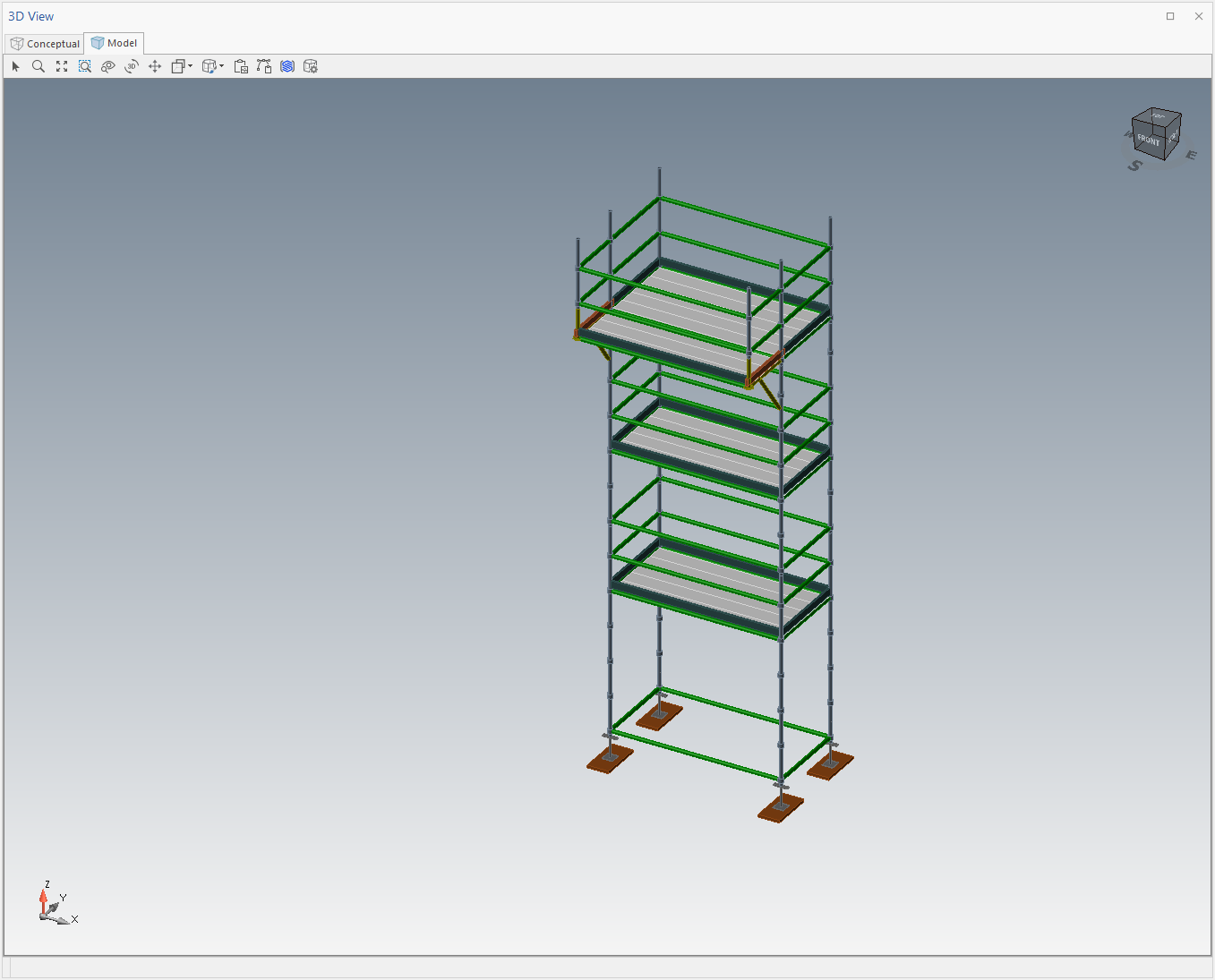
Top 2 planked levels
This adds a bracket to the top two planked levels. It will ignore any unplanked levels.
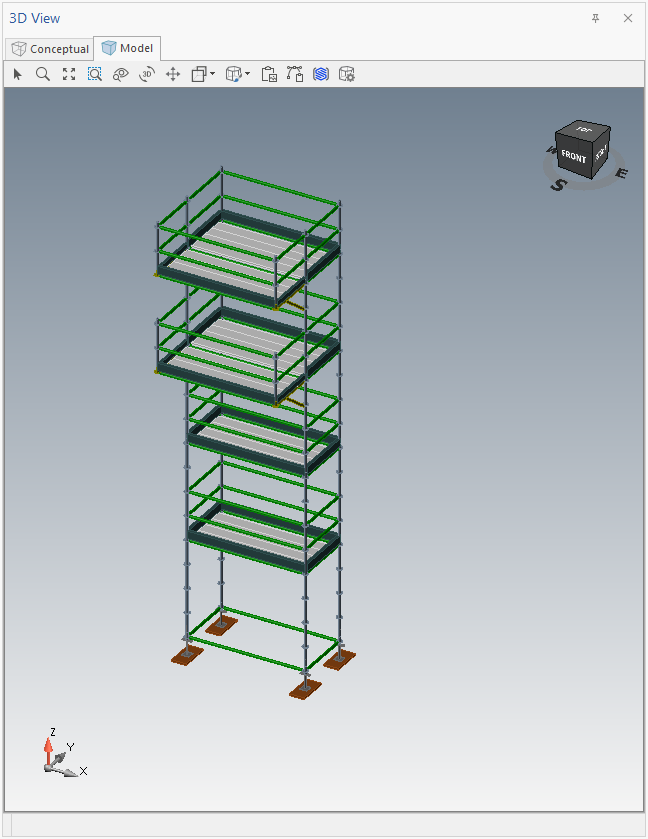
Top 3 Planked
Adds a bracket to the top 3 planked levels. Brackets will not be placed on any unplanked levels even if they are in the top 3 levels.
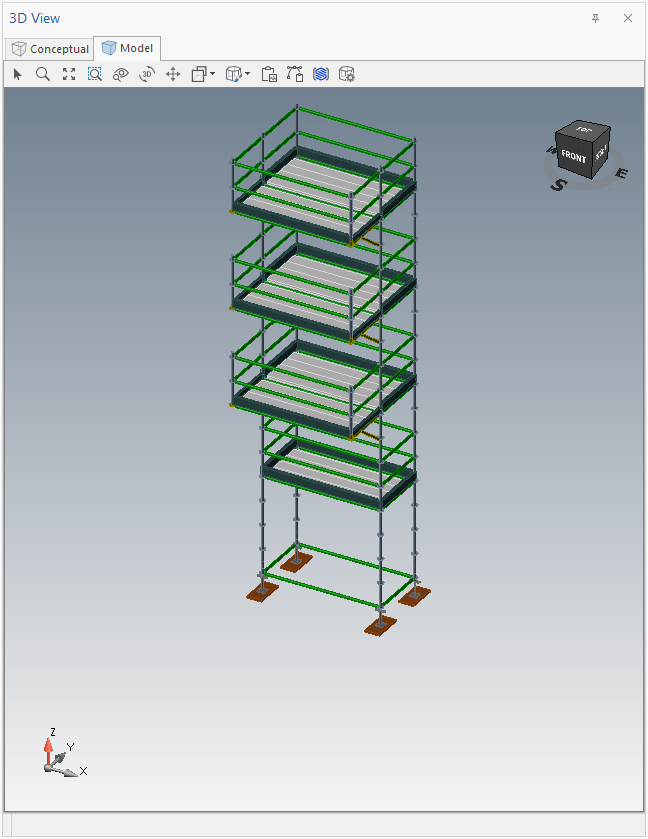
Every Planked Level
Add a bracket to every planked level. Brackets will not be placed on any unplanked levels.
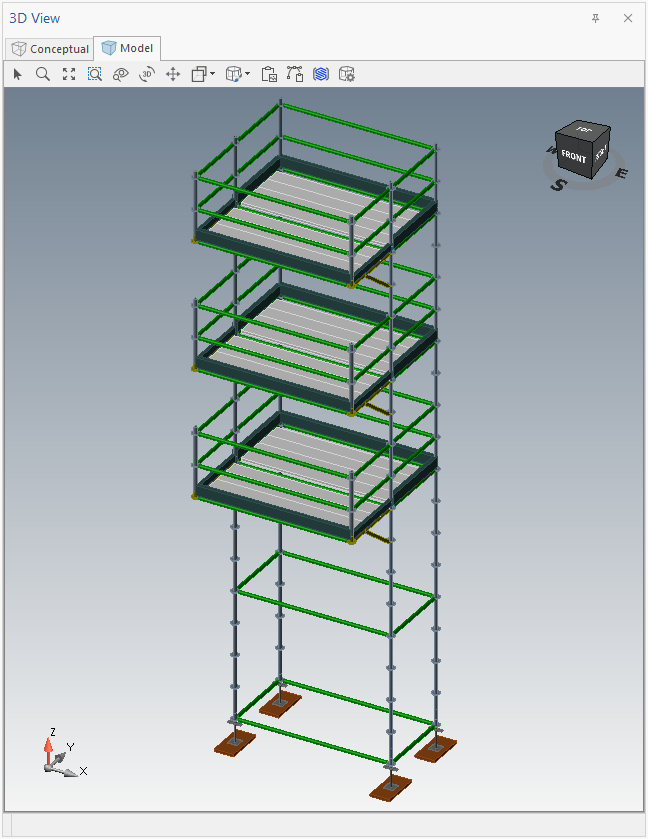
Every 2nd Planked Level
Add a bracket for every 2nd planked level.
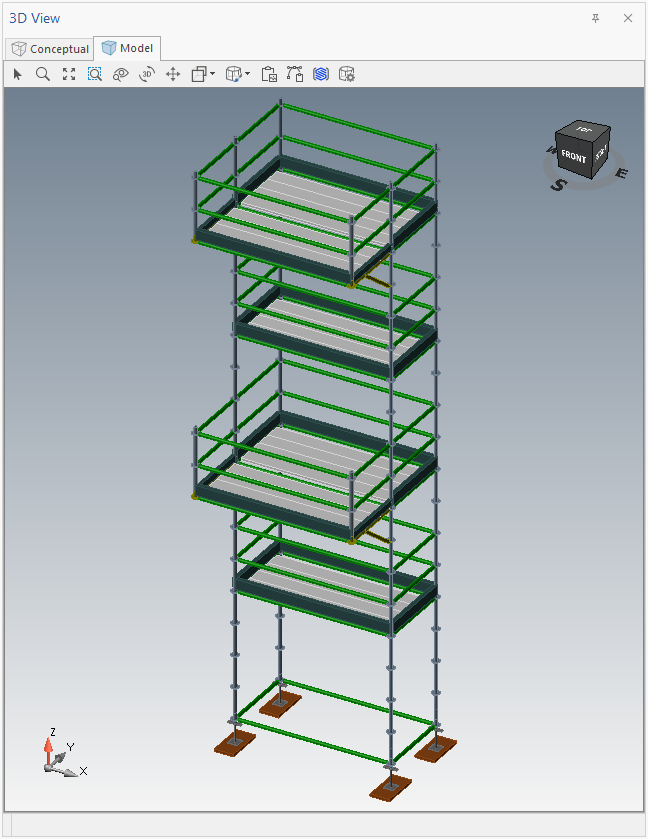
User defined
This allows the user to add brackets on the level of the scaffold bay they choose. They can do this by selecting the Cantilever/Bracket column in the Bay Level Editor on the corresponding level.
