A Building Object is a type of shape which can be grouped together to form more complex objects or Building Object Groups. Shapes such as Walls, Beams, Pipe, etc are Building Objects.
The Building Object feature can be used when working with more complex objects, such as an arch and or roof truss by grouping shapes together.
Once you have grouped these items together you can then adjust settings for all the shapes in this group, such as the objects reference elevation and rotating on axis in one single dialog box rather than adjusting these settings for each individual shape.
You can also apply part numbers to any building object within the Building Object Group so that all shapes used to create the object are included in the Bill of Materials.
When the object is created you can then create a stencil of that object.
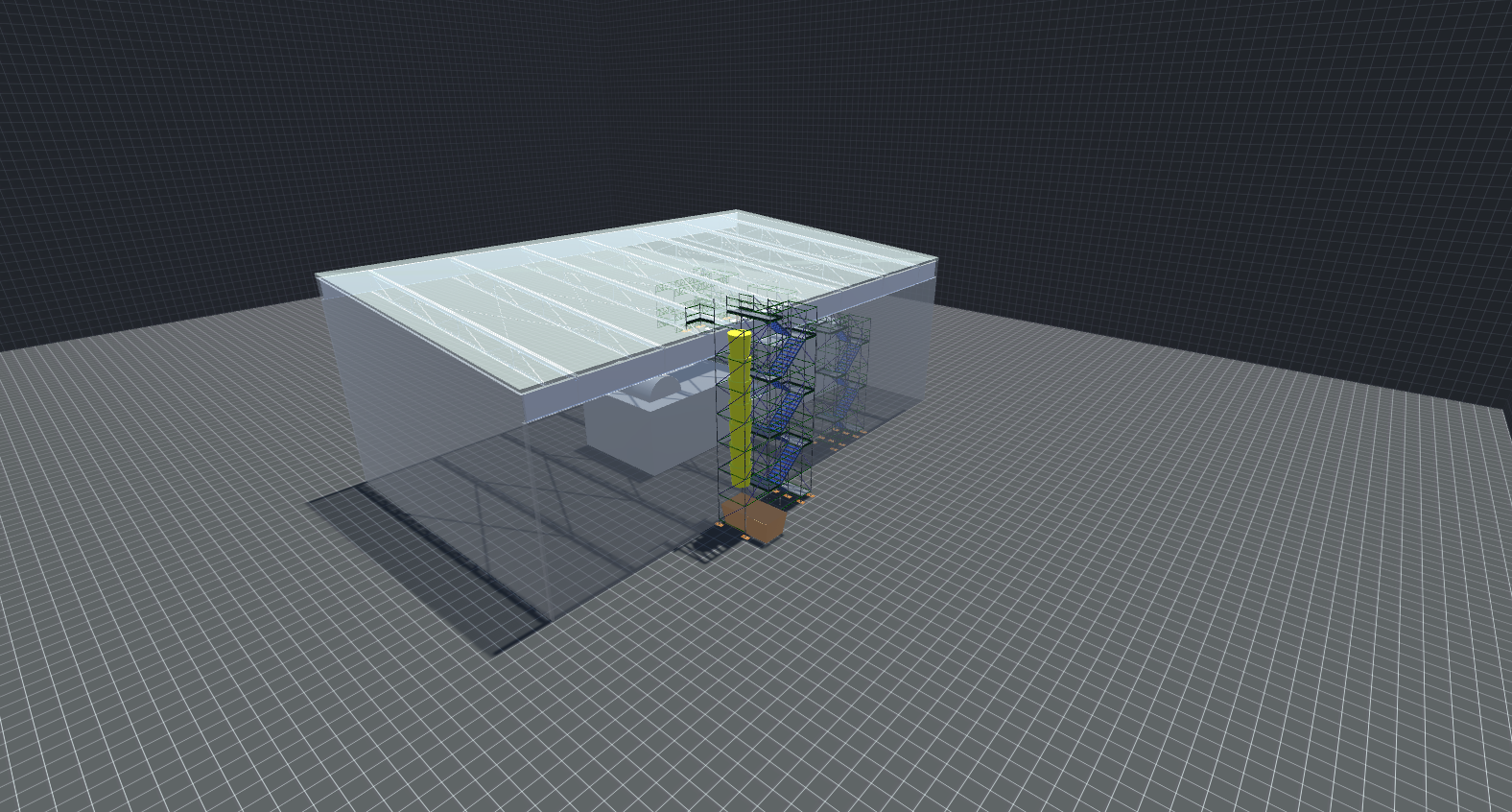
Using the Building Objects features you can create advanced shapes, an example of a Scaffold created using building objects can be seen below.