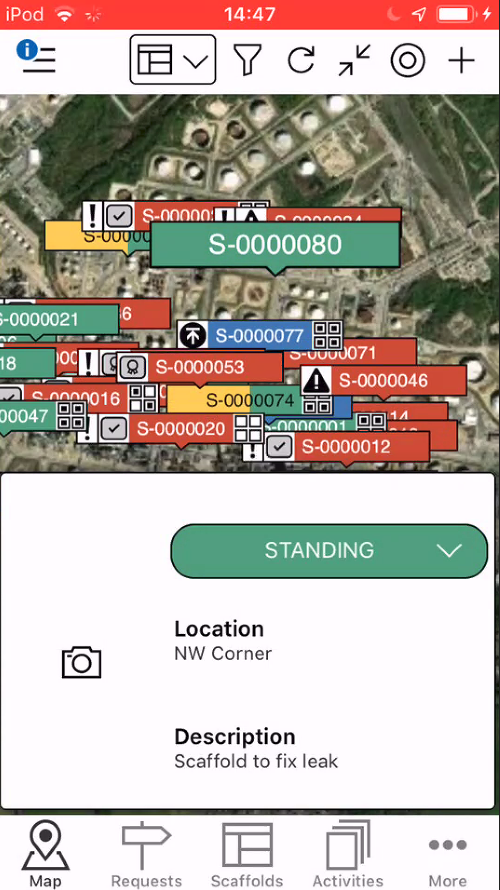
When a Request has been approved, it will need to be erected. To do this, you will need to begin the build. This can be done on the Map screen, or the Scaffolds screen.
To build a scaffold
- When viewing Scaffolds on the Map screen, tap the Scaffold to erect.
- Select the status
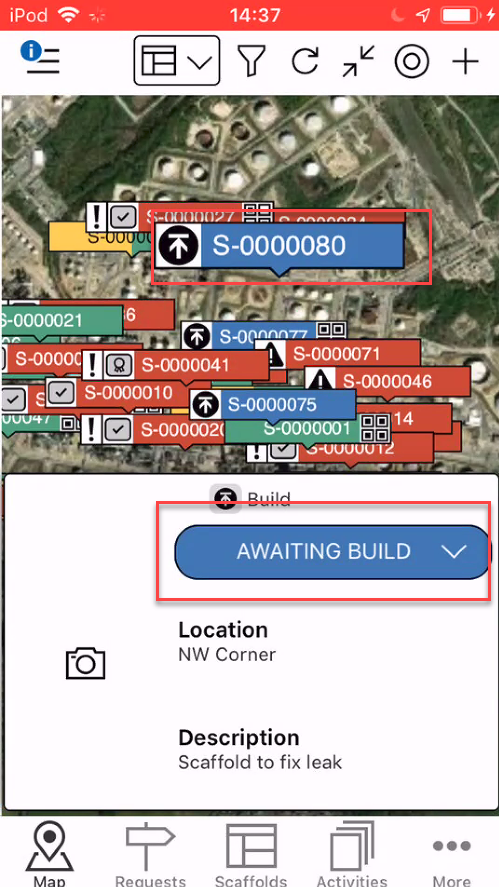
Note: You can also build a Scaffold from the Scaffold Details screen - Tap Begin Build
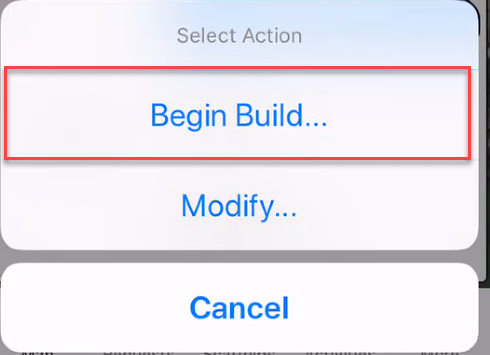
- Tap, Yes, Change Status
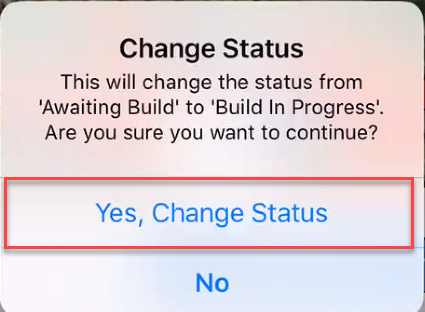
- Tap Build in Progress
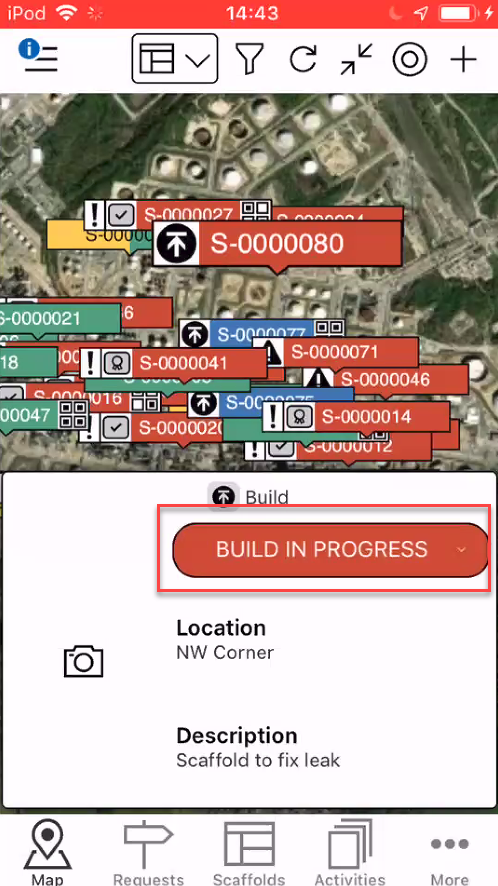 and
and - Tap Complete Build
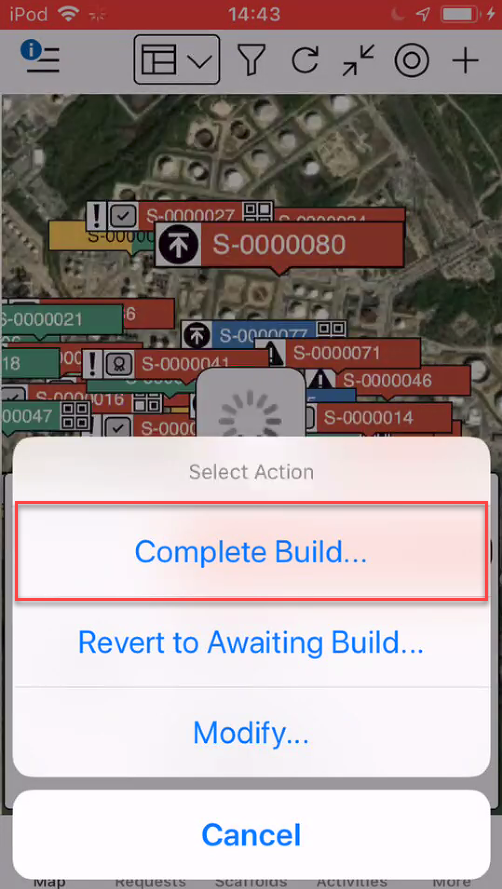
- Tap Yes, Change Status
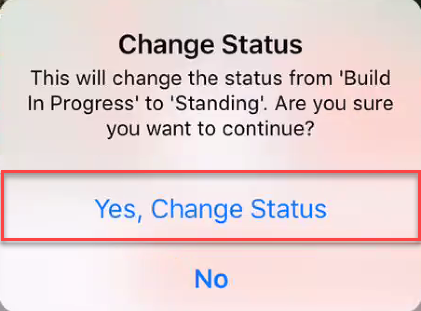
The build will be complete and the Scaffold will be in the Standing status if this has been enabled on the Scaffold Settings