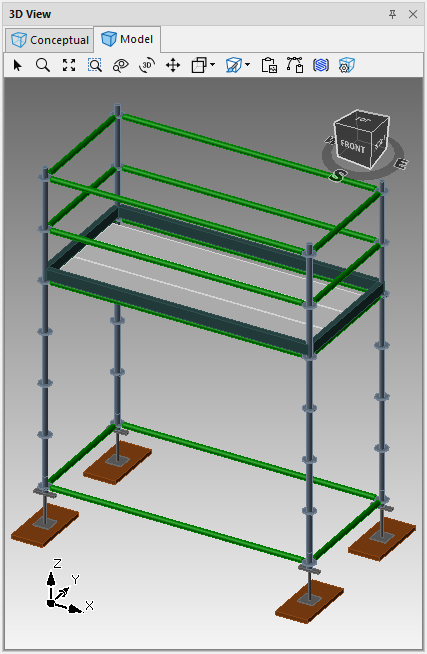
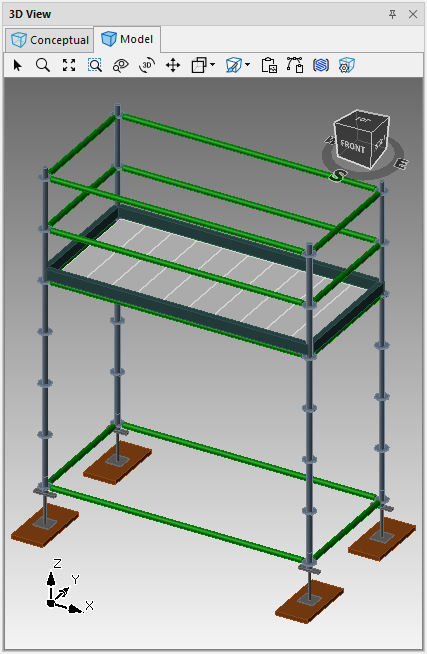
By default, Avontus Designer places planks parallel to the length of a newly created Bay. If you need to change this, you can orient the planks in any selected Bay to be perpendicular to the length of the Bay.
To change plank direction in a Bay:
Click the appropriate Bay in the Drawing Page, to select it.
Click the Scaffold tab and click the Plank Direction dropdown and select the appropriate direction: Parallel or Perpendicular.
Avontus Designer changes the plank direction in the selected Bay.
Parallel | Perpendicular |
|---|---|
|
|