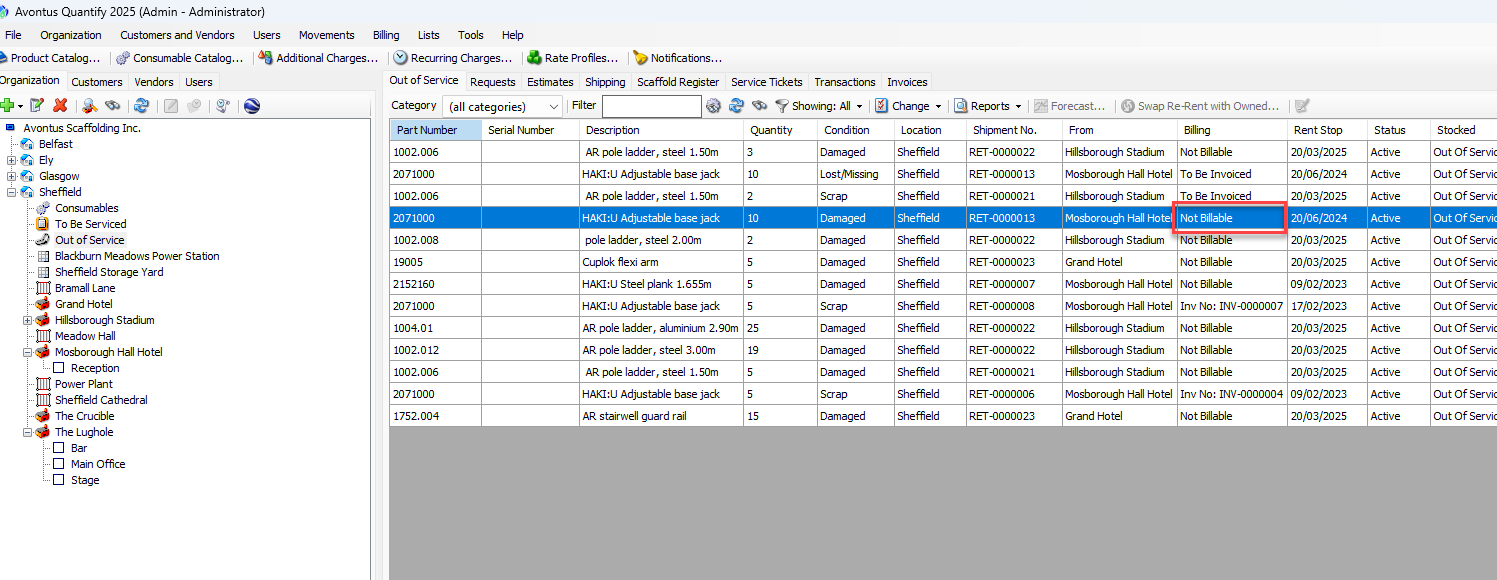
Sometimes an item is placed into the Out of Service queue as billable, but must be changed to non-billable, and sometimes a non-billable item must be changed to billable. The procedures below show you how to do that.
To change the billing status of an an Out of Service item:
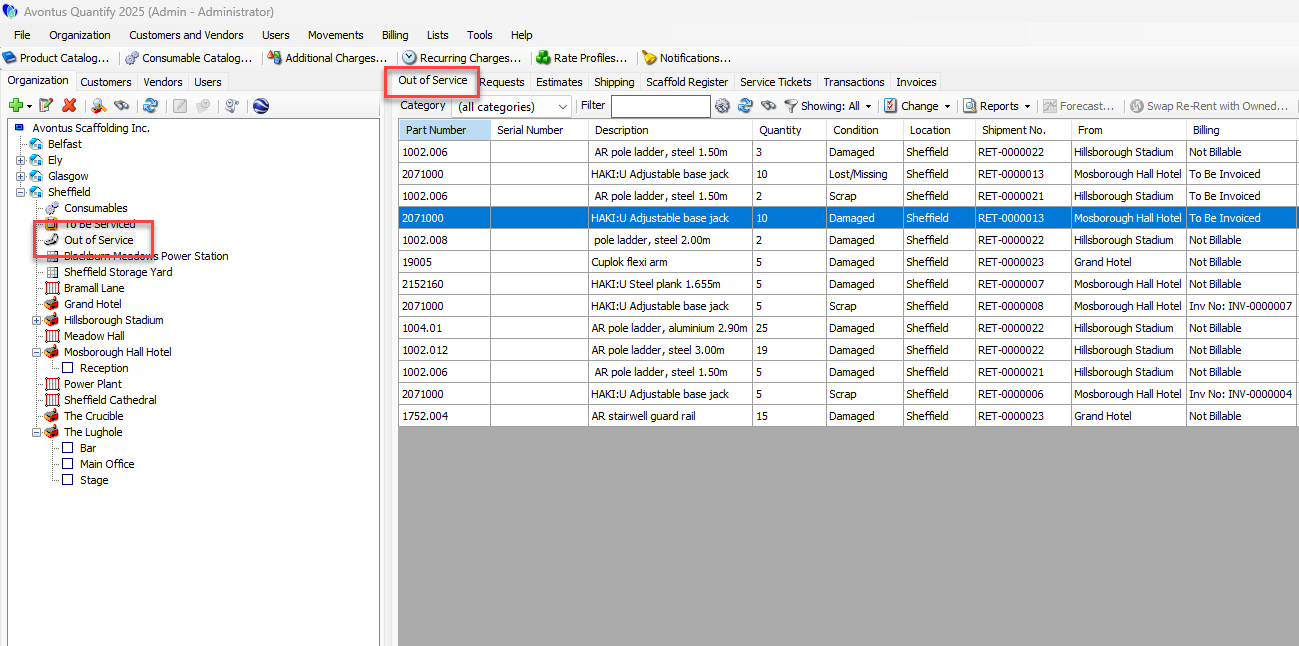
Locate and click the Out of Service node for the appropriate Branch Office, then click the Out of Service tab.
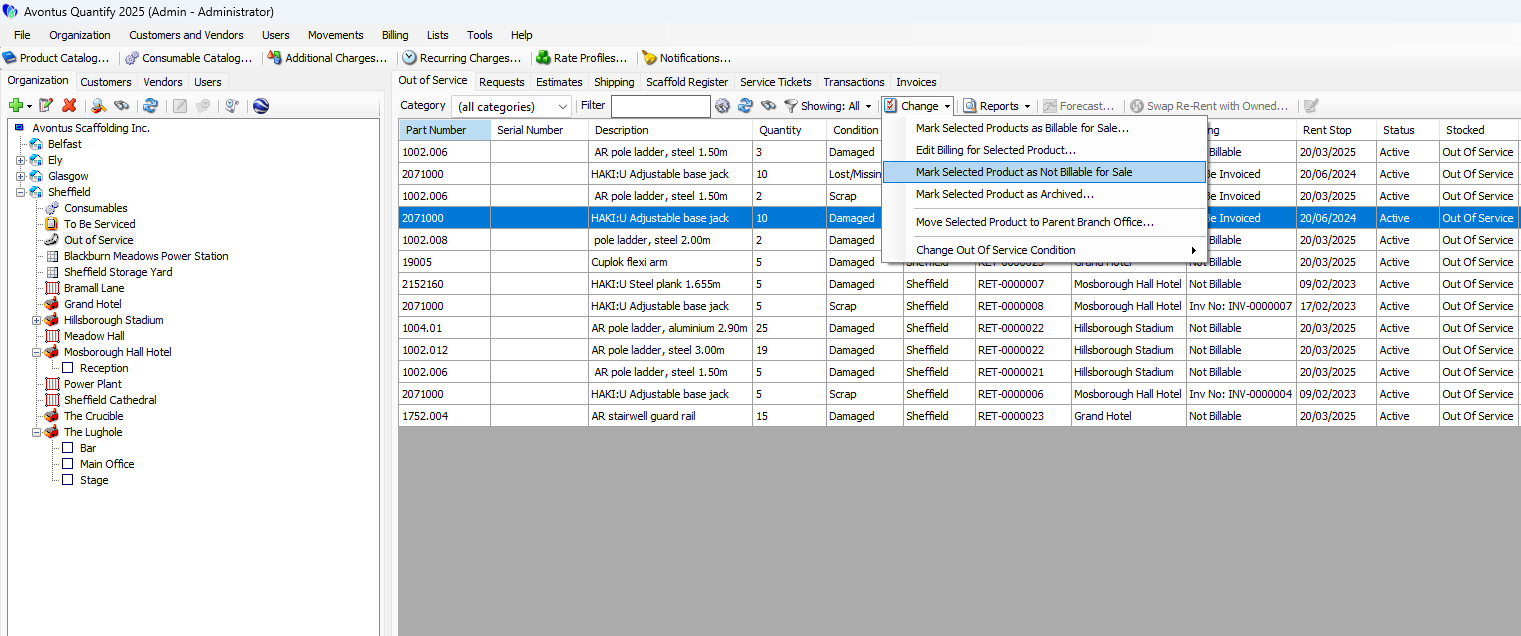
Locate and click the item you want to change, then click the Change dropdown and select Mark Selected Products as Not Billable for Sale.
If you want to change the status to billable, select Mark Selected Products as Billable for Sale.
A confirmation message appears.
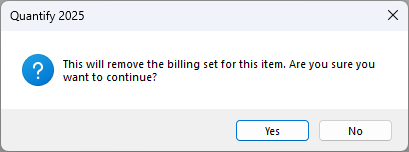
Click Yes.
Another confirmation message appears.
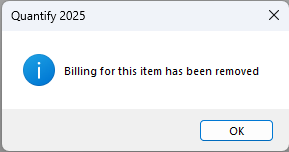
Click Yes.
Quantify changes the billing status Billing column to Not Billable.