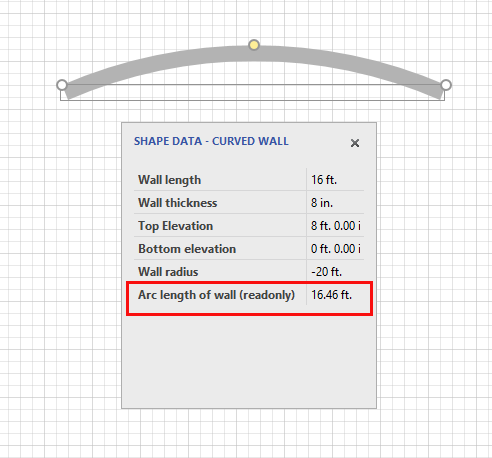
You can use a negative or positive radius in a Curved Wall or a Tank. A radius marker appears on the outside of the curve. The default for a Curved Wall is a negative radius. For a Tank, the default is a positive radius. You can see when your Tank radius is to the inside or outside by observing the location of the yellow control point.
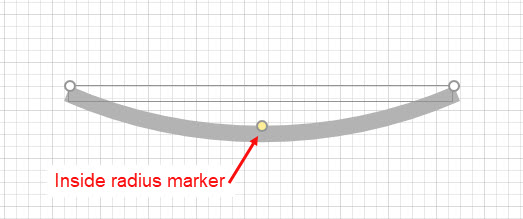
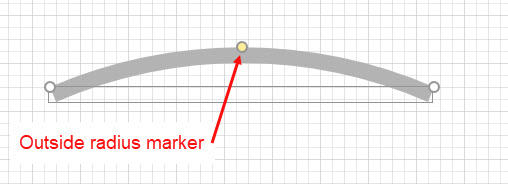
To change the radius of a Curved Wall or Tank:
- Right-click the shape and select Shape Data from the Data sub-menu.
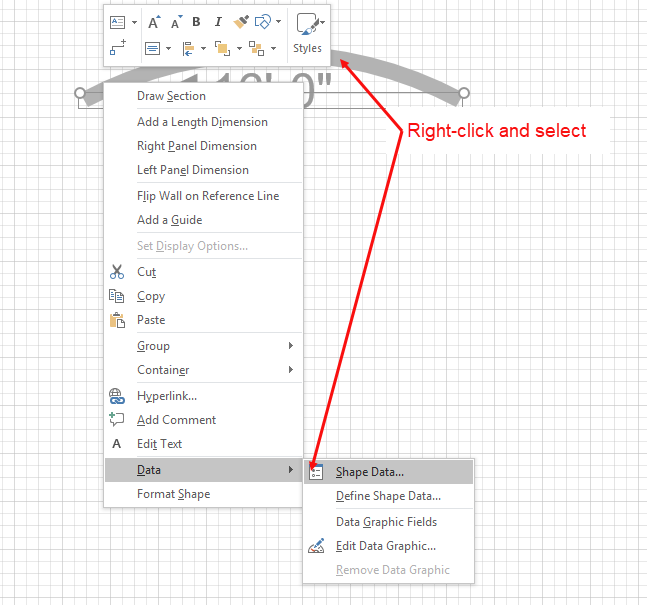
The Shape Data popup appears. - Click the Wall radius dropdown menu and select a new radius.
Note: You can also double-click the text field and use your keyboard to enter the radius.
Note: For measurements use ft. for feet, in. for inches and m. for meters.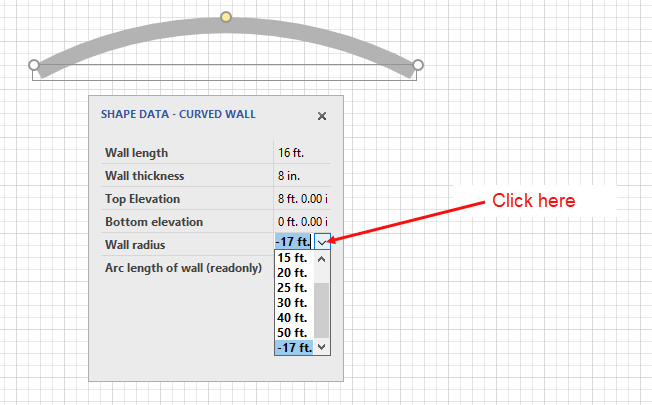
The Curved Wall shape reflects the change. Notice that Arc length of the wall (which is only a reference field) updates automatically.