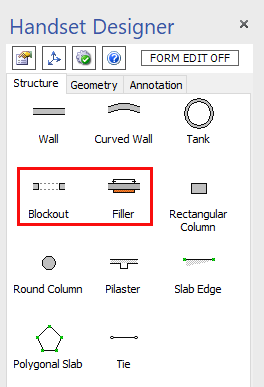
Blockouts and Fillers give you a lot of flexibility for fine-tuning the look and layout of your structures. They are intended to be connected to straight Walls. Add them by dragging and dropping them onto a Wall.
Blockouts create the appearance of an opening on a Wall. They are a visual-only shape, meaning that the Formwork ignores the shape and treats the underlying Wall as though the Blockout isn't there.
Fillers specify a location on a Wall where you want custom Job Built Filler (JBF) forms. You can also use Fillers to force Handset Designer to use a set of Fillers or Panels in a particular location. Filler shapes are good for Wall penetrations where you need to allow for a pipe or other obstruction to pass through the Wall.