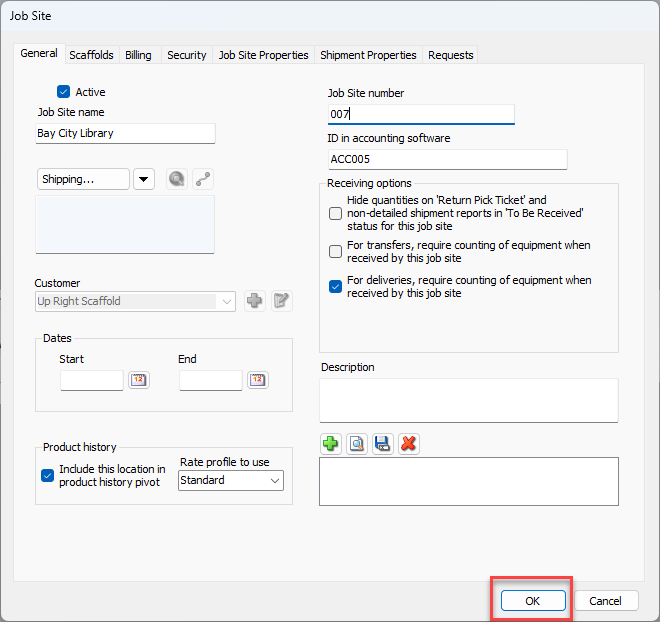
Oracle site number is used in the SITE column, and is taken from the ID in Accounting Software text field in the General tab of the Job Site dialog.
The Job Site number (project segment in Oracle) is entered into the Job Site Number text field in the General tab of the Job Site dialog. This value is used in the job number column when exported.
To configure for SITE and JOB_NUMBER:
Click the appropriate Job Site in the Organization Tree and click the Edit Selected Item button (
 ).
).
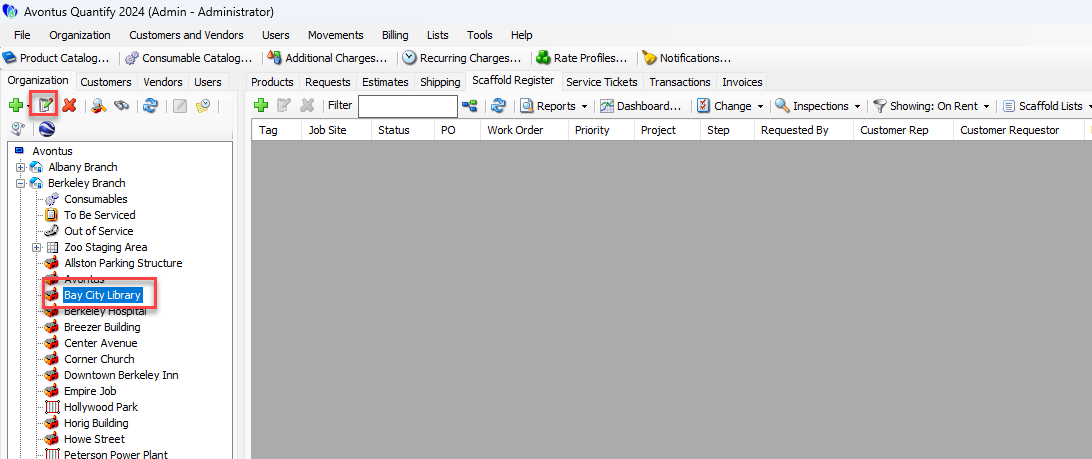
The Branch Office dialog appears, with the General tab active.
SITE
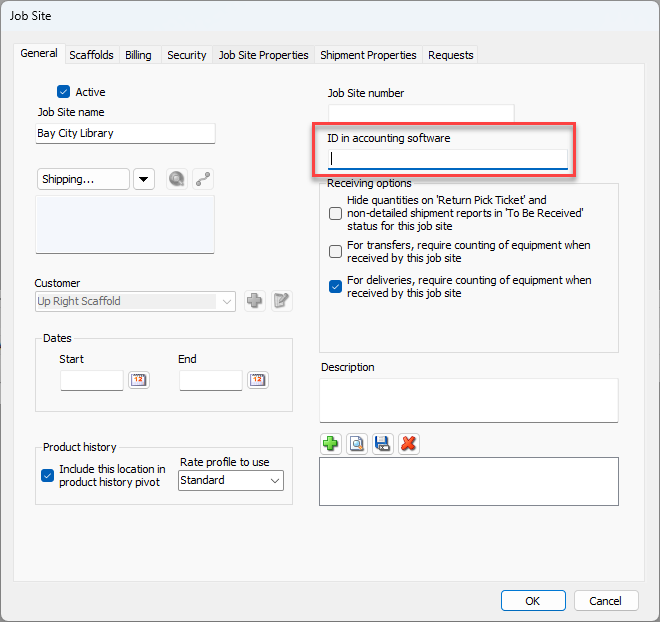
To configure SITE:
Click in the the Accounting ID and Accounting Software text field and enter the appropriate ID.
JOB_NUMBER
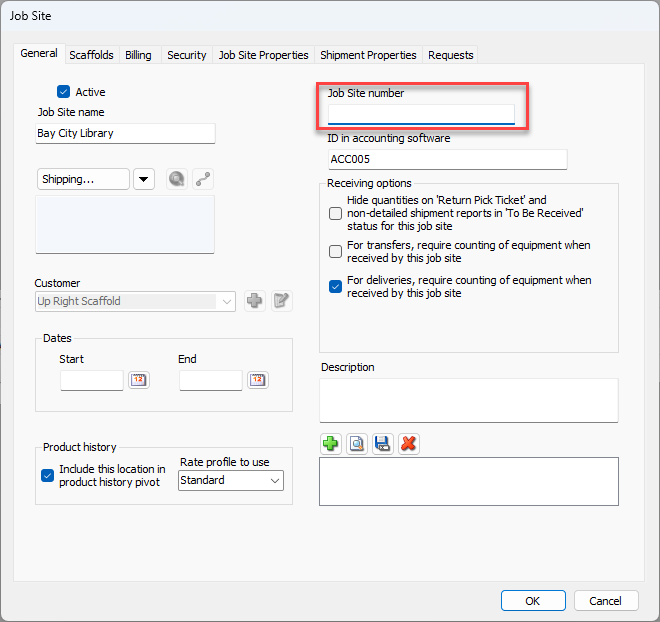
To configure JOB_NUMBER:
Click in the the Job Site Number text field and enter the appropriate number.
Click OK.