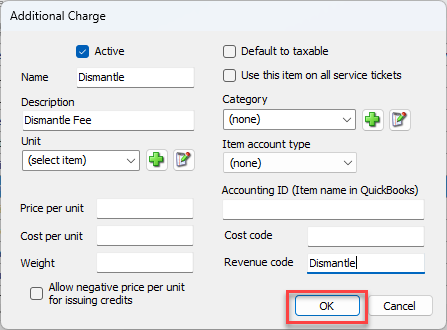
Additional Charges are non-inventory billing items and appear on an Invoice as an individual line item. An example of an Additional Charge would be freight or a charge for a service item. The revenue code for the additional charge is used here, and also has the text Invoice appended.
To configure TRANSACTION_TYPE - Additional Charges:
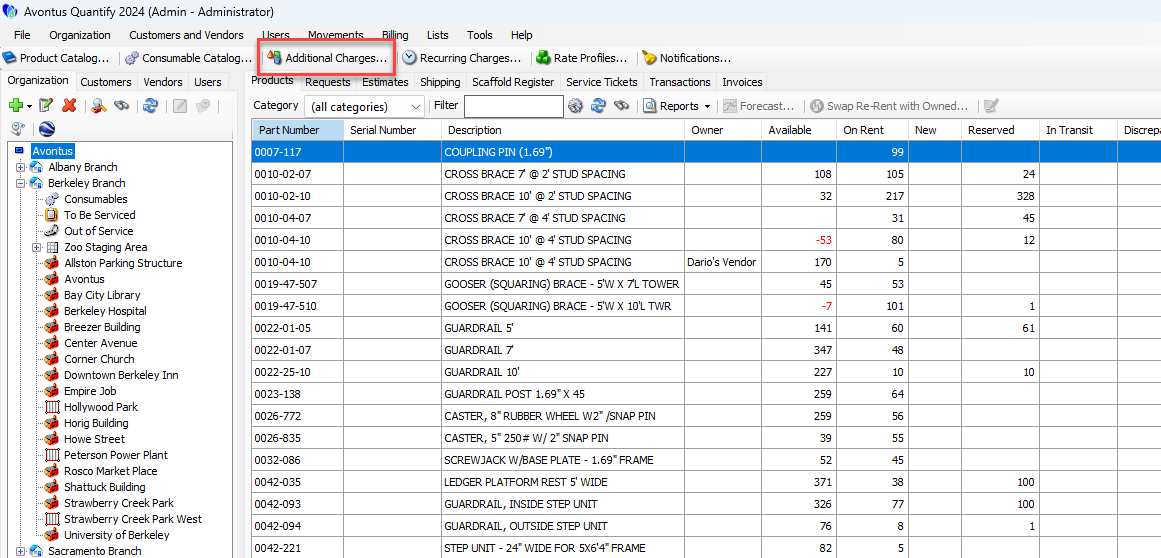
- Click Additional Charges.
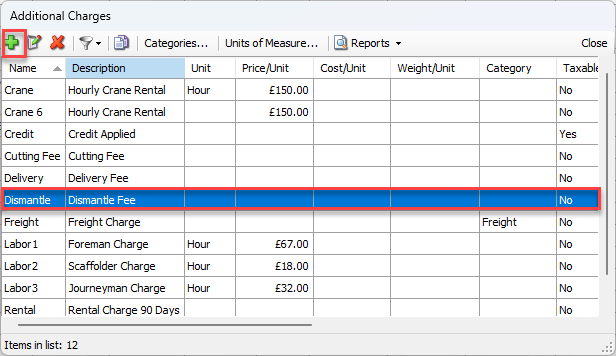
 The Additional Charges dialog appears.
 - Click the appropriate Additional Charge and click the Edit Selected Item button (
 ).
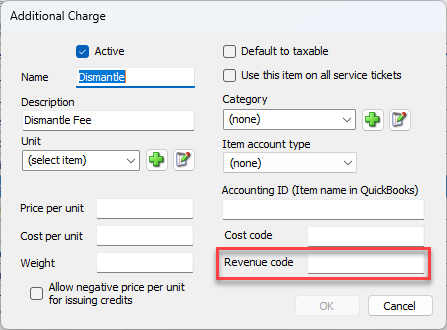
). The Additional Charge dialog appears.
 - Click in the Revenue Code text field and enter revenue code.
- Click OK.