Quantify enables you to create Returns that use a rent stop date that occurs in a prior billing cycle.
To configure Quantify to allow Returns in a previous billing cycle:
Click the Tools menu and select Global Options.
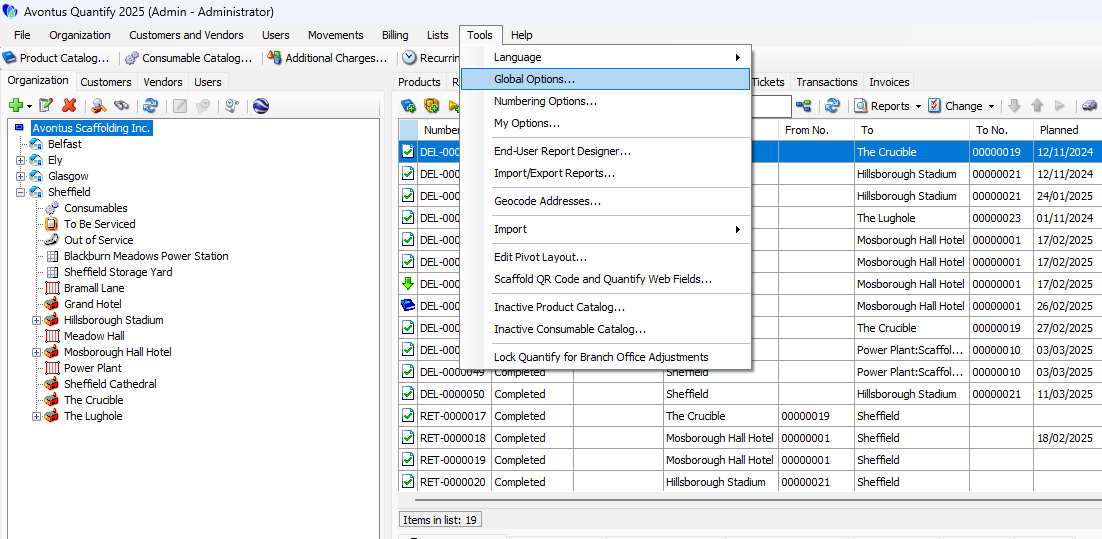
The Global Options dialog appears.Click the Billing tab.
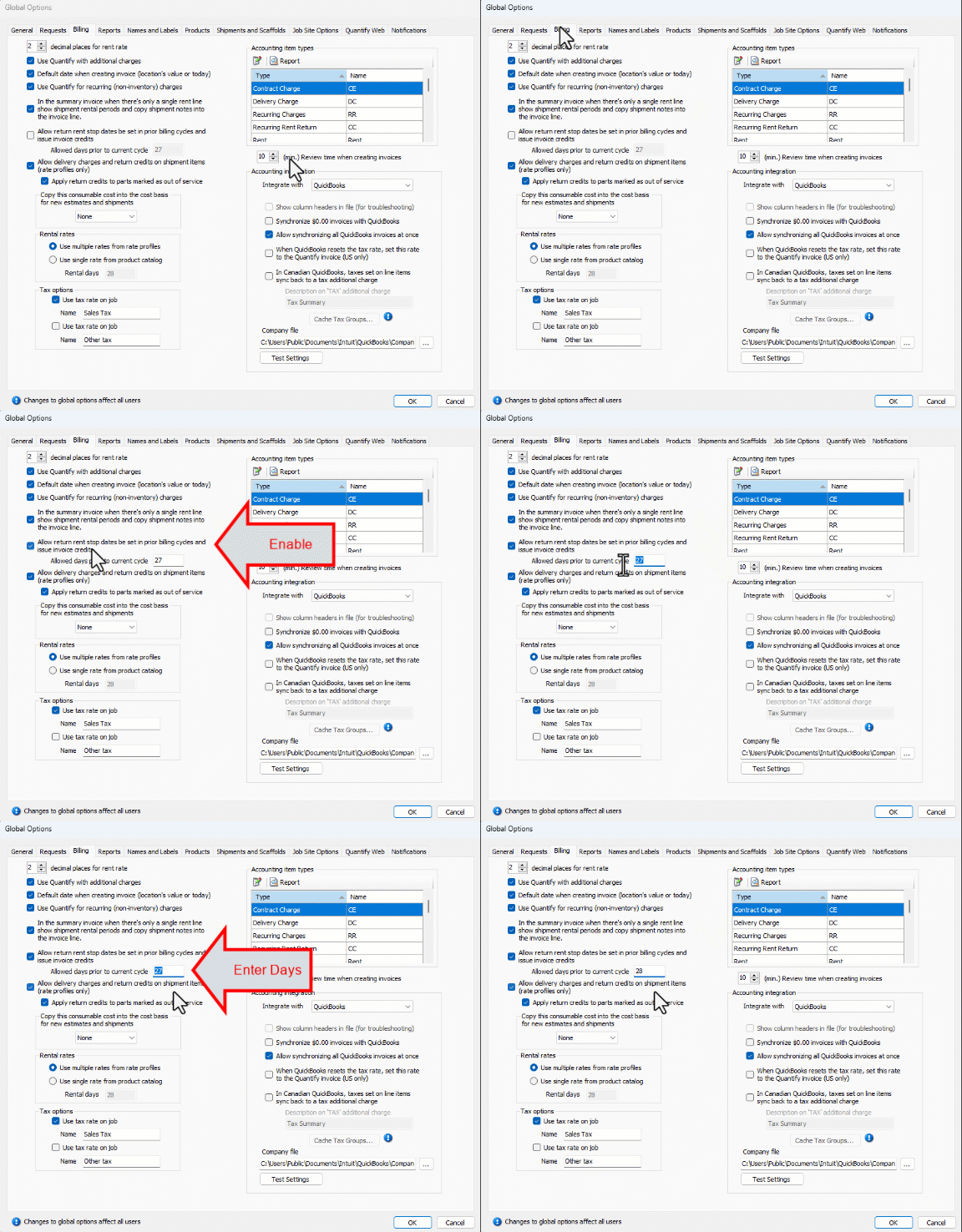
Click the Allow return rent stop dates be set in prior billing cycle, and issue invoice credits checkbox (to put a check in it).
Click in the Allowed days prior to current cycle and enter the appropriate number of days (max 730 days).
This limits how far in the past return stop dates can be entered based upon the Job Site's current cycle date.
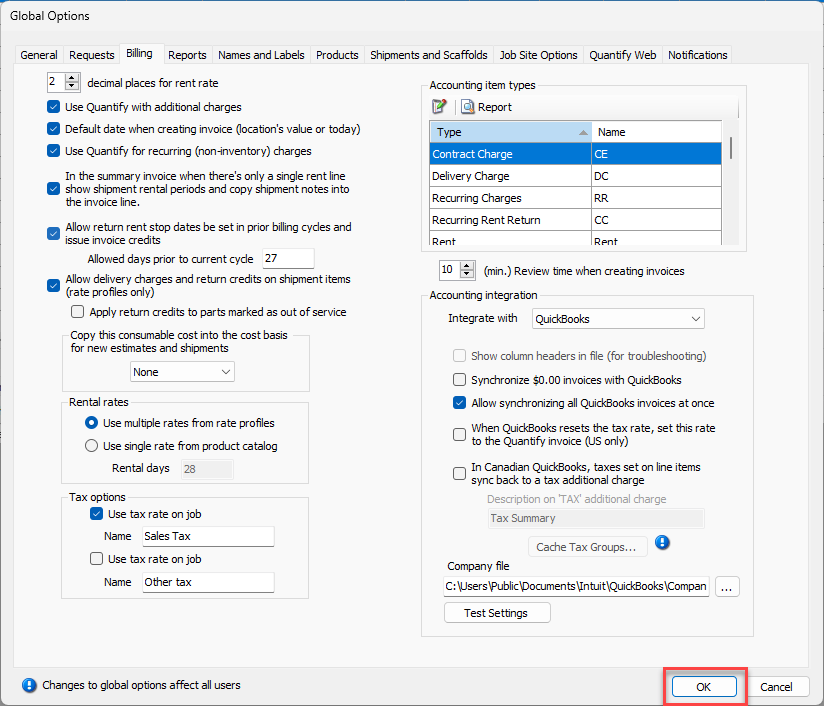
Click OK.
When a return is entered for a prior billing cycle, a credit for the difference in rent will be included in the invoice for the current billing period.