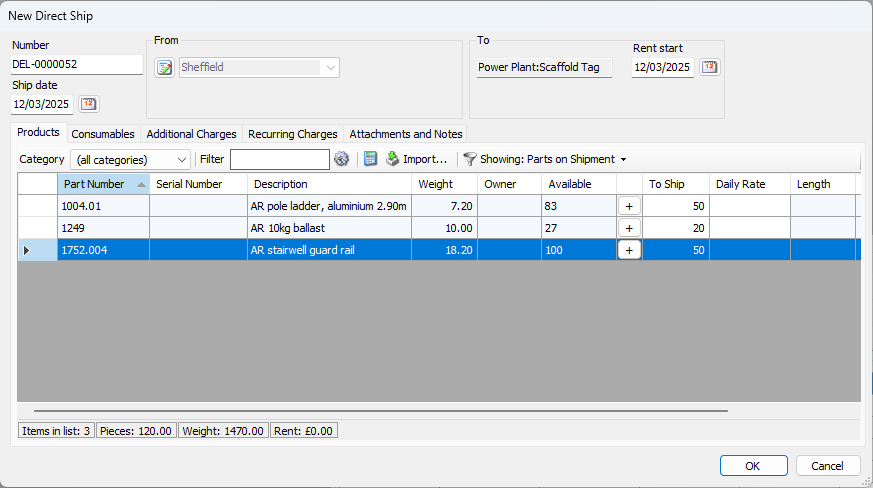
You can import Quantities into a Scaffold Tag using a tab delimited file with two columns (Part Number and Quantity).
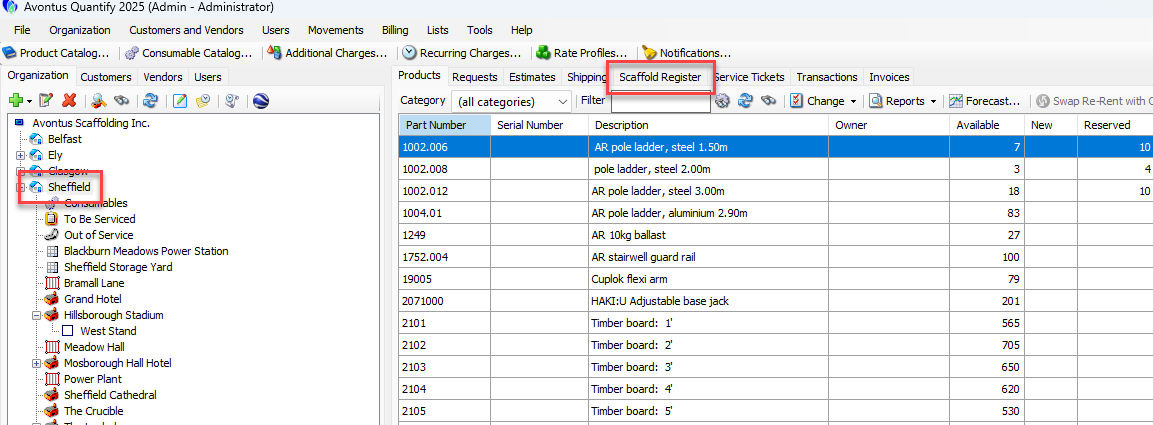
Click on a Branch or Job Site and select Scaffold Register
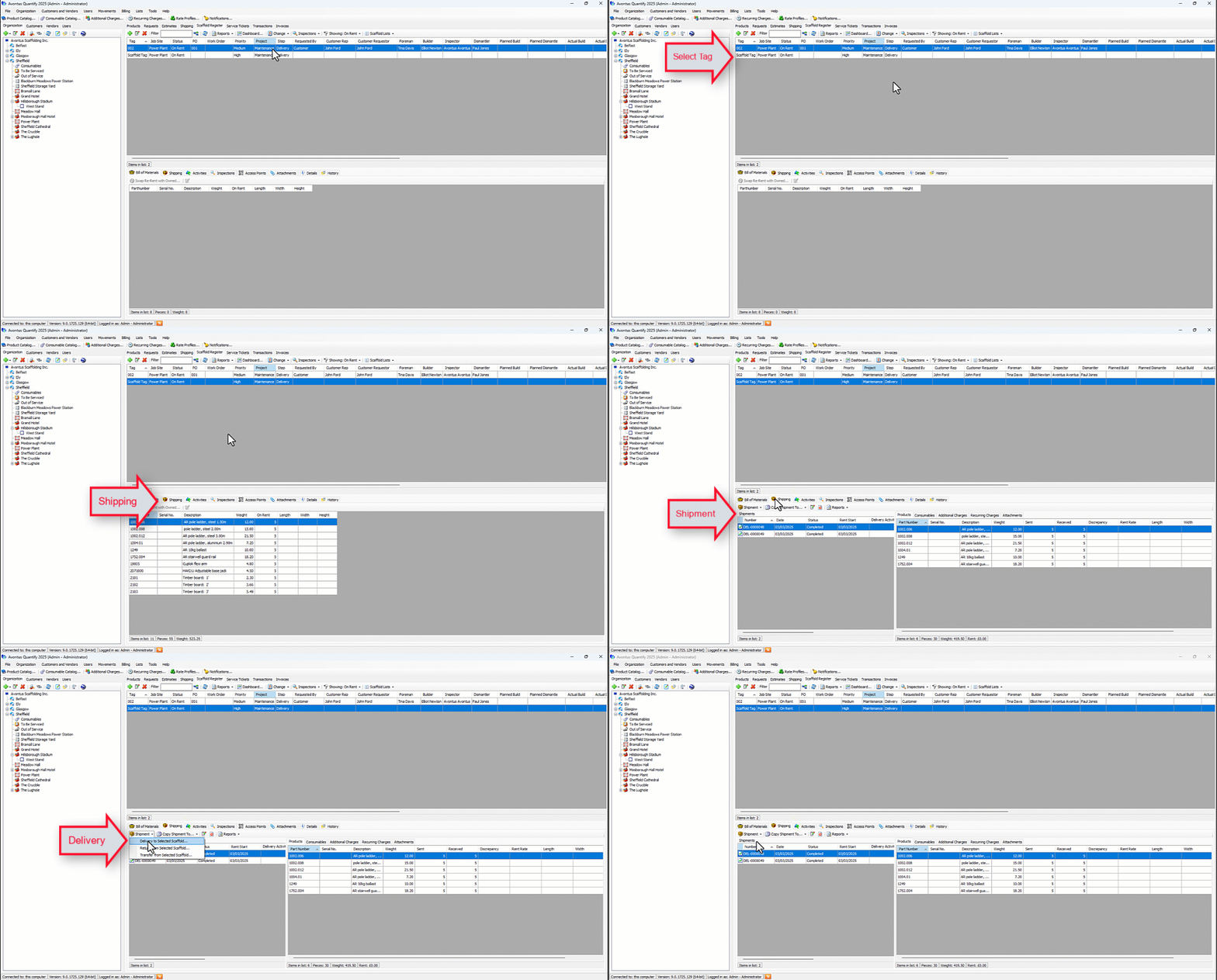
Select a Scaffold tag and select the Shipping tab
Select Shipment
From the drop-down, select Delivery to Selected Shipment
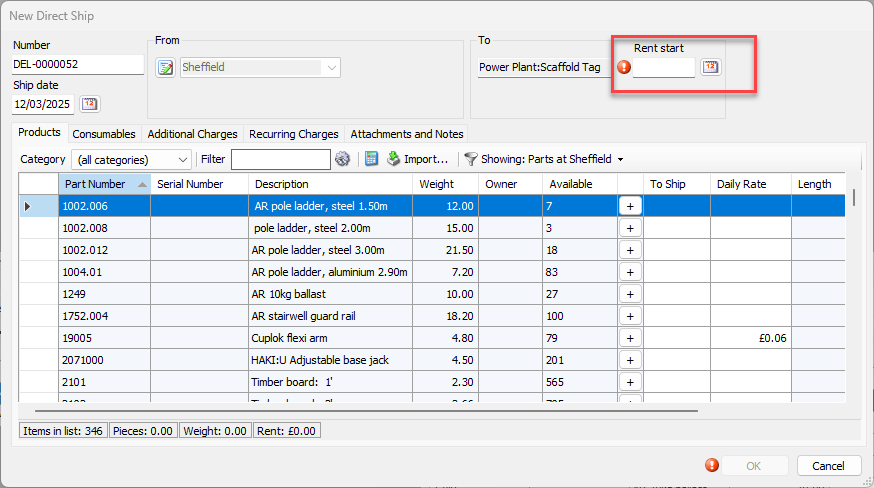
Enter the Rent Start date
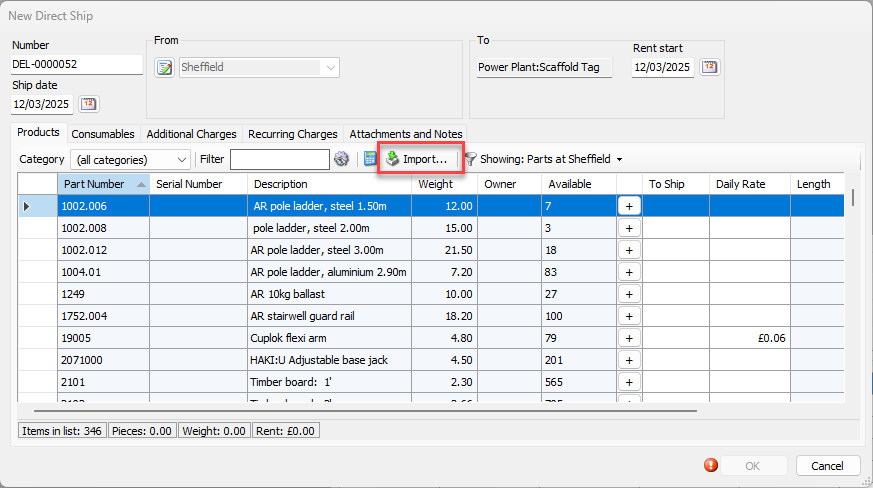
Select Import
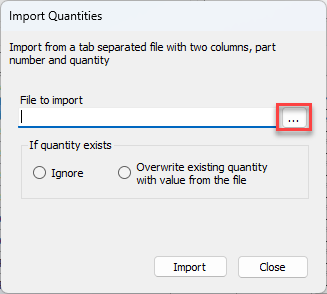
Select … to import a file
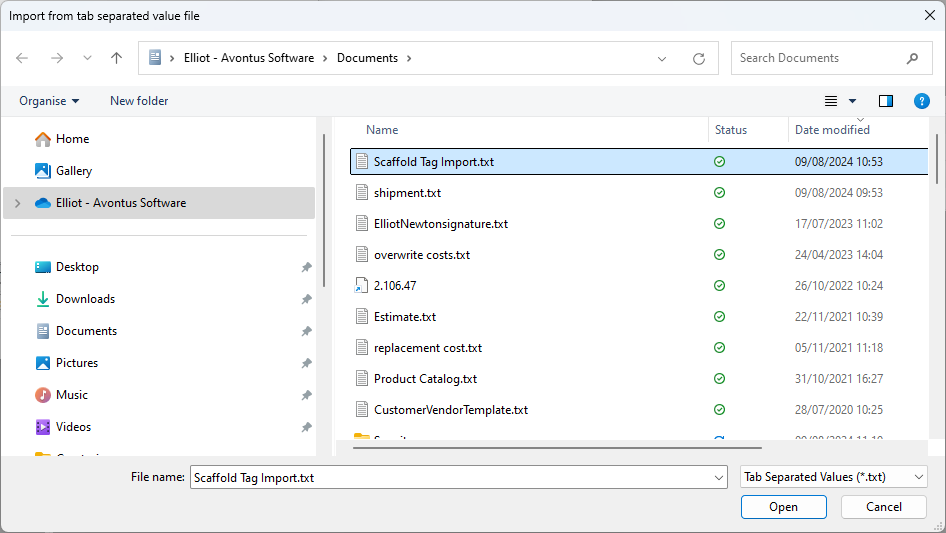
Open the relevant file
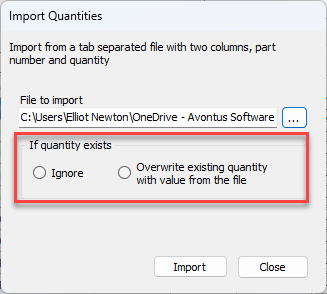
Select to ignore if a quantity exists or overwrite any existing quantaties
Click Import
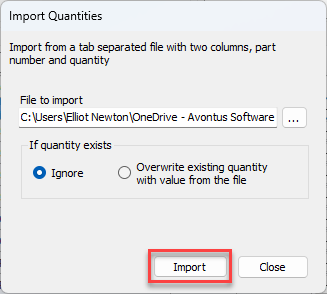
The file will be imported. If you have any issues, you can see a list of errors
Import more files if needed, or select Close
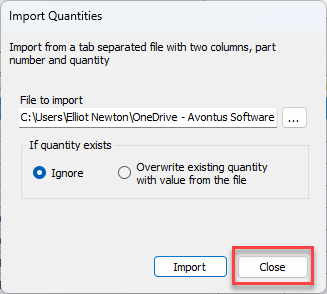
The parts will be added to the Shipment. You many need to change the filter to view parts on the shipment only.