The Attachments tab enables you to add, view, save and delete documents to the Scaffold Register. It also displays a list of any existing attachments.
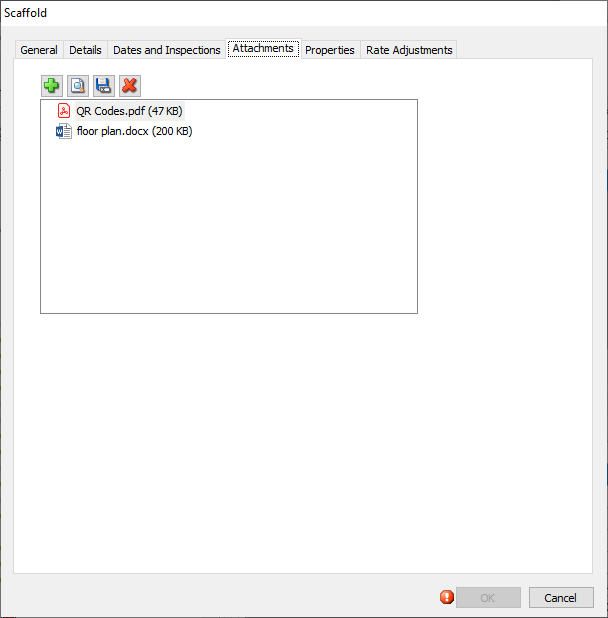
Use the information below to help you configure the Attachments tab, then continue with the rest of the tabs, as necessary.
Add | Click this icon to add a new attachment. |
View | Click an attachment icon, then click this icon to view the attachment. |
Save | Click an attachment icon, then click this icon to save the attachment to you computer. |
Delete | Click an attachment icon, then click this icon to delete the attachment. |


