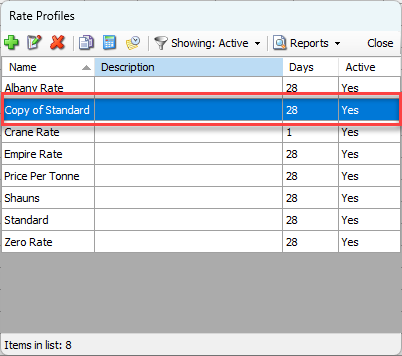
Once a Rate Profile has been created, Quantify enables you to quickly copy and rename it, thus creating a new, duplicate Rate Profile.
To copy a Rate Profile:
- Click Rate Profiles.
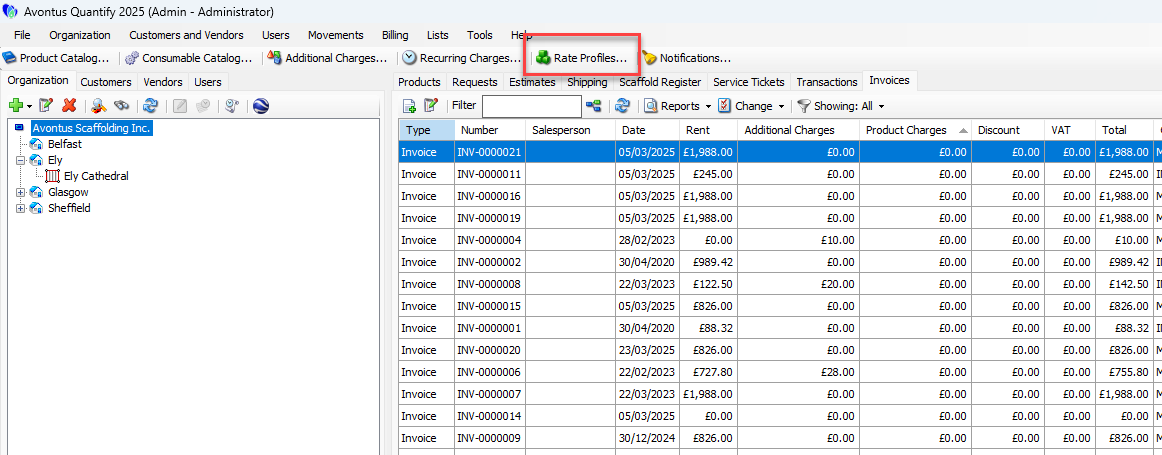
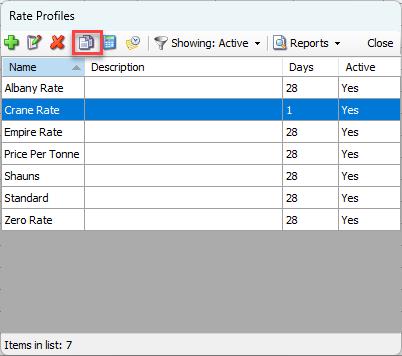
The Rate Profiles dialog appears. - Click the Rate Profile you want to copy, then click the Create new rate profile from copy of selected button (
 ).
).
The Rate Profile dialog appears. - Click in the Name text field and enter a new name for the Rate Profile.
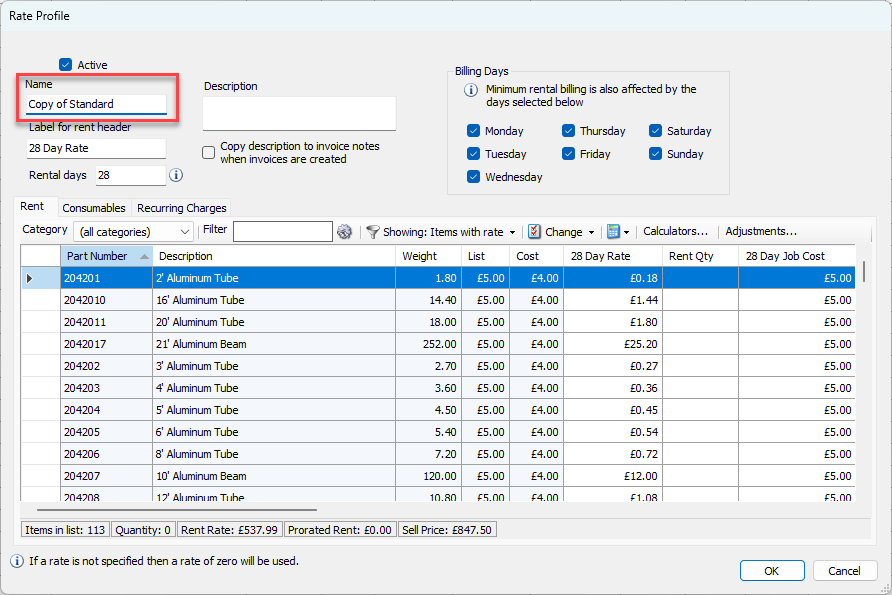
- As necessary, make changes to the details of the Rate Profile. For these instructions, refer to Creating a Rate Profile.
- When you are done, click OK.
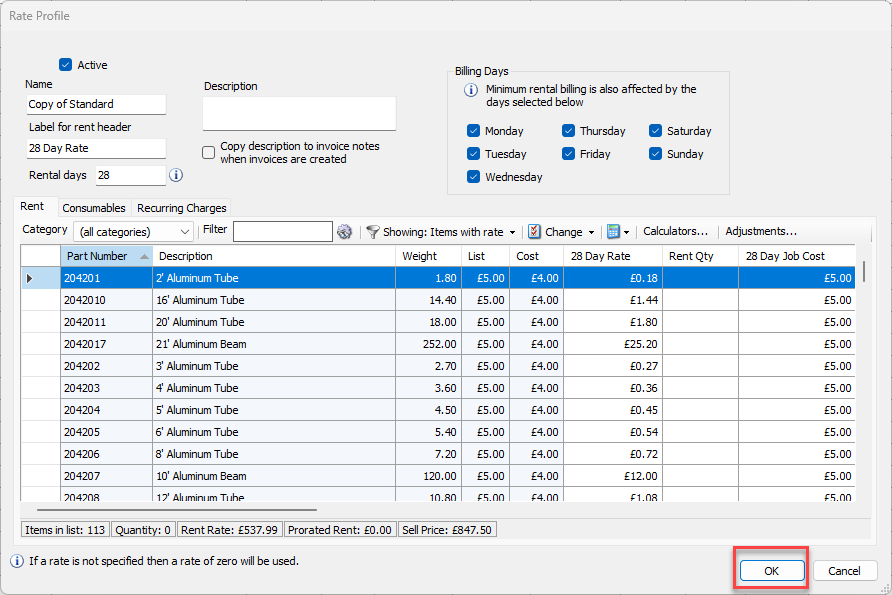
The Copy of Standard Rate Profile will be completed