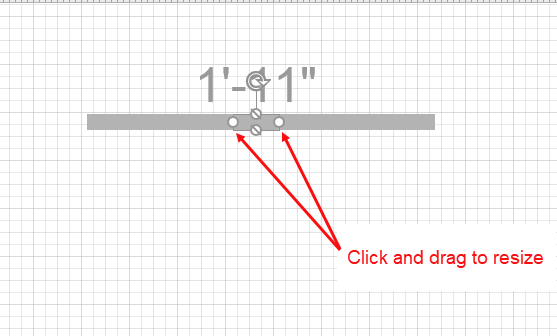
Filler shapes are good for Wall penetrations where you need to allow for a pipe or other obstruction to pass through the Wall.
Use Fillers:
- To specify a location on a Wall where you want custom Job Built Filler (JBF) forms
- To force Handset Designer to use a set of Fillers or Panels in a particular location.
To create a Filler:
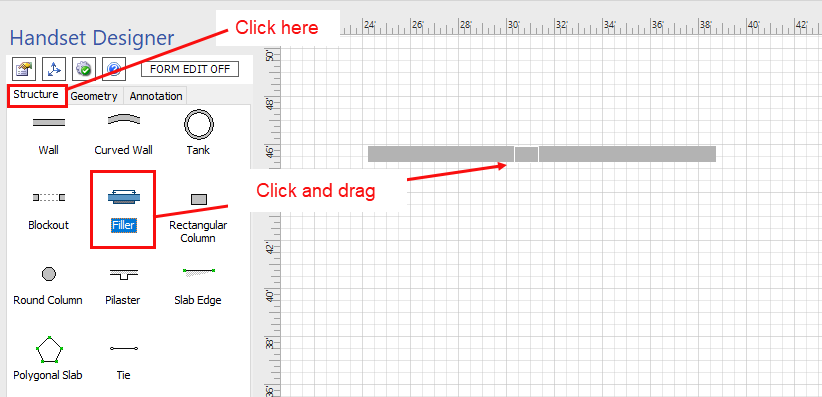
- Click the Structure tab in the Handset Designer pane.
- Click the Filler shape, then drag and drop it onto the appropriate Wall.
- Click and drag the shape handles to resize the Filler as needed.