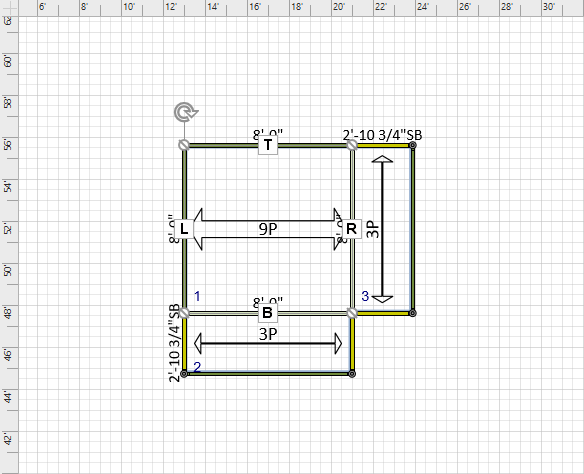
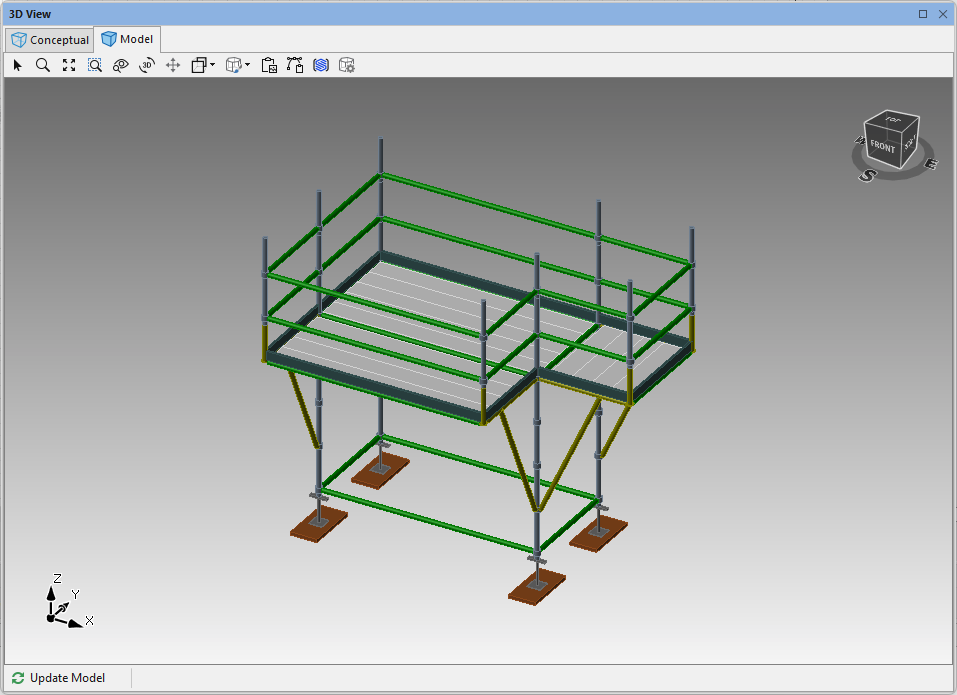
Use Avontus Designer's Cantilever/Brackets function to add side brackets onto a Standard Bay.
To create a Bay with side brackets:
Either create a new drawing or open an existing drawing.
Add a Bay to the Drawing Page.
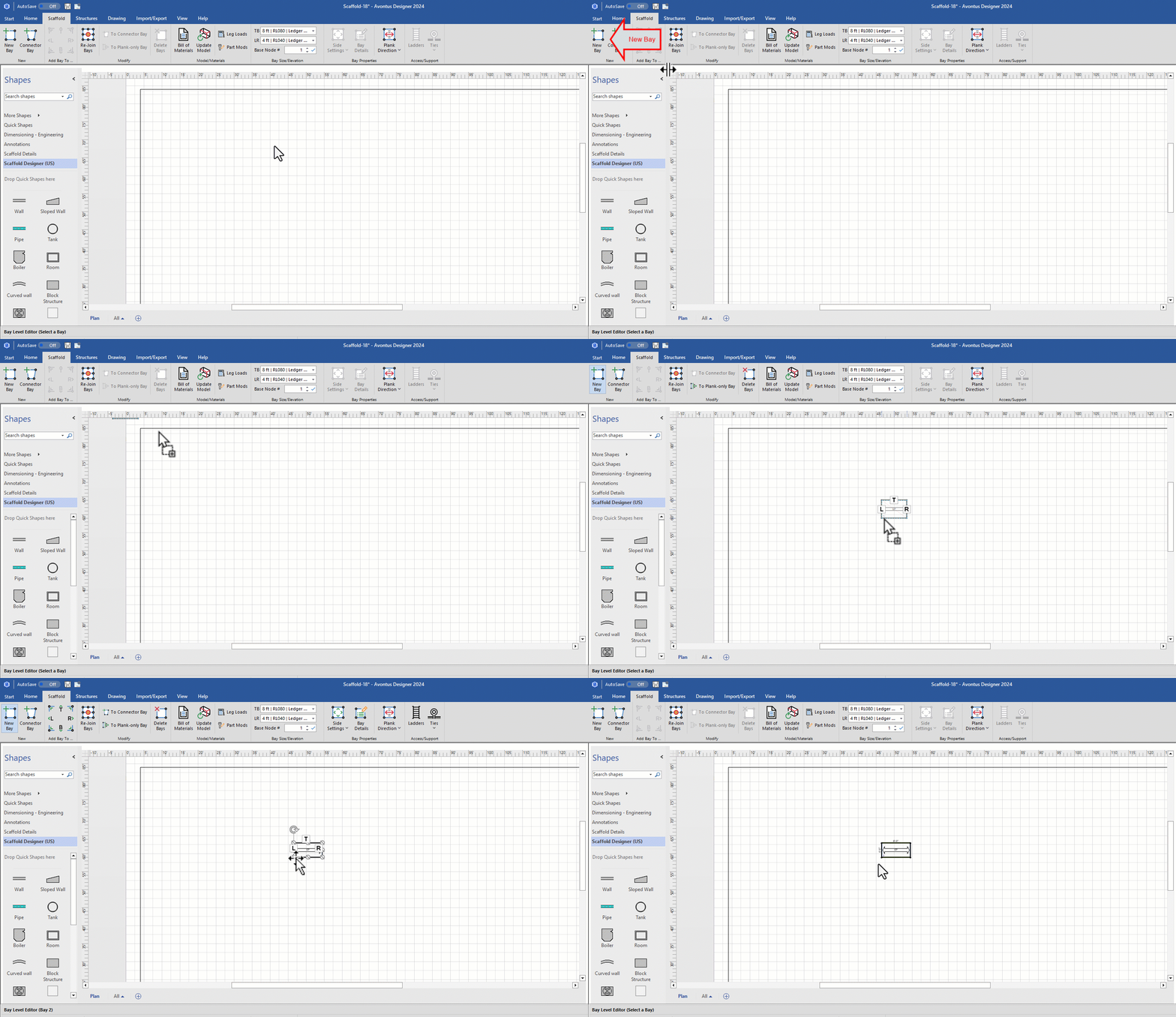
Click the Bay, to highlight it.
Click the Scaffold tab and click the Side Settings dropdown.
Click the R and B in the Cantilevers/Brackets group to enable them and click OK.
.gif)
Avontus Designer adds the side brackets.