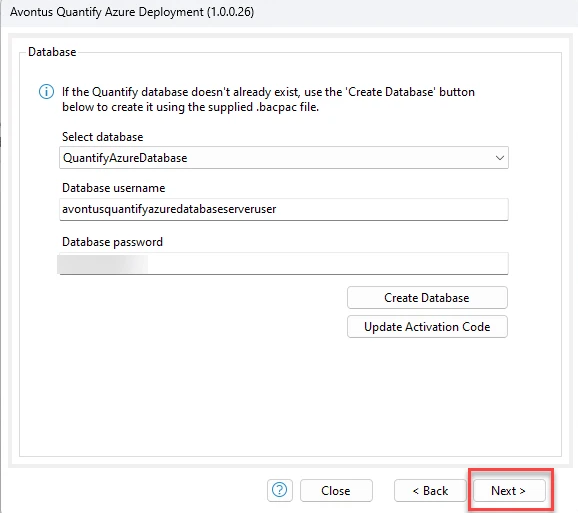
Creating the Database.
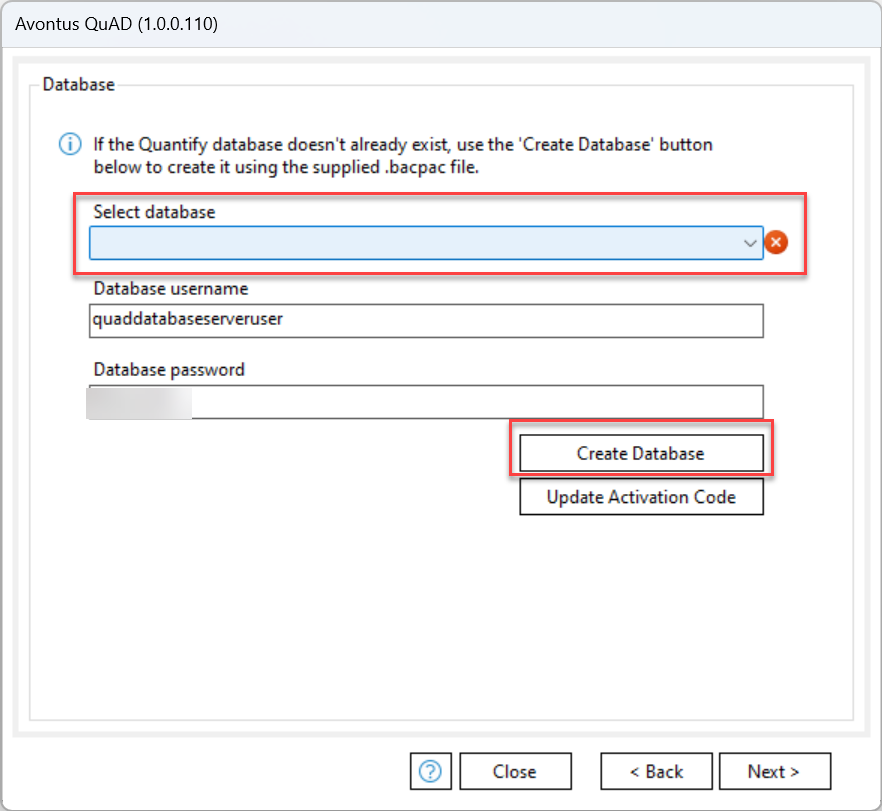
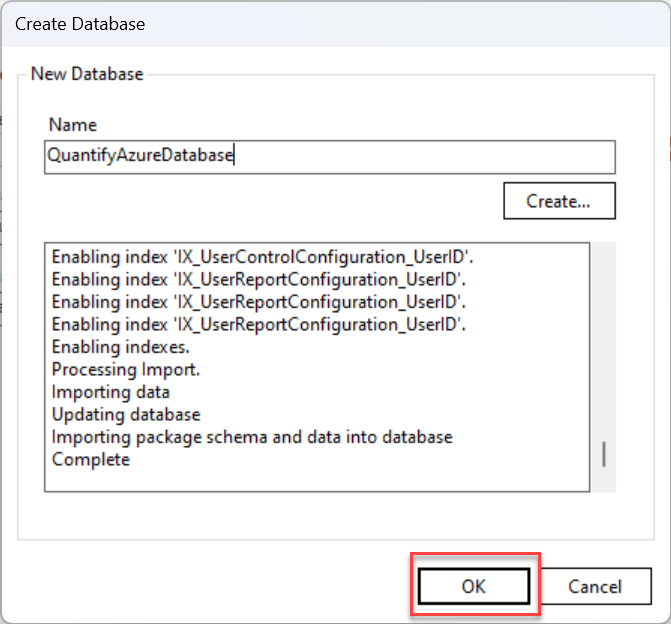
1. Select a Database or click Create Database.
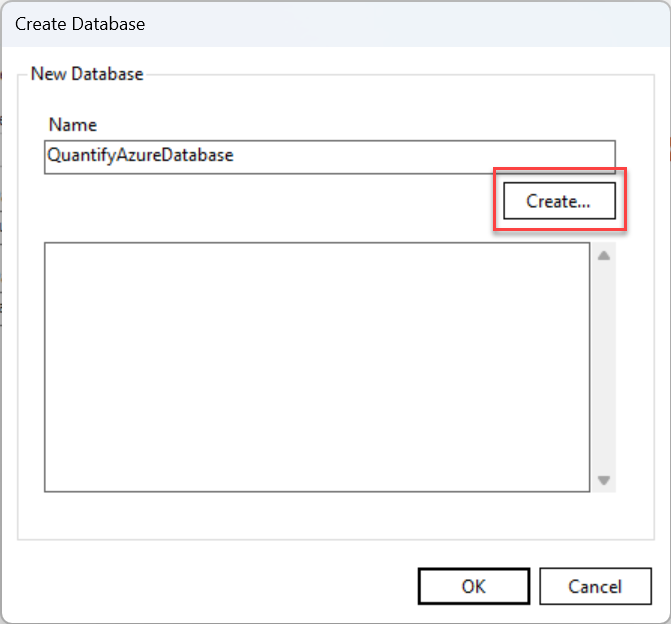
2. Enter a name and click Create.
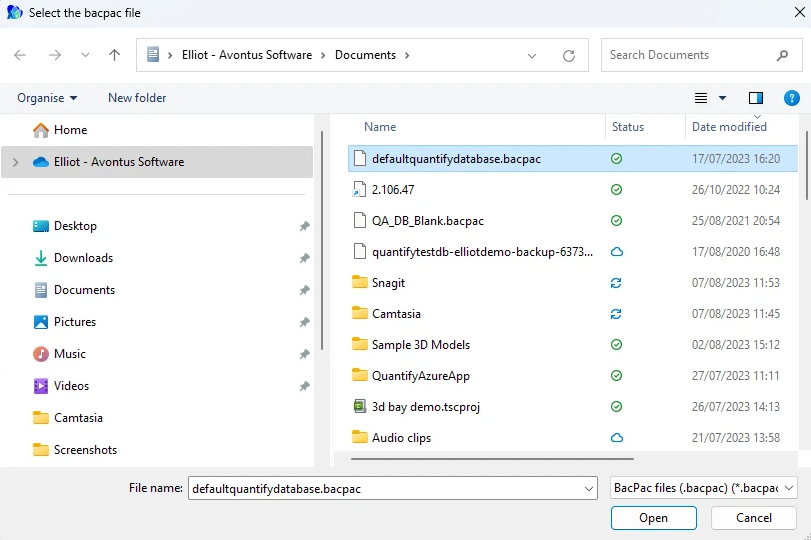
3. Open your .bacpac file.
If you are part of a new Quantify implementation, the Avontus Implementation team will provide you with the bacpac file for this step.
If you are migrating an existing Quantify database to a new server utilizing QuAD, you can use a bacpac file of your own database for this step. Instructions on how to create a bacpac file of your database can be found in Using Quantify's Database (DB) Tools to Back Up a Database.
4. When done, click OK.
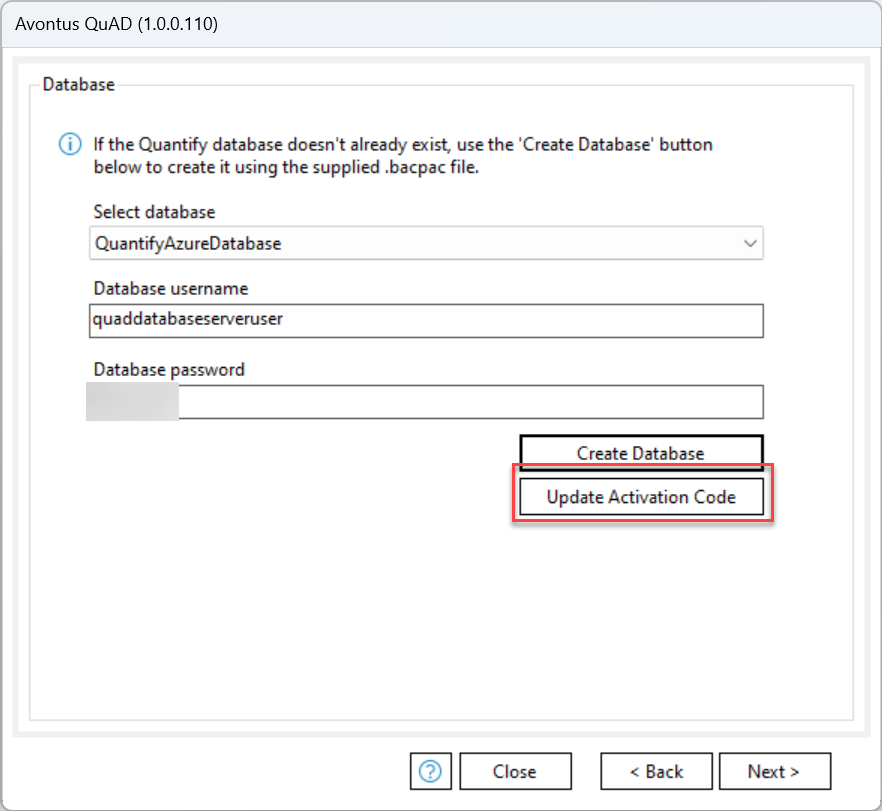
5. Select Update Activation Code.
Note: Avontus will provide you with an Activation code.
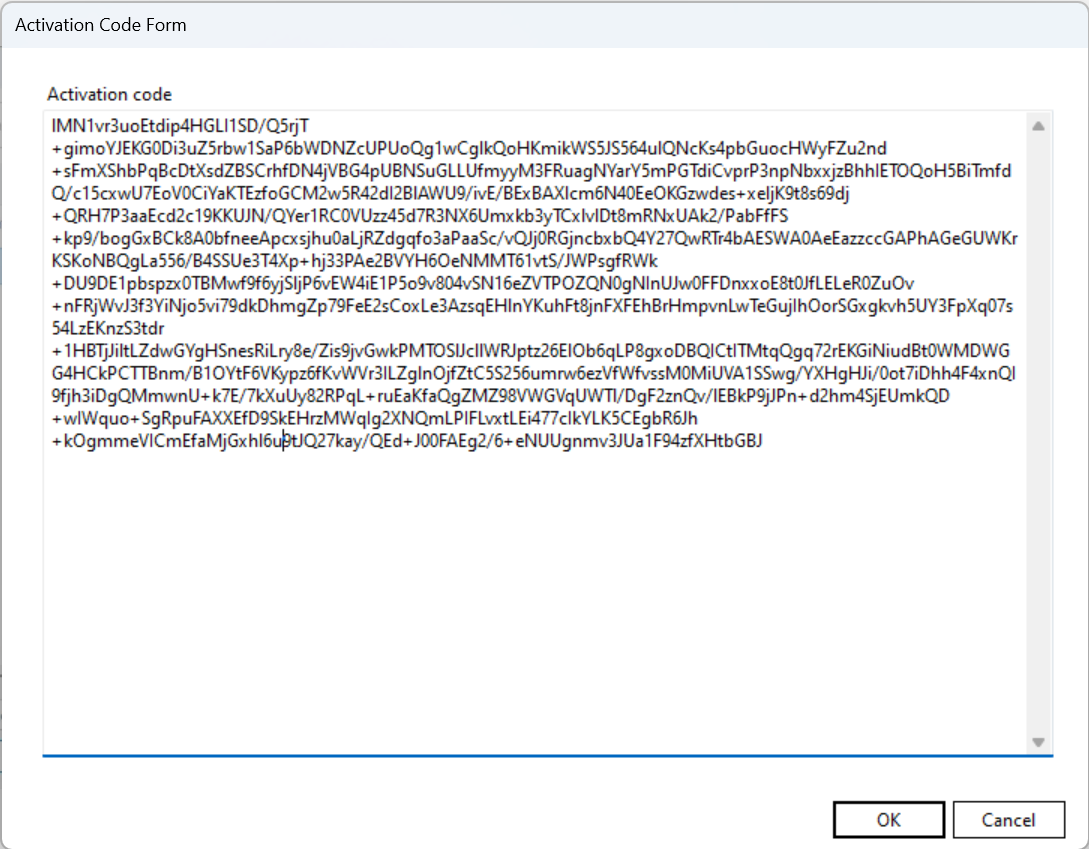
6. Enter the activation code and click OK.
7. Click Next.