Access the Customer Statuses window via the List menu.
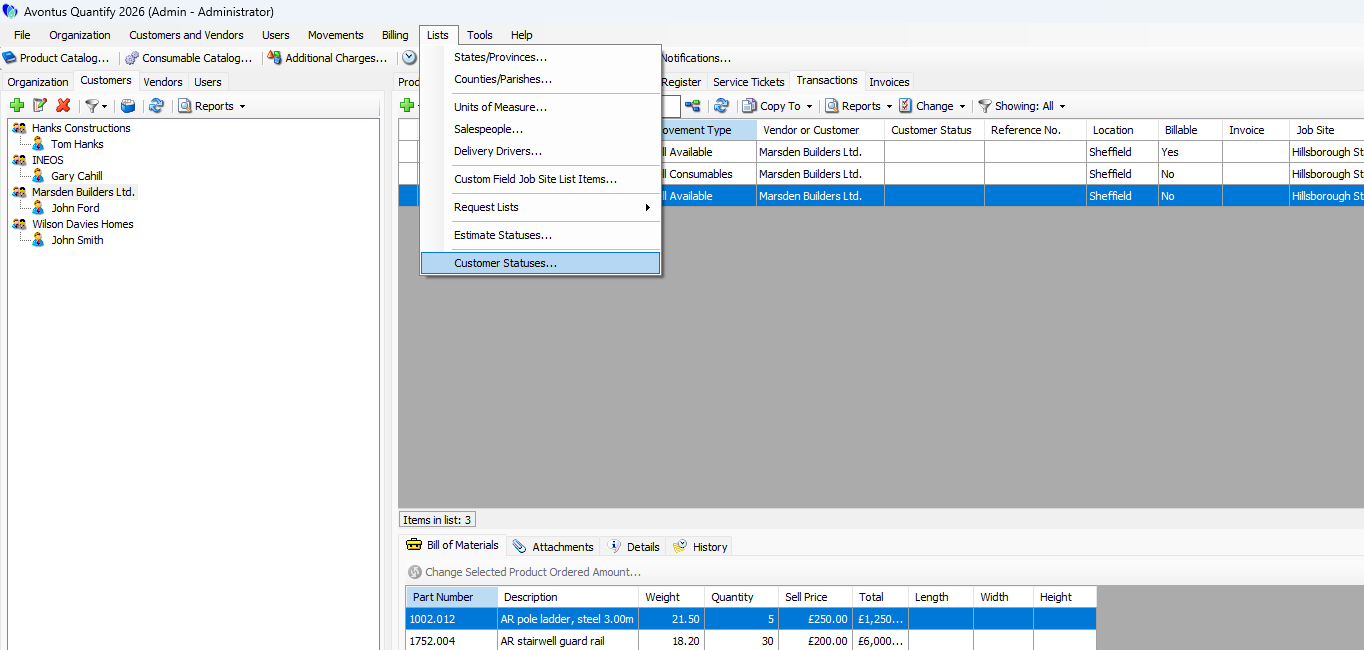
In this screen, you can edit the statuses, which can then be assigned to customers in the Customer dialog screen.
The Customer Statuses window will be set up by default.
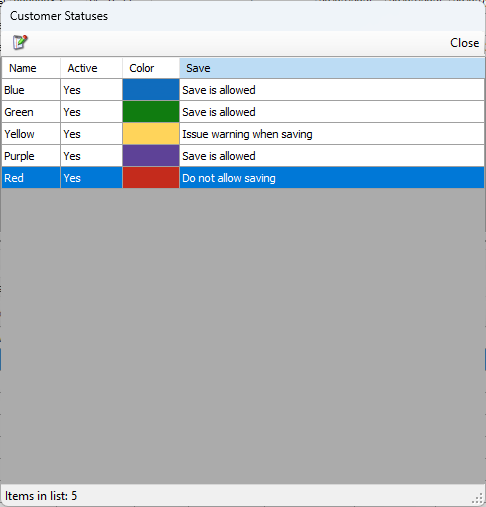
These statuses can be edited so the names and descriptions are appropriate for your site or business.
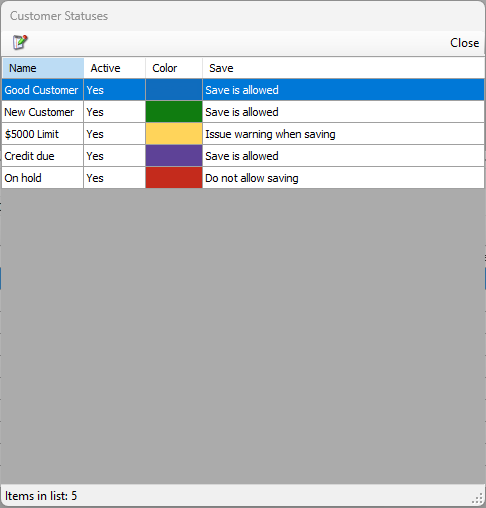
Name - This is the name of the status.
The name will appear in the Customer status field in the Shipping and Transaction tables.
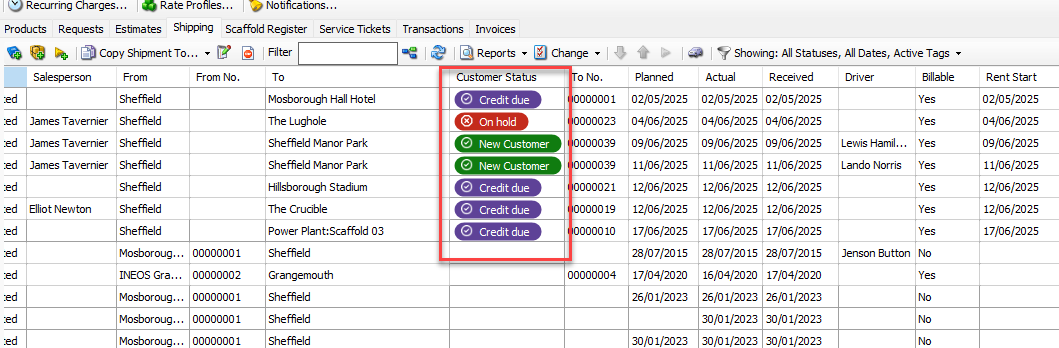
Active - Indicates whether the status is active or inactive
Color- The status color
Save - This indicates what action is allowed for customers with this status