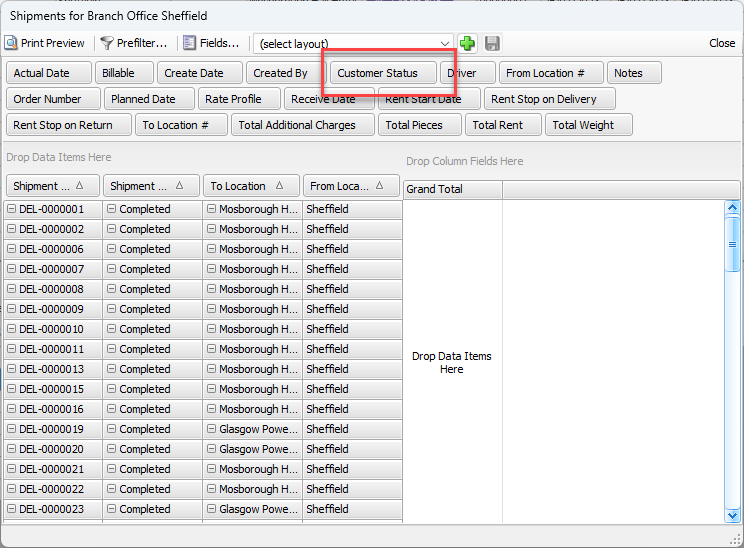
In Quantify, you can assign Customers to a status. Statuses are color coded and determine whether users can ship or sell parts to customers via Shipments or Transactions.
This means you can restrict Shipments or Transactions for customers with a status that does not allow them to receive parts.
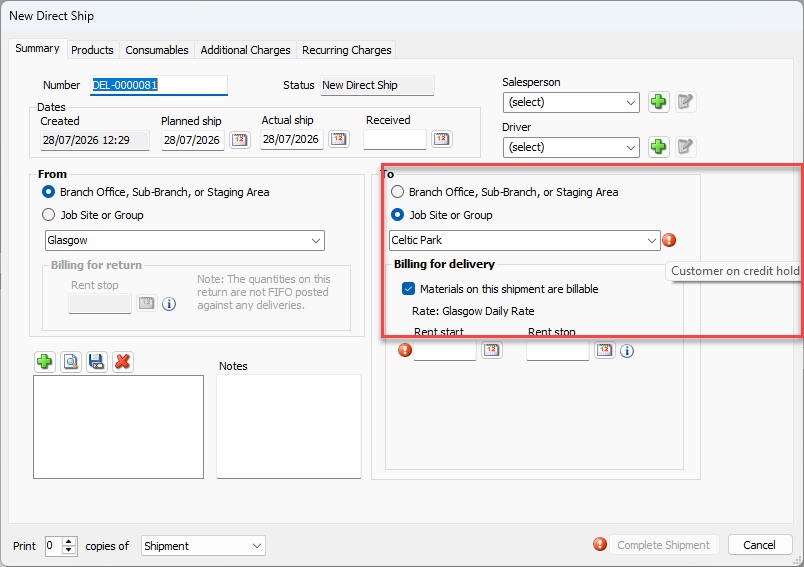
For example, you can assign a customer to the On Hold status (see below), which will produce a warning on any Shipment or Transaction created for that customer.
Note: You can always create Returns and Estimates for customers regardless of status.
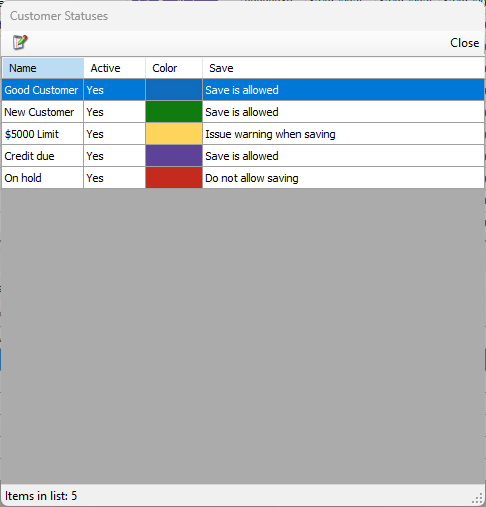
Customer status can be edited under the Lists menu.
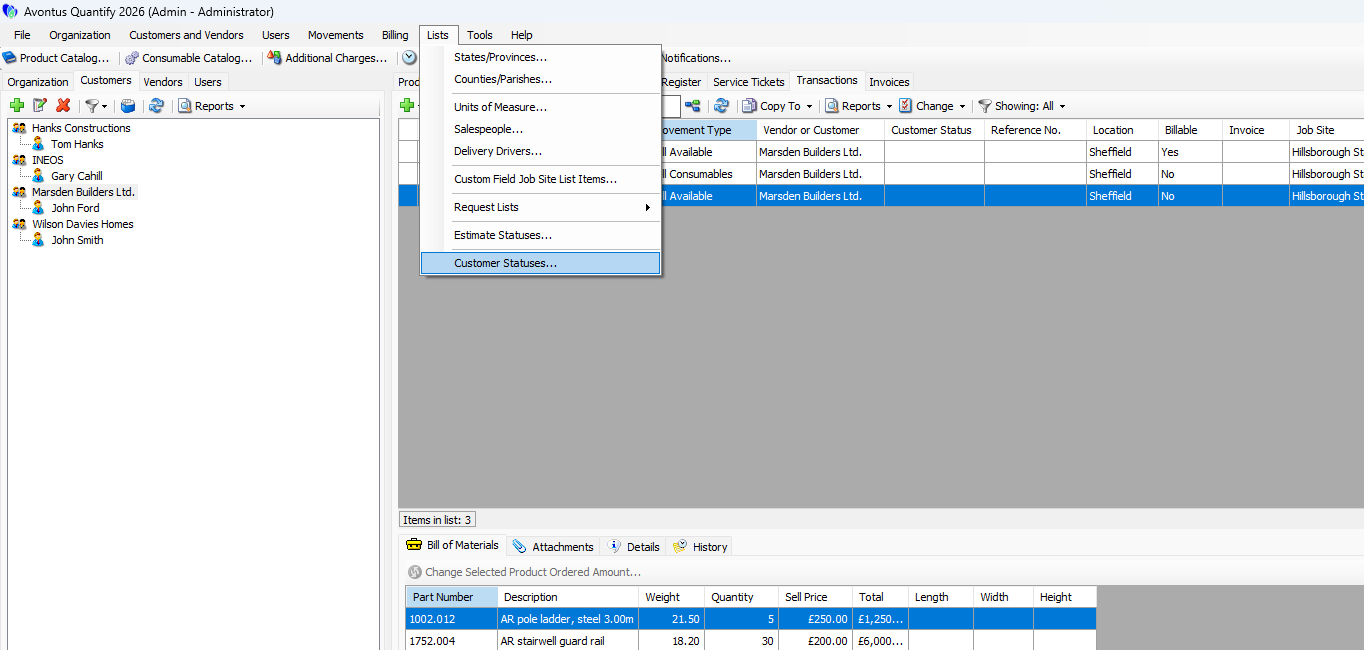
When you create or edit a status, and assign a status to a customer, you will see the status in the Customer Status column of both the Shipping and Transactions tabs.
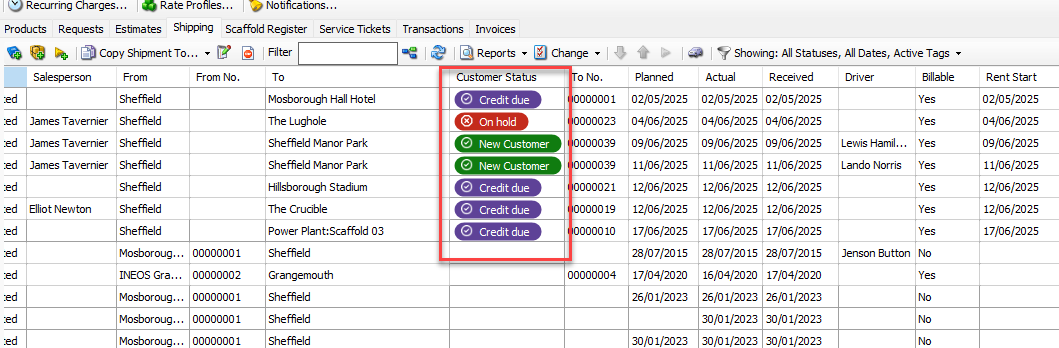
When you create a Transaction or Shipment, you may see a warning icon indicating the status the customer is assigned to.
If they are assigned to a status that does not allow saving, you will be unable to complete any Transactions or Shipments until the customer is assigned to a different status.
You can also see the Customer Status field in reports, such as pivot reports.