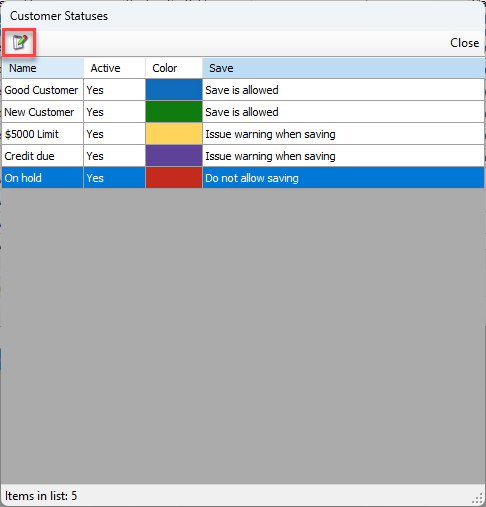
Customer Statuses are created for you and can be modified to match your needs.
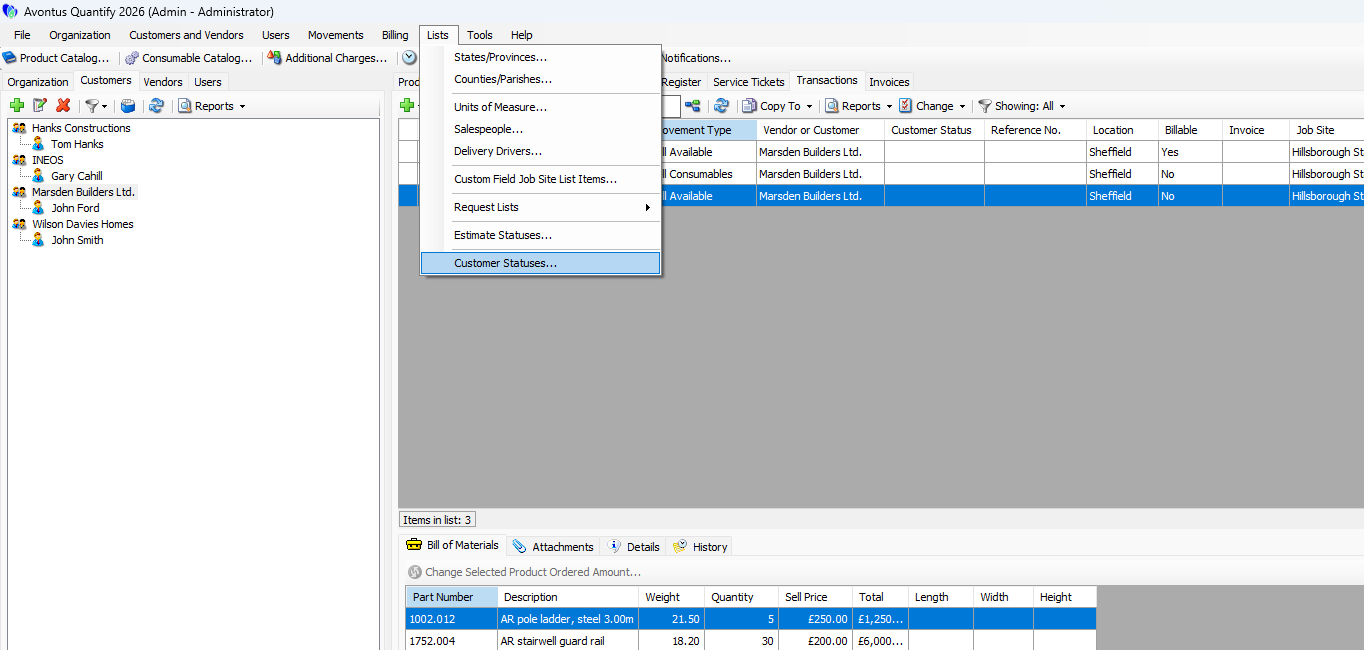
Select Lists from the Toolbar
Select Customer Statuses
Click on a status and select the Edit icon.
The Customer Status dialog will be displayed.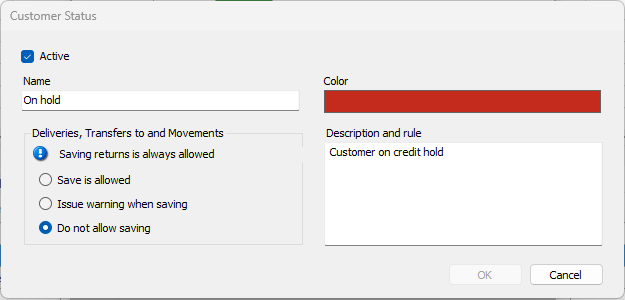
Active - Indicates whether the status is active or inactive.
Name - This is the name of the status. This will appear in the Customer status field in the Shipping and Transaction tables.
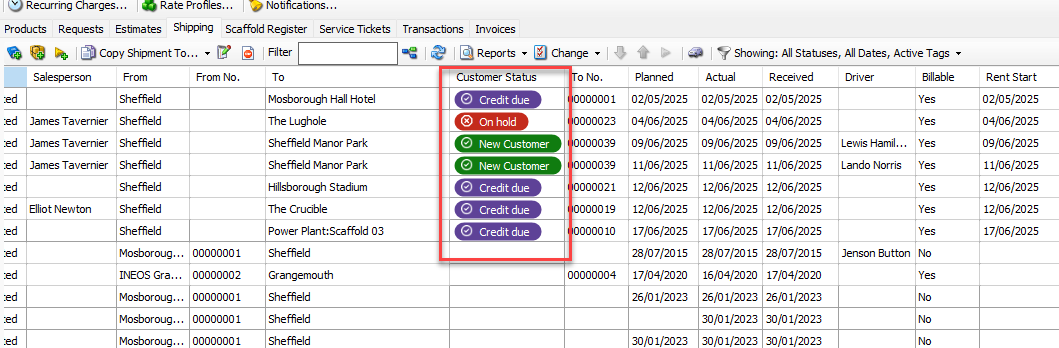
Deliveries, transactions to and Movements - Specify what action is allowed for customers on this status
Color- The status color. This cannot be changed.
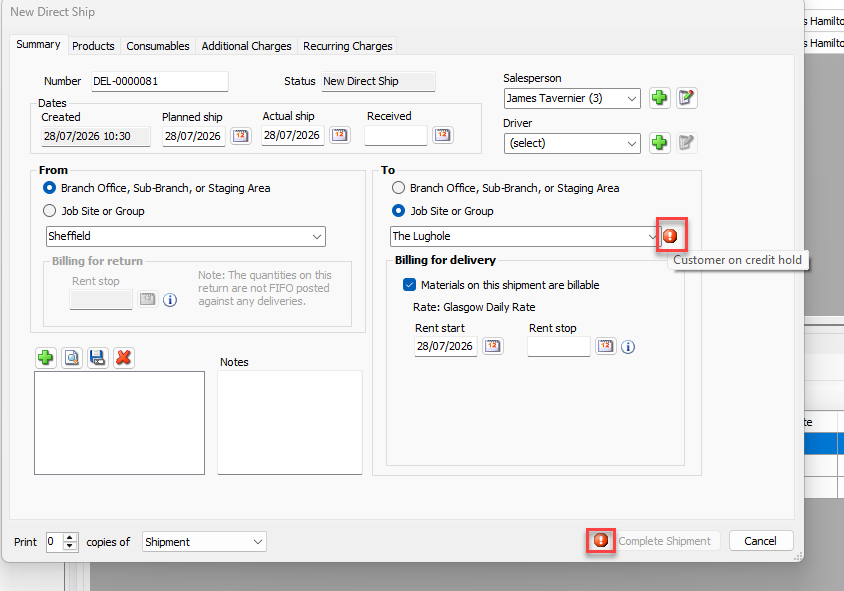
Description and rule - Specify the rule for this status. This will explain why a Transaction or Shipment cannot be completed for this customer.
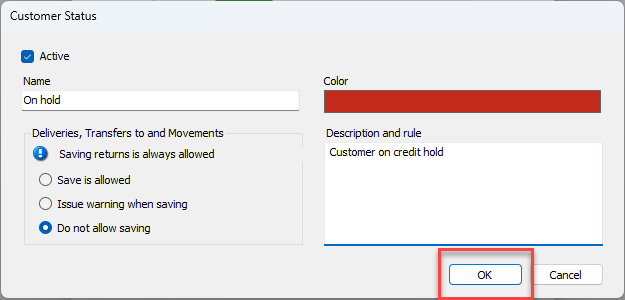
Make any changes and click OK.