You can see default settings for individual scaffolding systems so that when you select to create a plan from a specific scaffold system, Avontus Designer will apply the default settings for that scaffold system.
To access the Avontus Designer Options dialog:
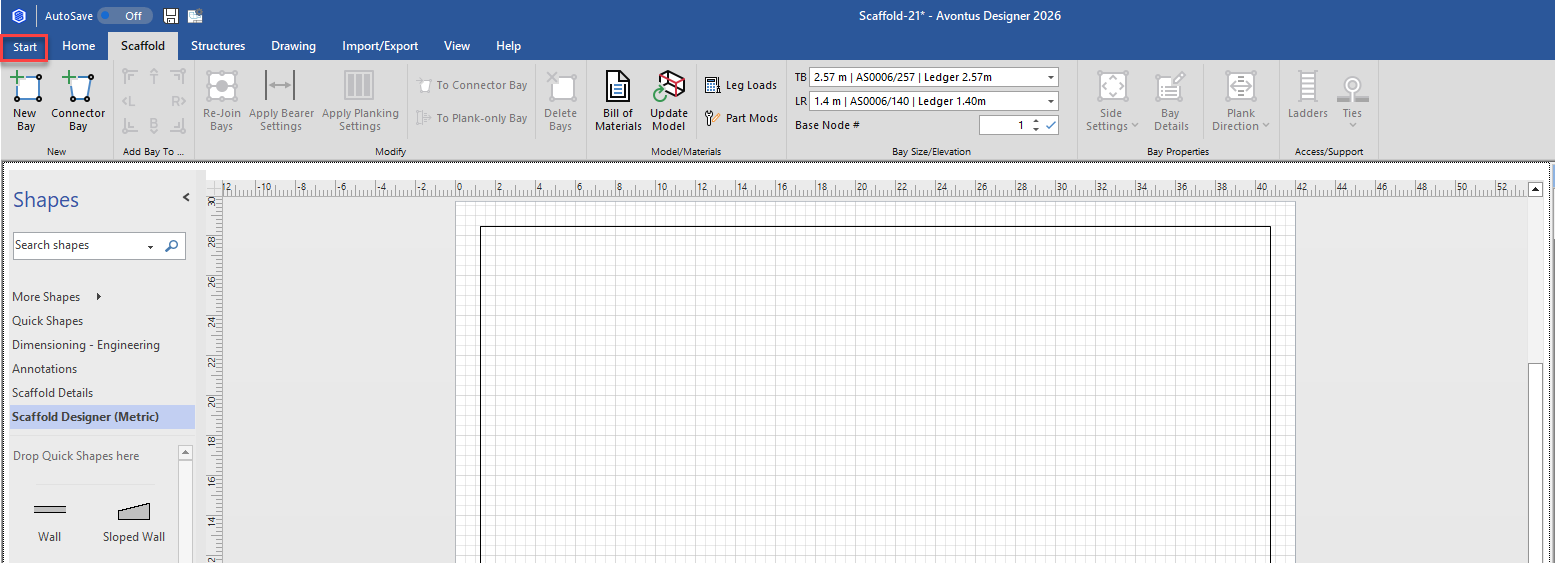
Click the Start tab. (Doing this enables you to apply any new settings to the active drawing.
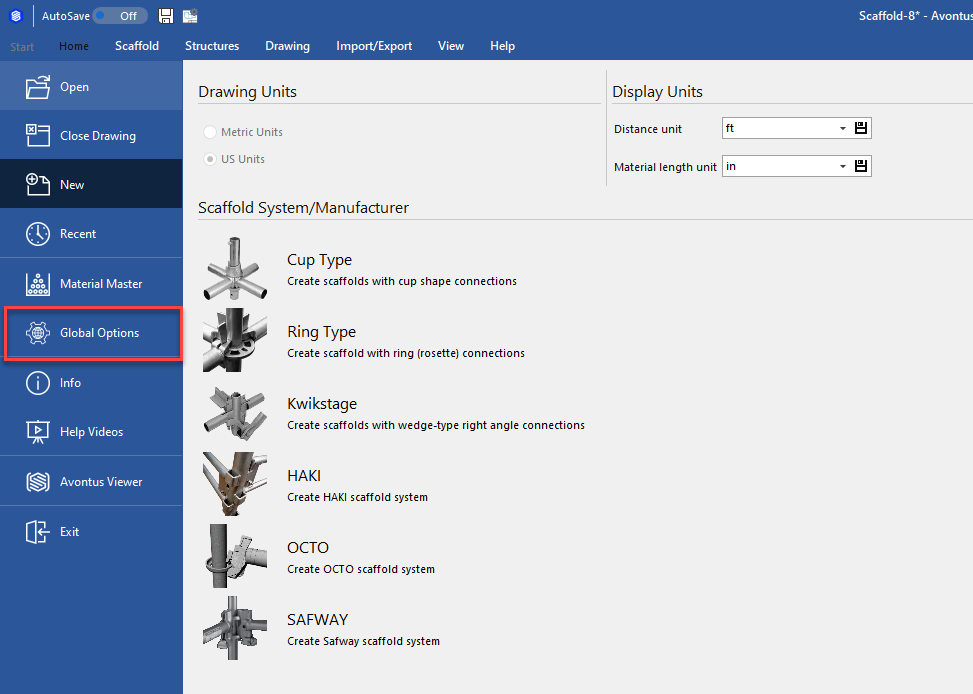
The Backstage appears with the New option selected.Click Global Options.
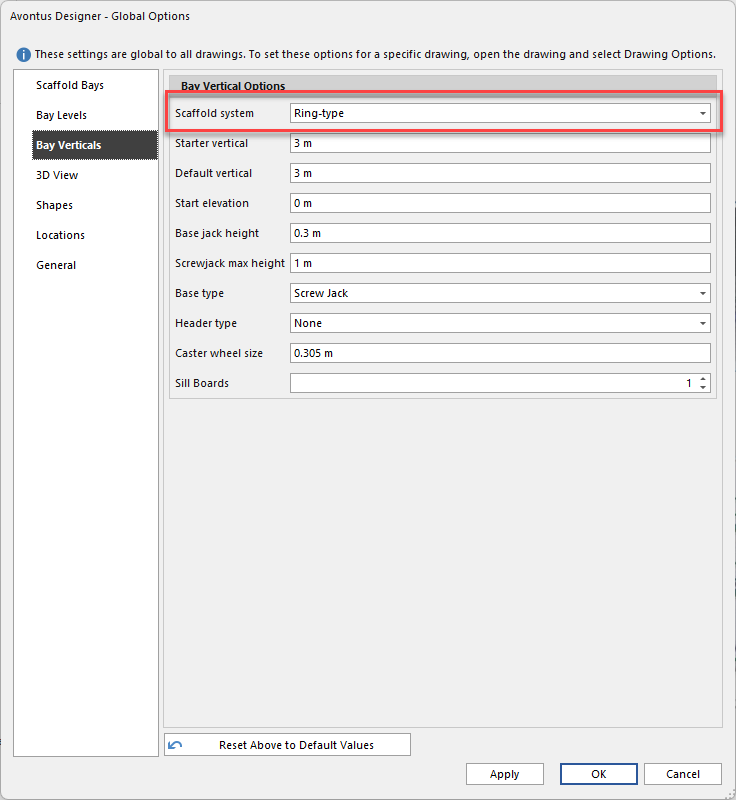
The Options dialog appears, with the Scaffold Bays tab pre-selected.Select Scaffold Bays, Bay Levels or Bay Verticals
In the Scaffold System drop-down, select your desired Scaffold system.
Make any further changes, and click Apply.
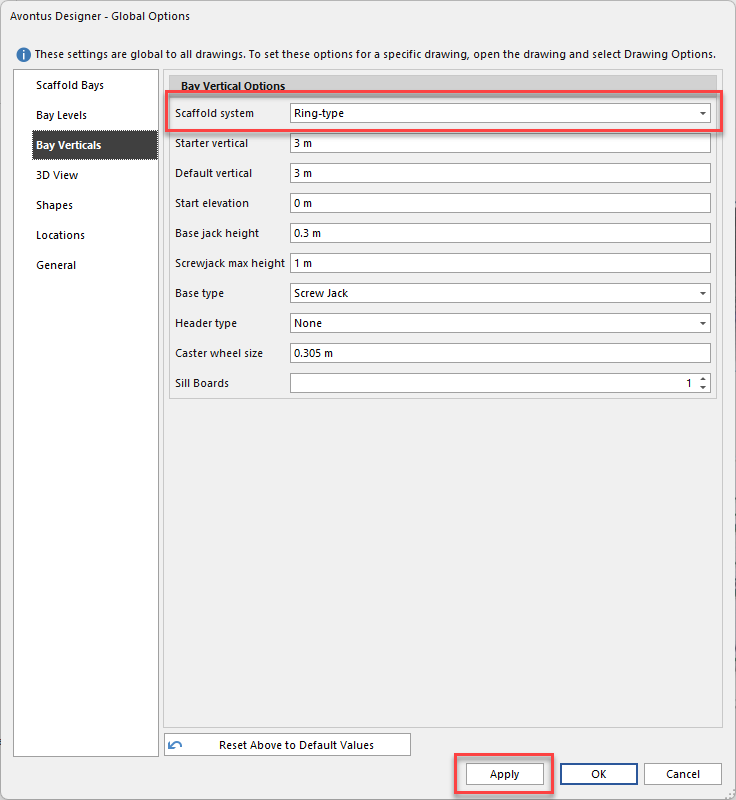
The settings will be applied to all cup-type drawings