Documentation Index

Fetch the complete documentation index at: https://docs.avontus.com/llms.txt

Use this file to discover all available pages before exploring further.

Deleting a Bay

Prev Next

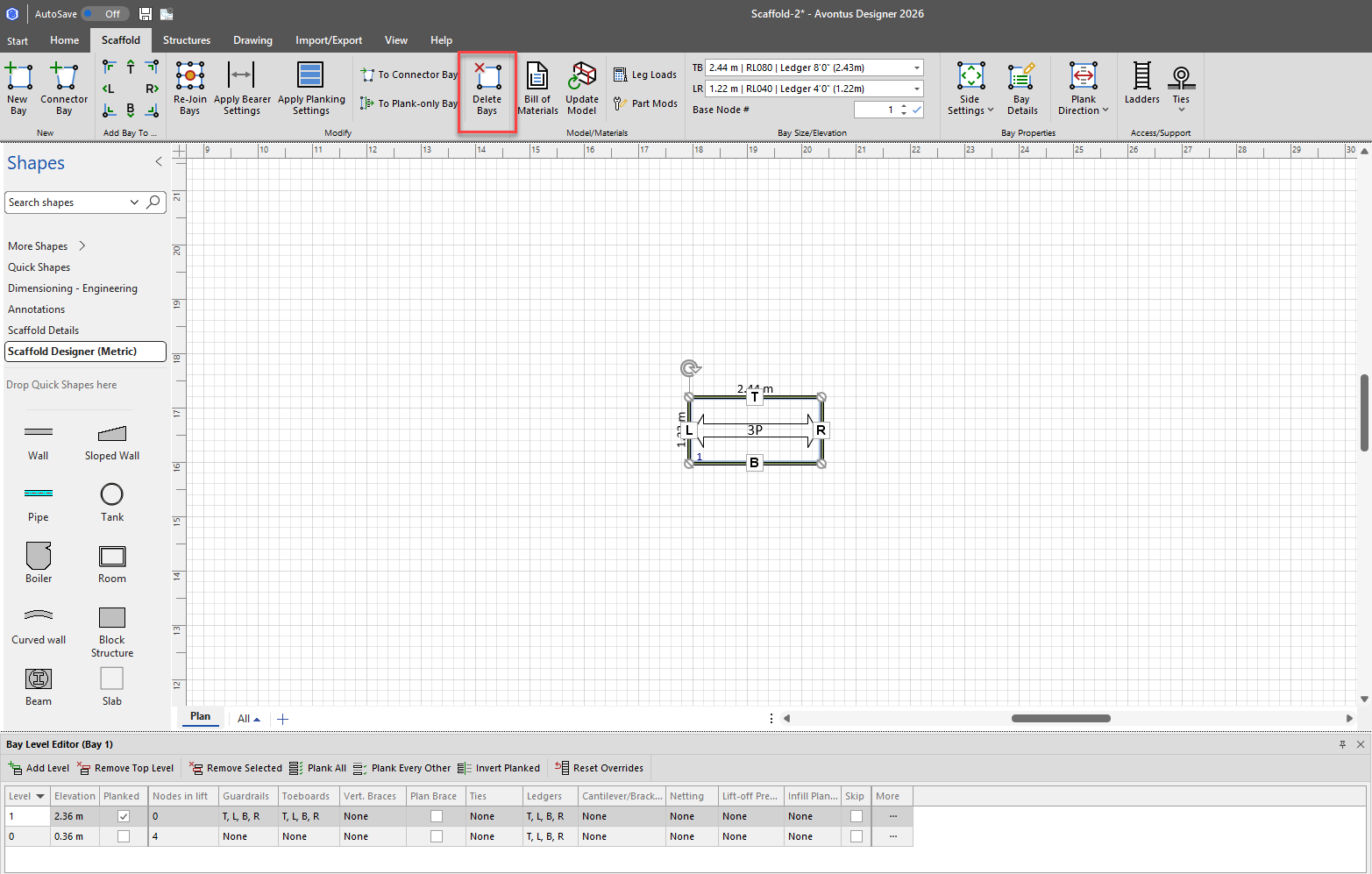
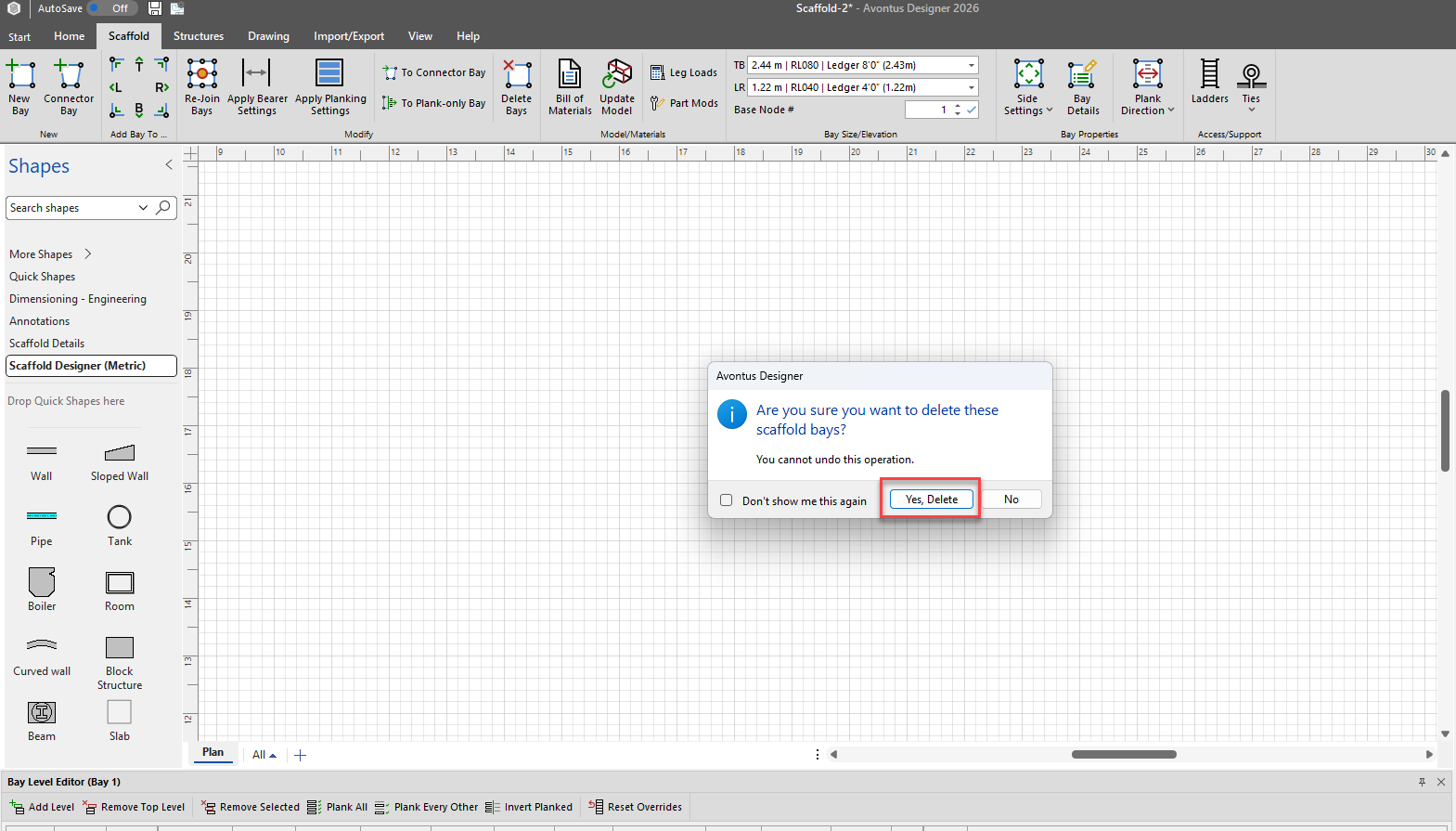
You can delete a bay by selecting on the Bay and clicking delete or pressing delete on your keyboard.

  1. Select the Bay

  2. Click Delete

  3. Click Yes, Delete