You can make changes to existing Contractors, including the name and description.
To edit a contractor
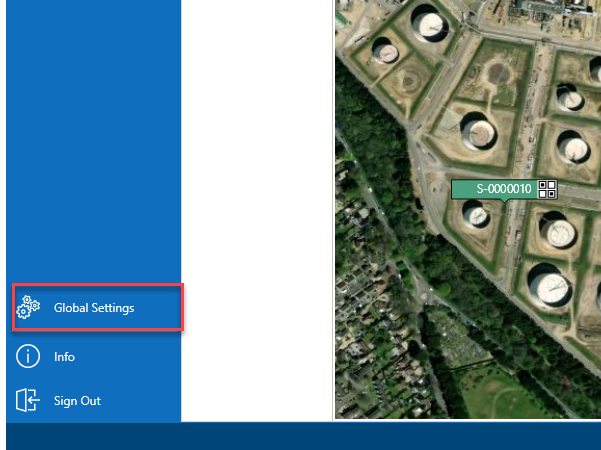
From the Map screen, select Global Settings on the panel to the left.
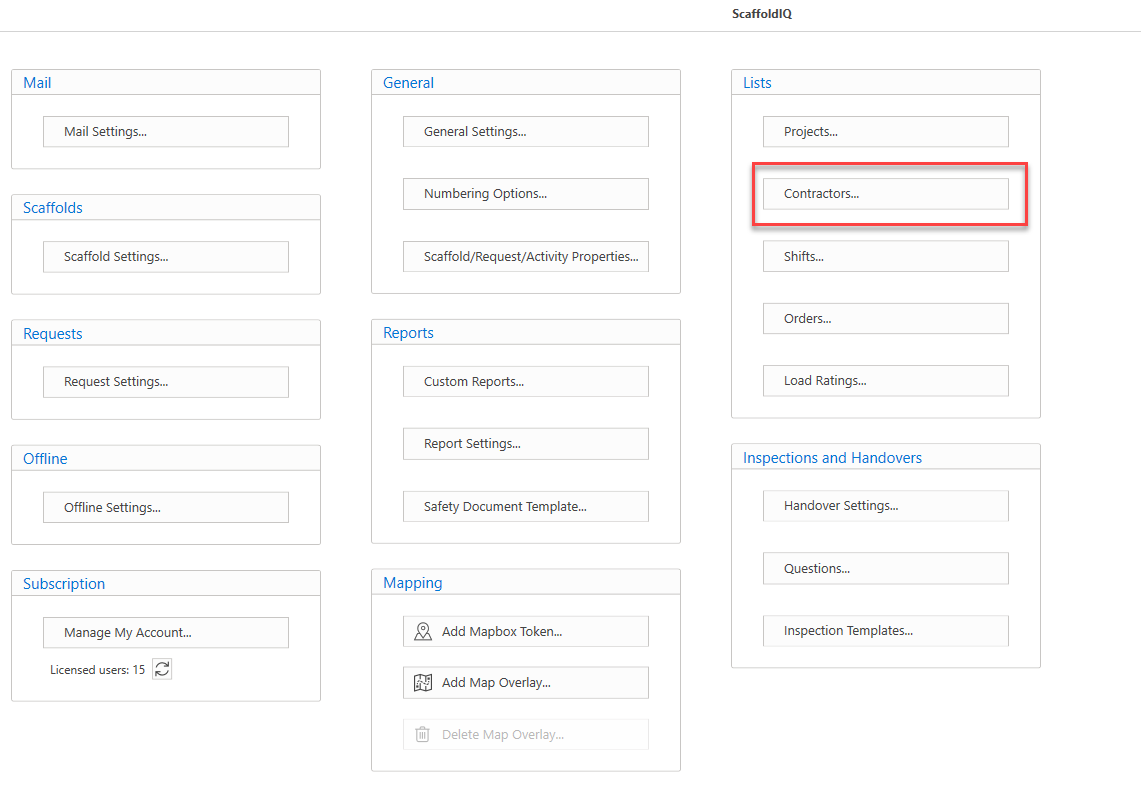
Under Lists, select Contractors...
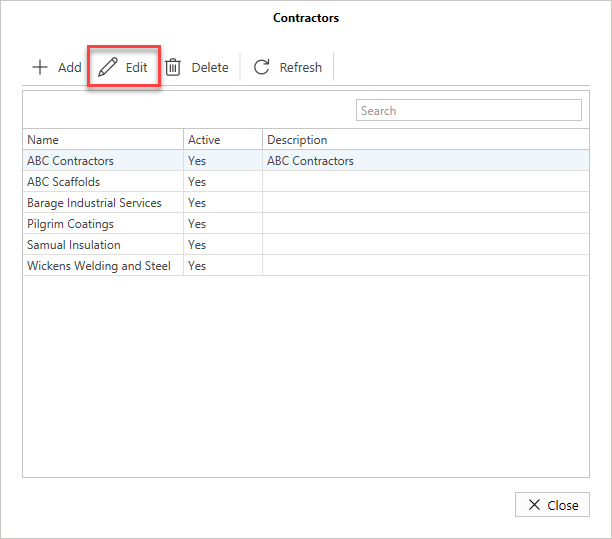
In the Contractors dialog, select the contractor to modify and click Edit
The details for the selected contractor will appear.
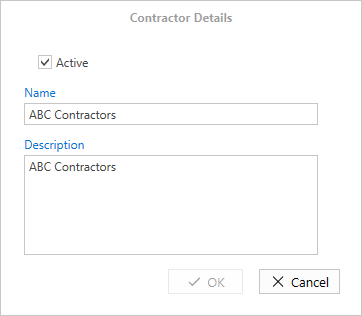
Edit the contractor, such as the contractor's name and description.
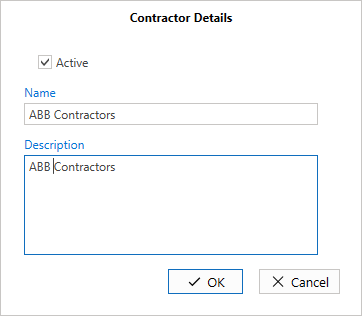
Click OK.
The contractor will be updated.
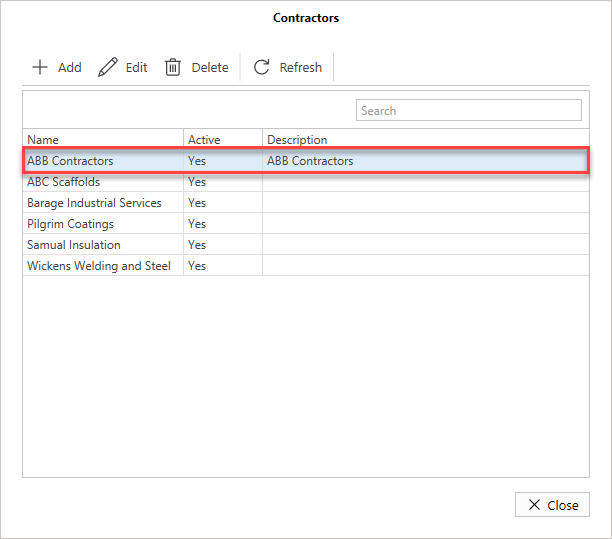
Once the contractor is added, you can then assign them to a request or scaffold.