You can delete modified reports
To do this
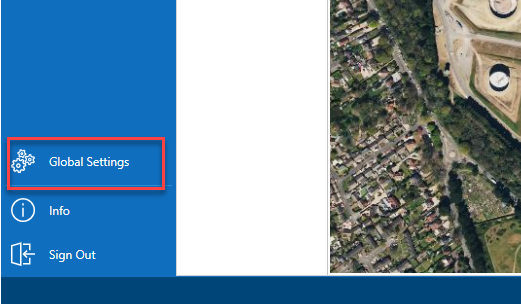
- From the Map screen, select Global Settings
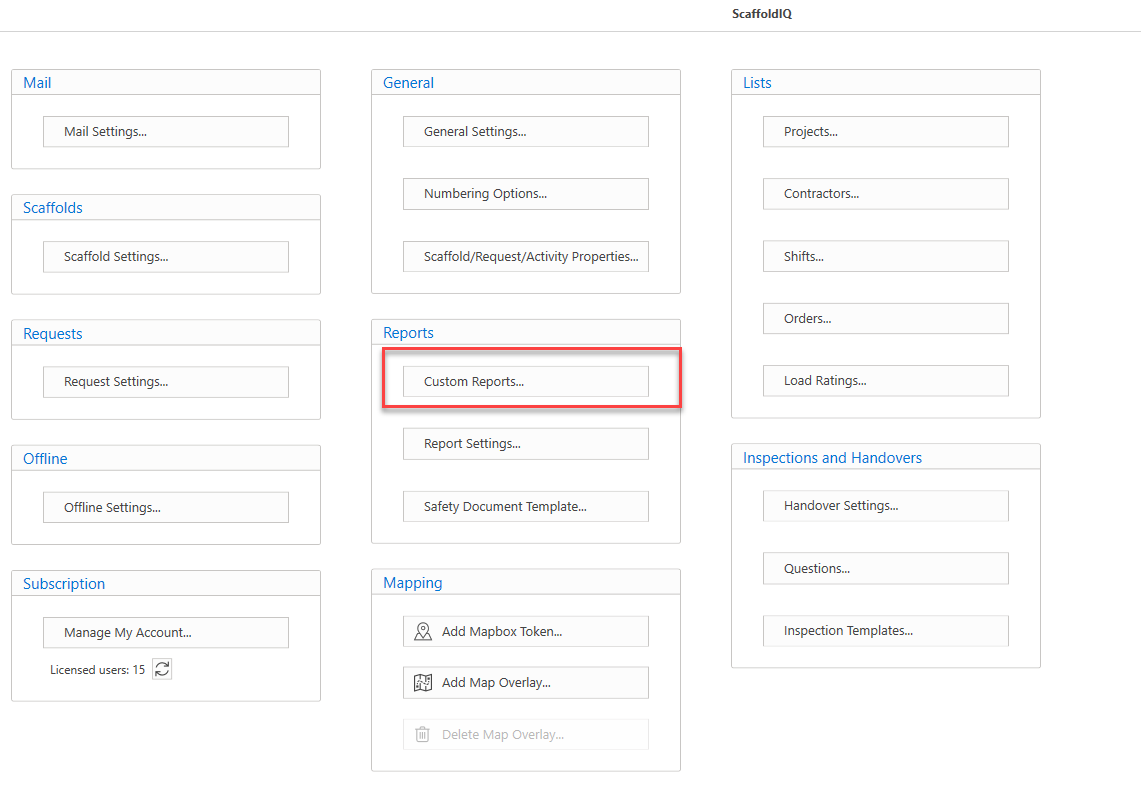
- In the Settings screen, select Custom Reports
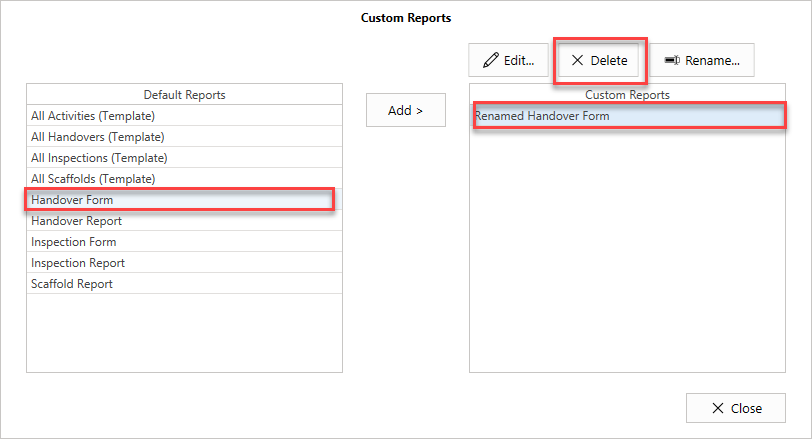
- Select the Default Report on the left
- Select the Custom Report on the right
- Click Delete
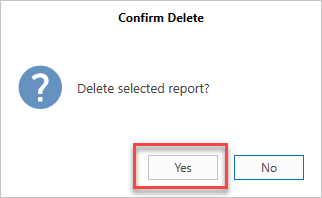
- Click Yes to confirm the deletion of this report.