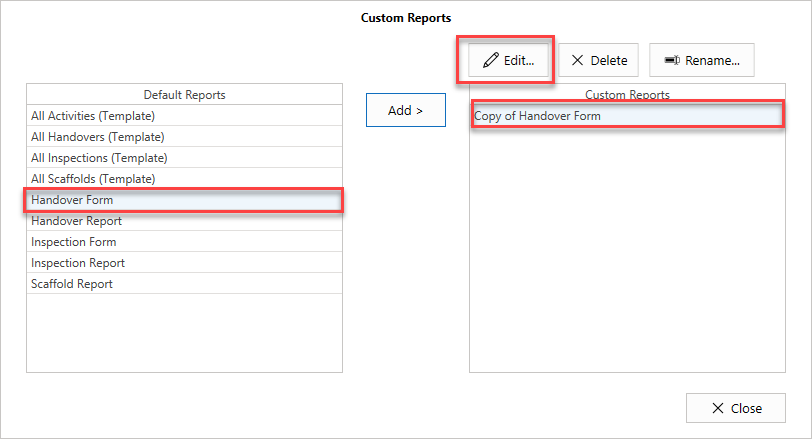
You can edit a Report by selecting a report, and clicking Edit. This means you can edit the modified report rather than the original report.
To do this
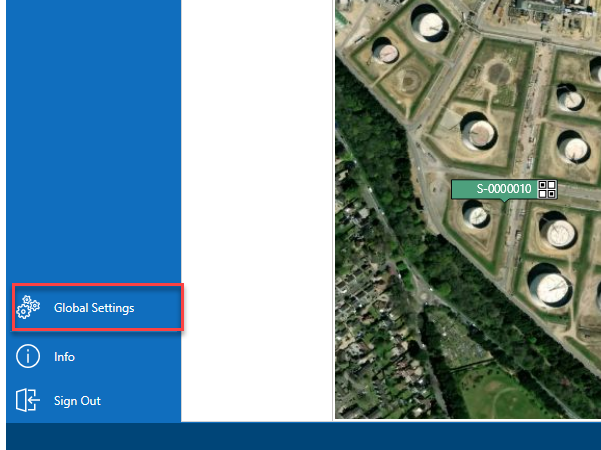
- From the Map screen, select Global Settings
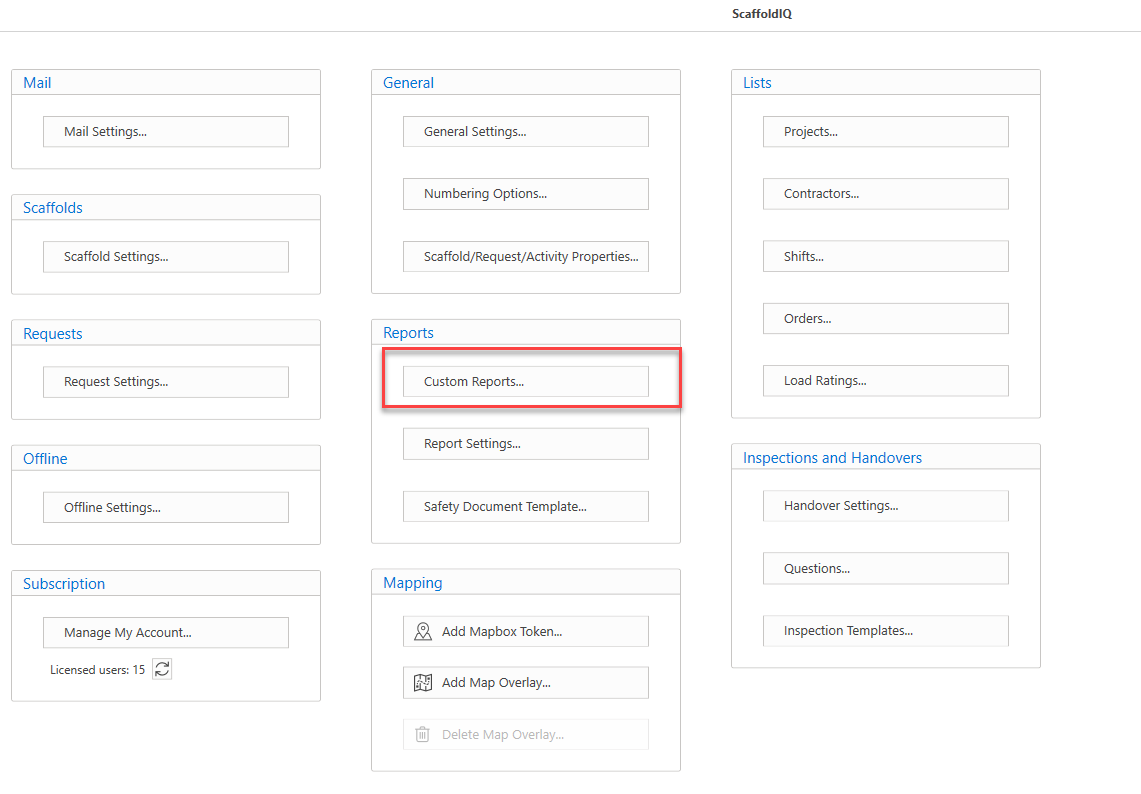
- In the Settings screen, select Custom Reports
- Select the Default Report on the left
- Select the Custom Report on the right
- Click Edit