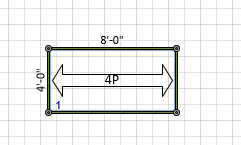
Deleting a ladder is a simple, two-click process.
To delete the ladders in a Bay:
Click the appropriate Bay in the Drawing Page, to select it.
Click the Scaffold tab and click Ladders.
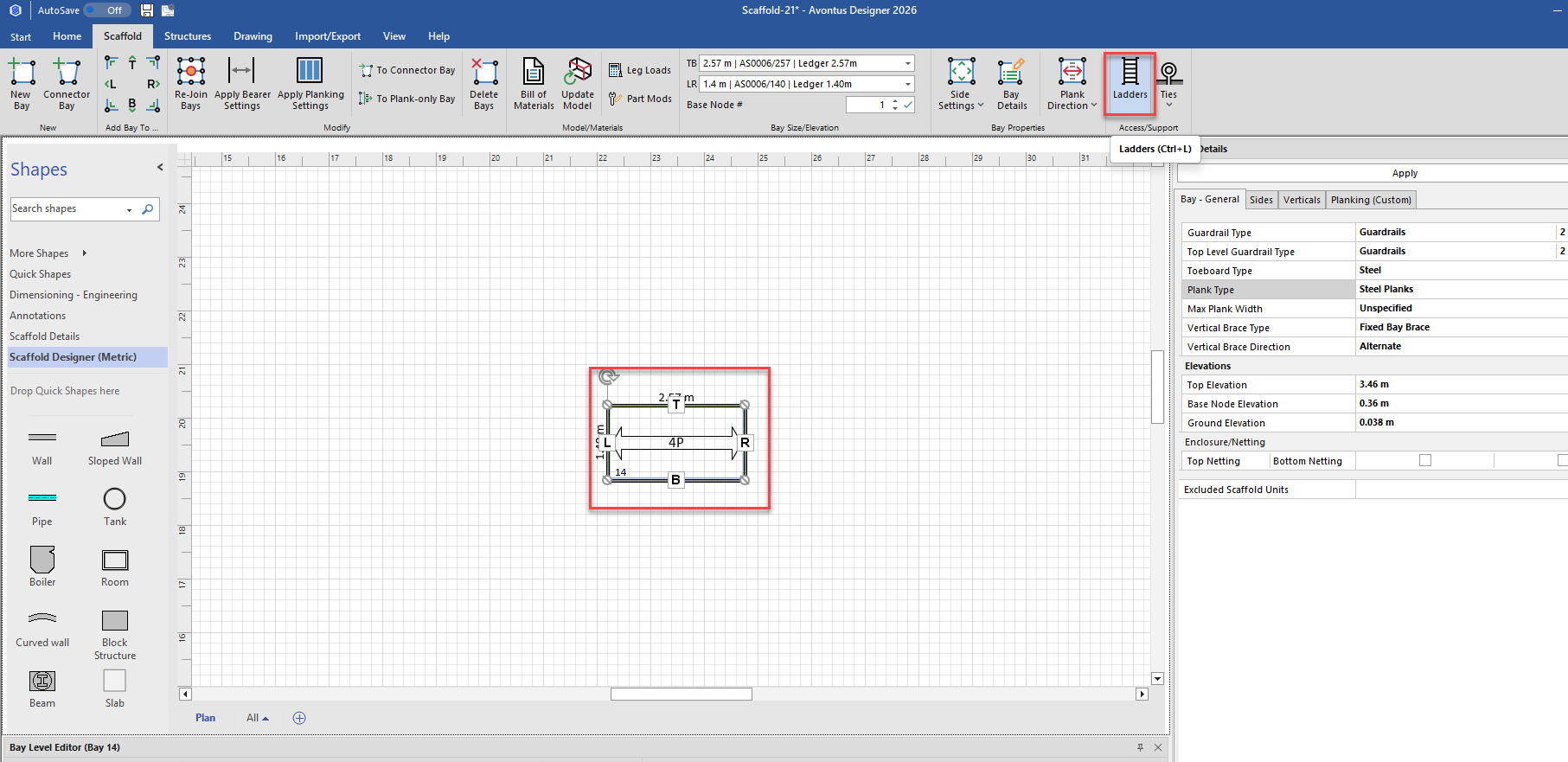
The Scaffold Ladders dialog appears.Click the Delete Ladders radio button.
Click Apply
Avontus Designer deletes the ladders.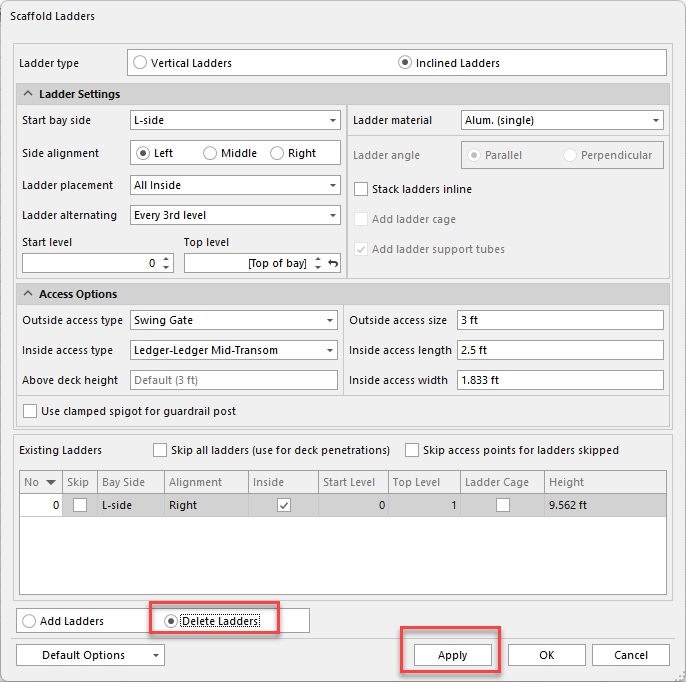
Click OK.
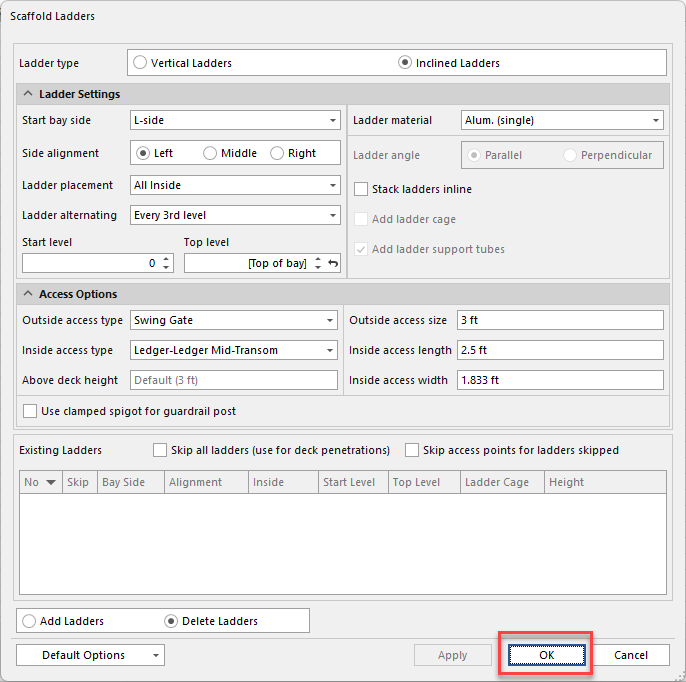
The ladder will be removed