By default, Quantify generates pick tickets with two signature lines. Quantify enables you to three more signature lines, for a total of vice.
To display five signature lines in Shipment pick tickets:
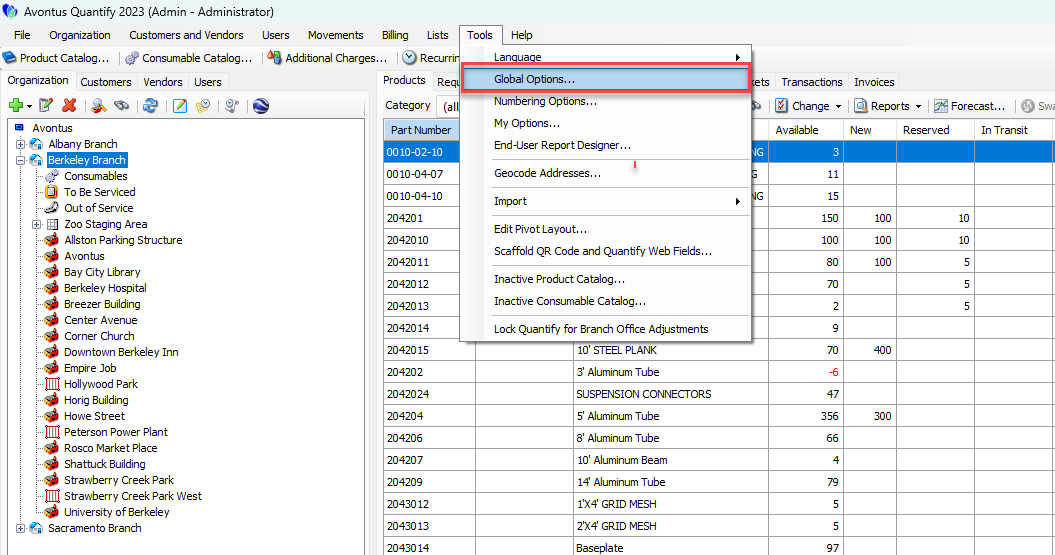
- Click the Tools menu and select Global Options.
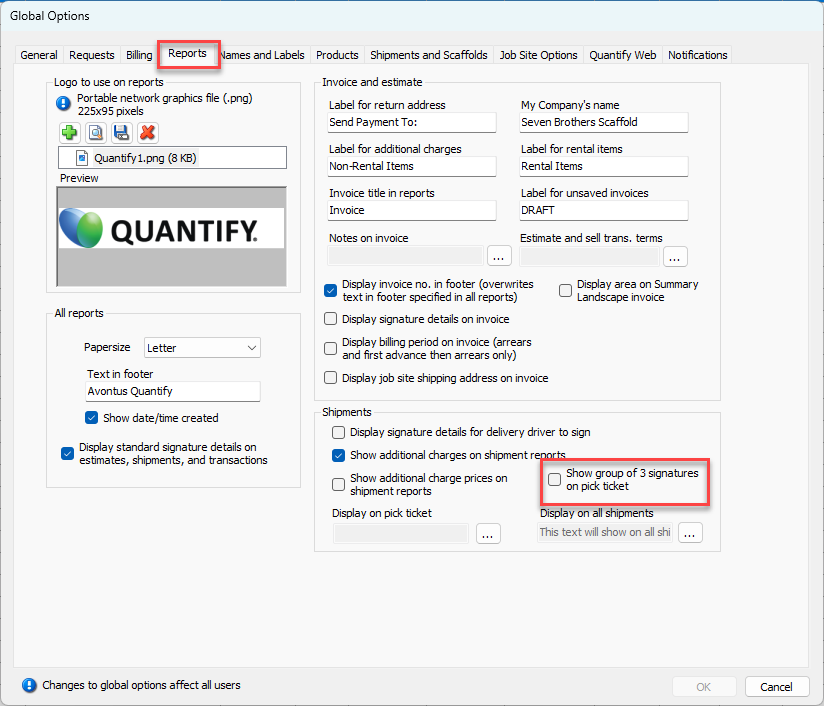
The Global Options dialog appears. - Click the Reports tab and click the Show group of 3 Signatures on Pick Ticket check box.
- Click OK.
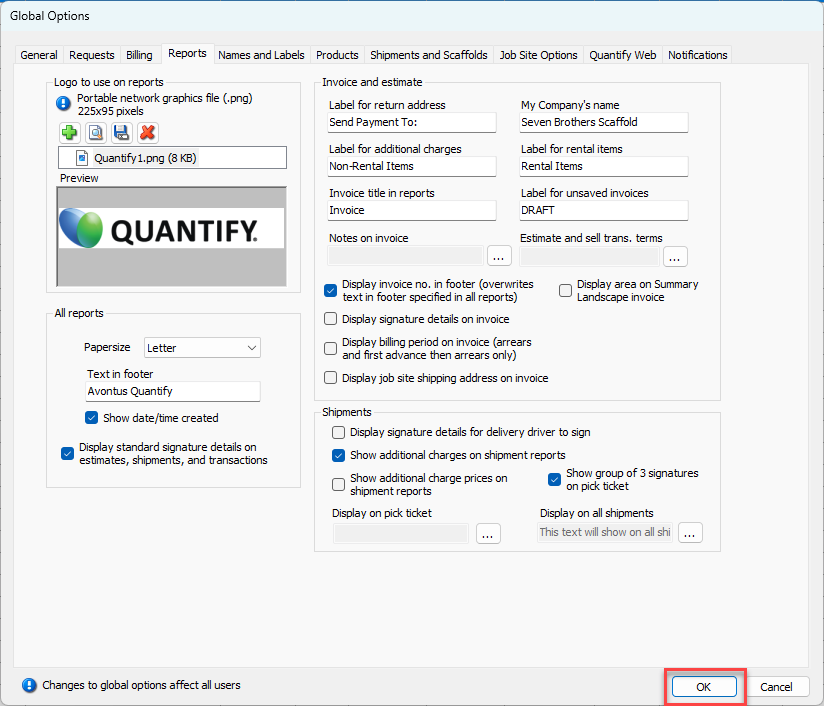
Pick tickets will display five signature lines.