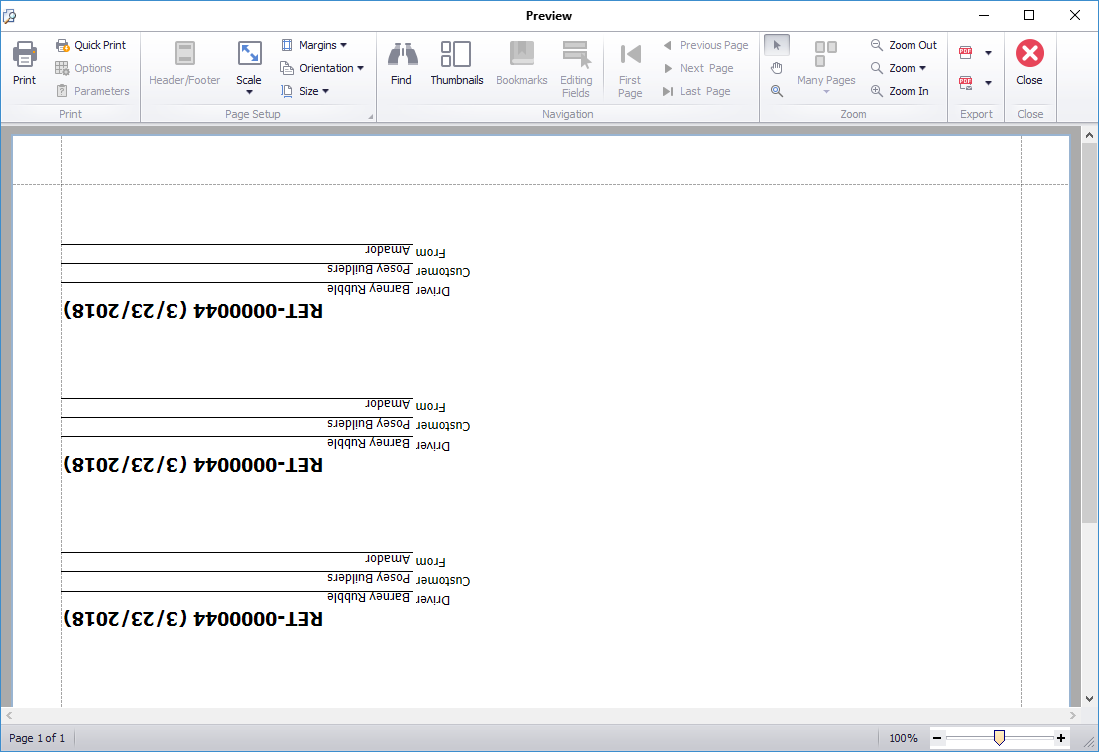
Quantify makes it easy for you to preview the return labels for a selected re-return Shipment.
Note: The labels preview and print upside down.
To preview return labels for a pre-return:
Locate and click the appropriate location and click the Shipping tab.
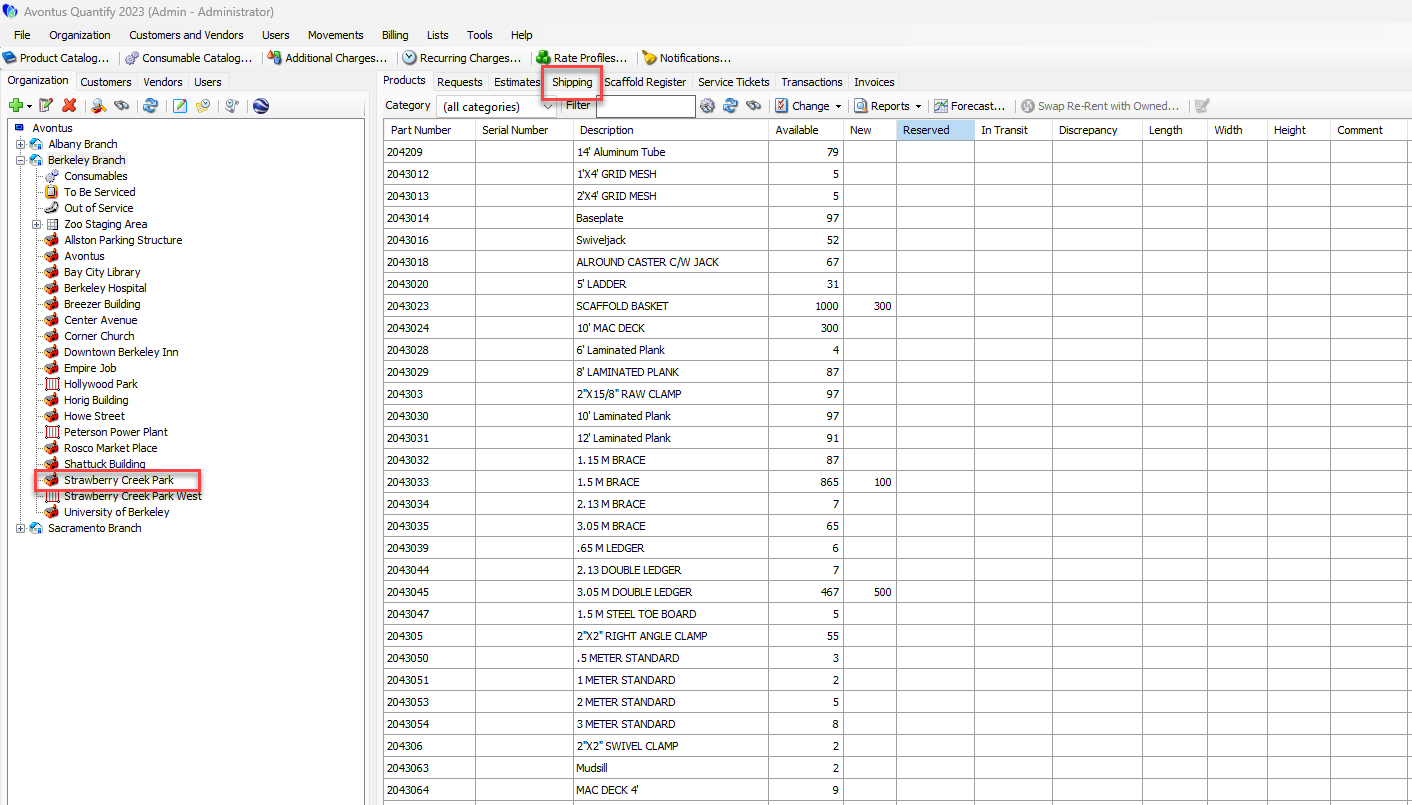
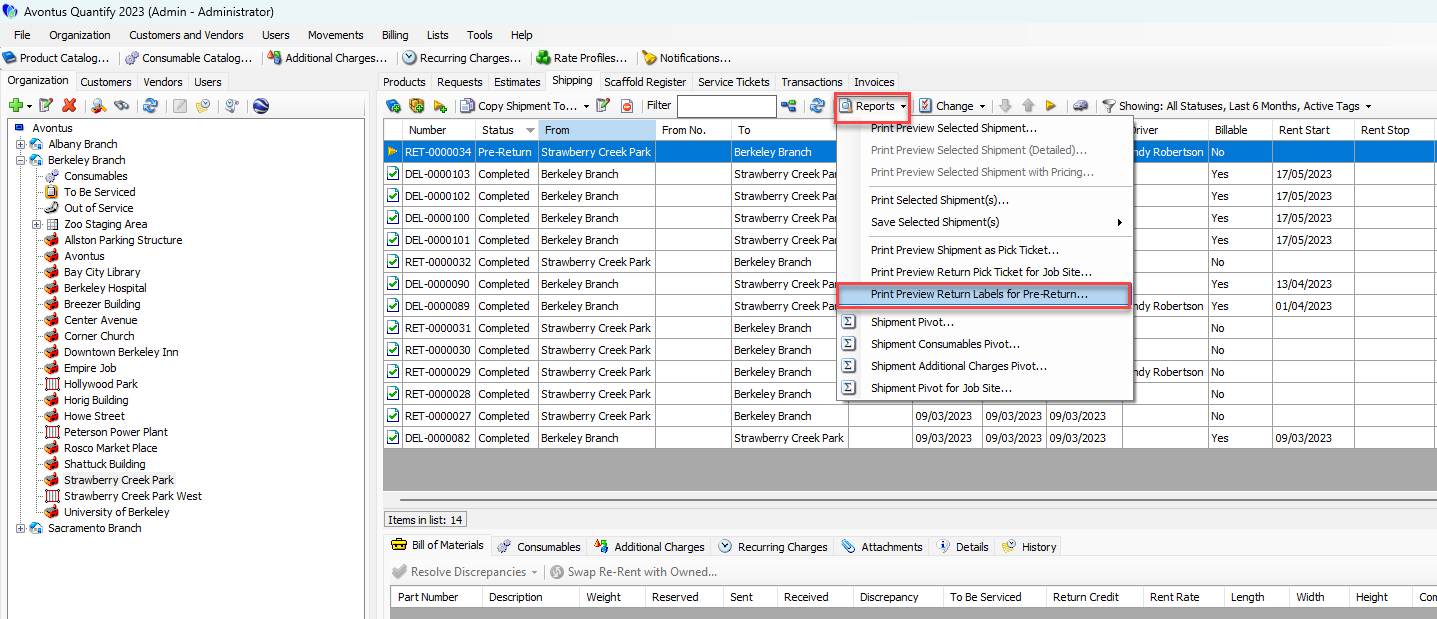
Click the appropriate pre-return (
 ) Shipment.
Click the Reports dropdown and select Print Preview Return Labels for Pre-Return.
Note: To select multiple, consecutive Shipments, press the Shift key and select the first and last Shipments in the series. To select multiple, non-consecutive Shipments, hold down the Ctrl key while selecting each desired Shipment.
The Preview dialog appears, displaying a preview of the labels.