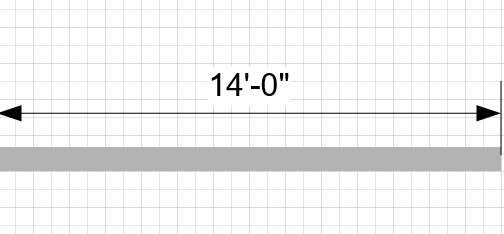
The Controller Dimension is a smartshape that takes advantage of being glued to another shape. When you glue a Controller Dimension to the endpoints of a wall, you can change the Dimension text (double-click on the Dimension) to a new value. The wall will then changes length to match the Dimension.
To edit a Controller Dimension:
- Locate the Controller Dimension you want to edit and double-click its linear measurement.
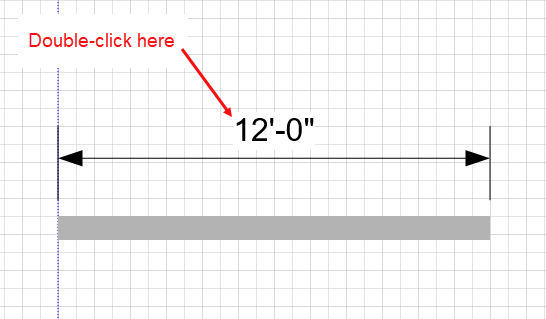
The measurement becomes editable. - Enter a new measurement.
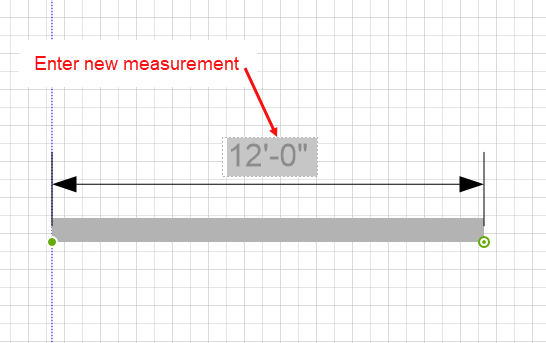
- Click anywhere in the Drawing Page.
The drawing shape changes its length to match the measurement you entered.