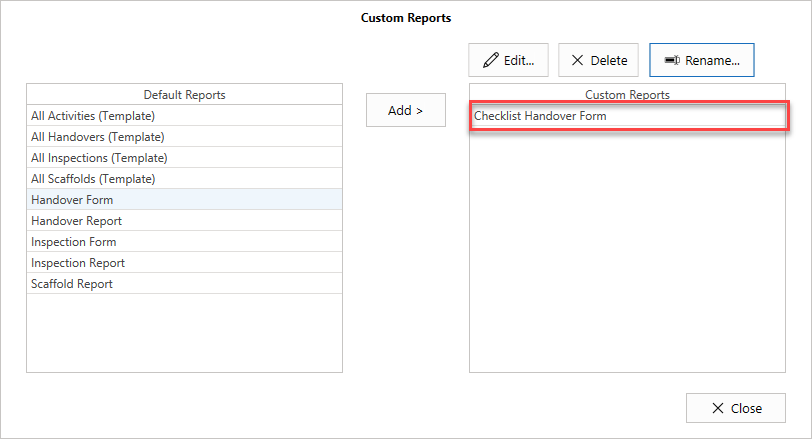
To do this
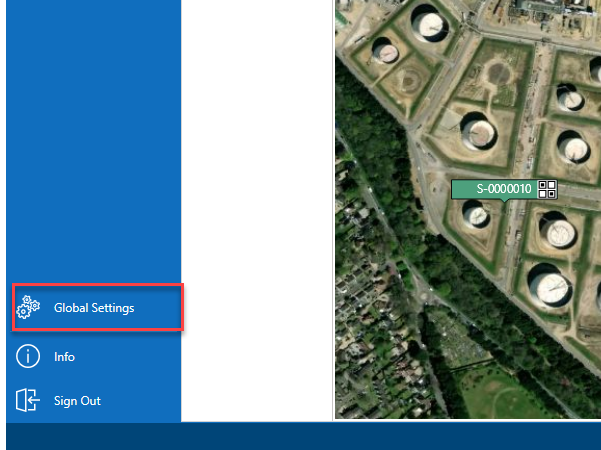
- From the Map screen, select Global Settings
- In the Settings screen, select Custom Reports
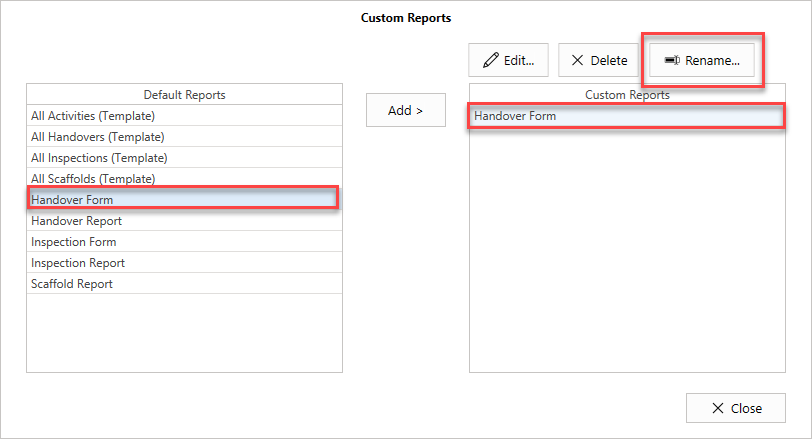
- Select the Default Report on the left
- Select the Custom Report on the right
- Click Rename
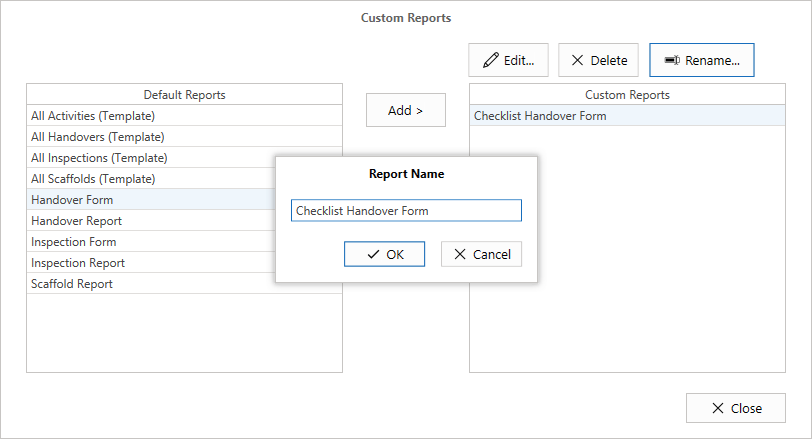
- Rename the Handover form and click OK.
The Handover report will be renamed.