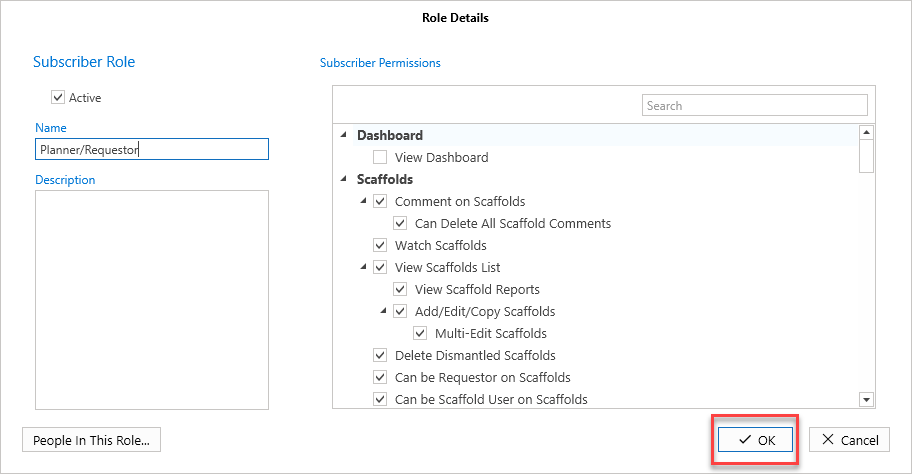
Role Types can be given or removed rights to accessing or using certain areas of ScaffoldIQ. In this example, we give a Role Type access to the Activity screen.
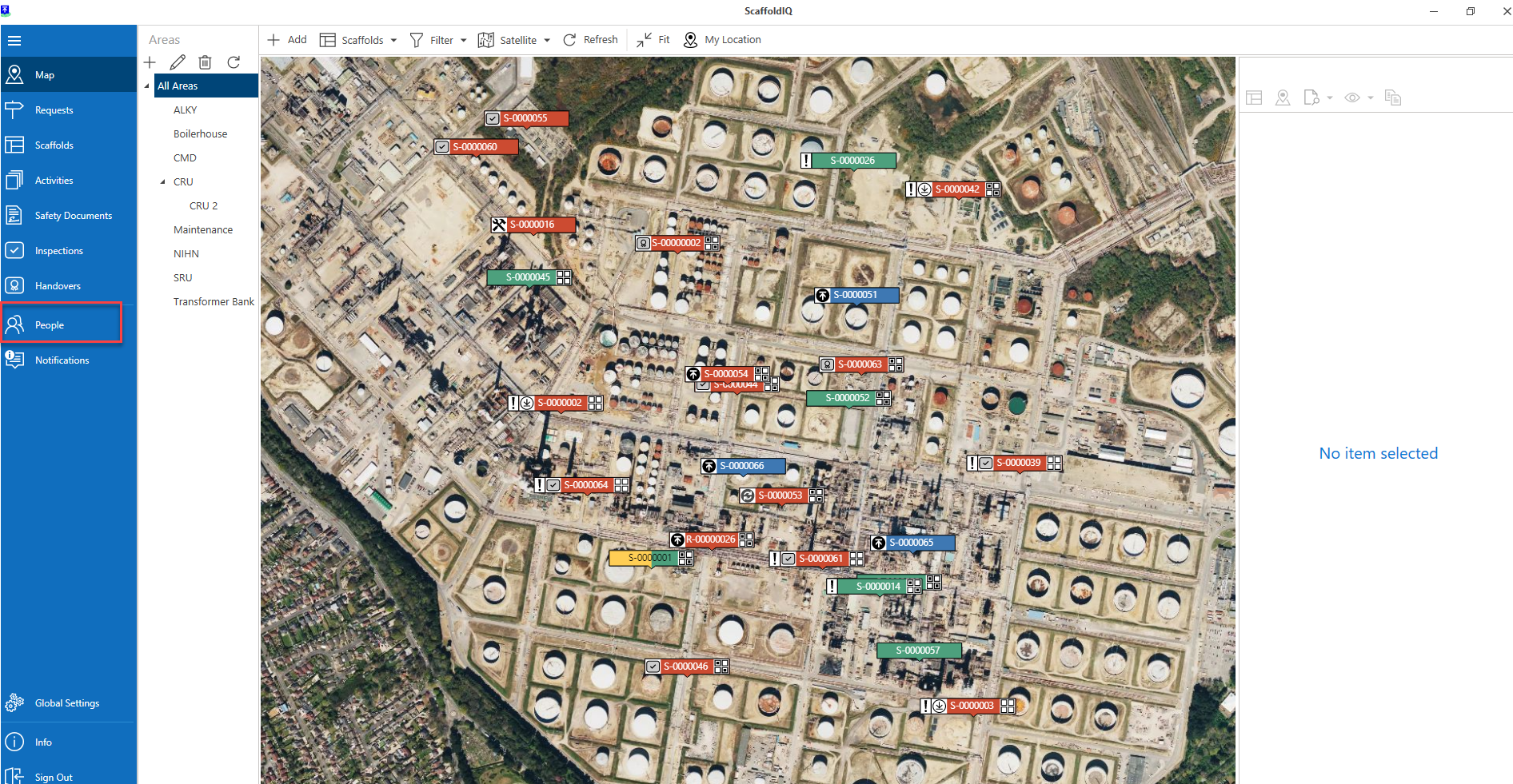
Select the People menu from the Main menu
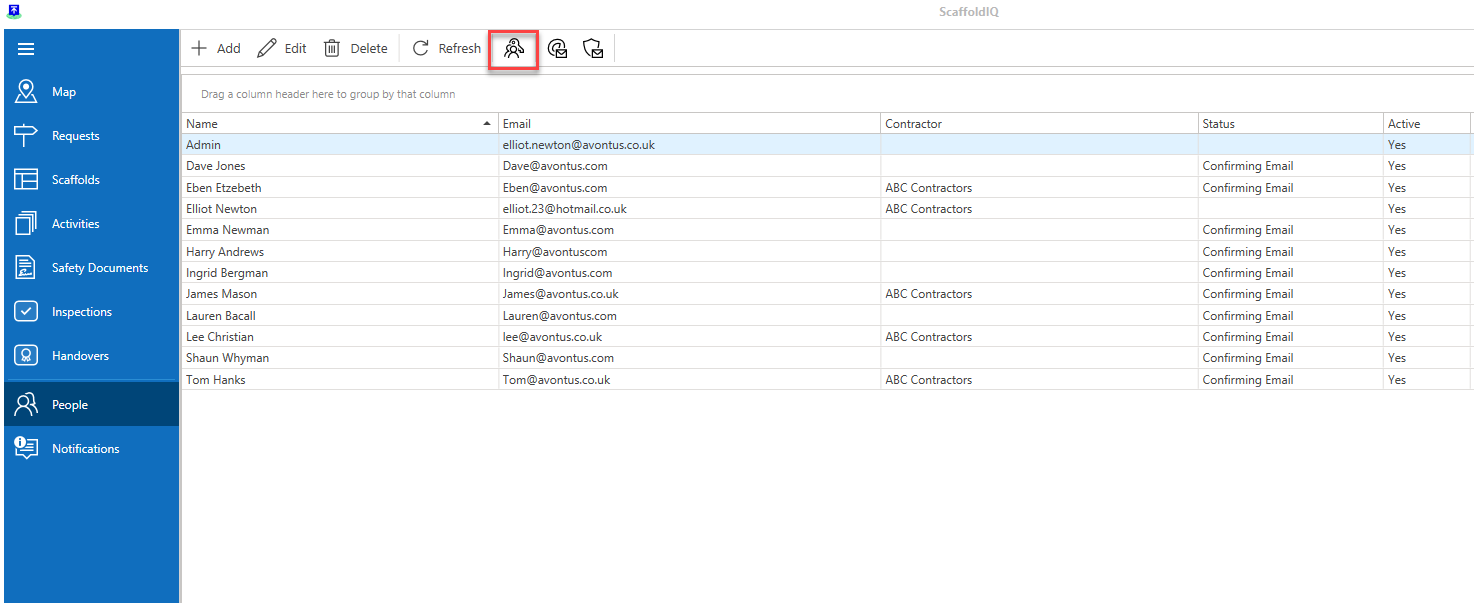
2. Select User Roles
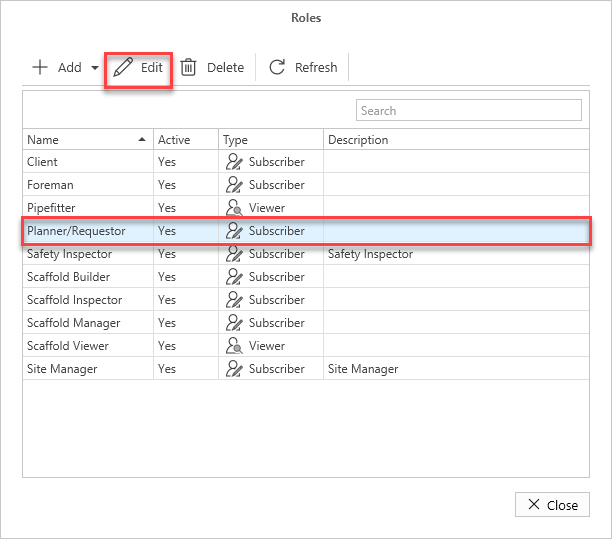
Click on a user role and select Edit
Make any changes and click OK