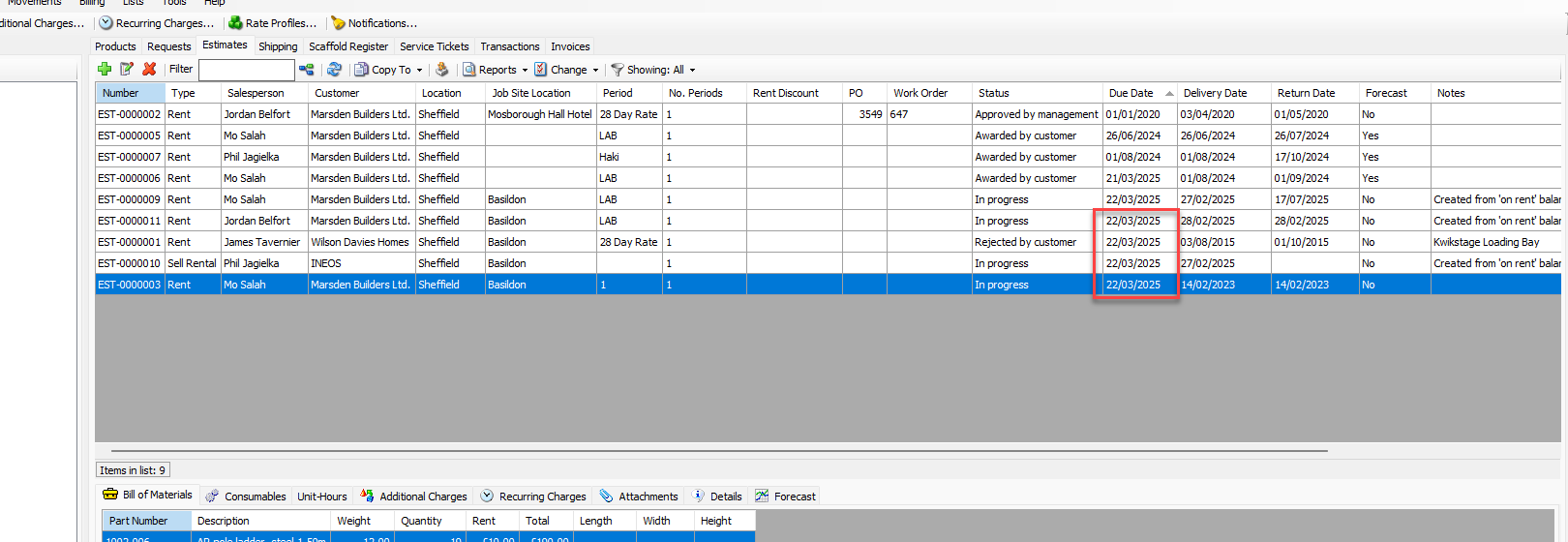
You can edit multiple Estimates at the same time, using Quantify's Multi-Edit feature. The Multi-Edit Selected Estimate(s) feature enables editing of the following items/fields:
Item |
| Type |
Consumables are Taxable | Yes/No | |
Customer | Drop-Down, Active Customers | |
Delivery Date | Date | |
Due Date | Date | |
Include in Forecasting | Yes/No | |
Job Site | Text | |
Purchase Order | Text | |
Rent is Taxable | Yes/No | |
Return Date | Date | |
Status | Drop-Down | |
Work Order | Text |
Editing Multiple Estimates
To edit multiple Estimates:
Click the appropriate location in the Organization Tree, then click the Estimates tab.
Hold Shift and select the Estimates you want to update
Click the Change dropdown and select Multi-Edit Selected Estimate(s).
.gif)
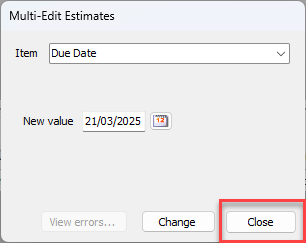
The Multi-Edit Estimates dialog appears.Click the Item dropdown and select the appropriate item to edit.
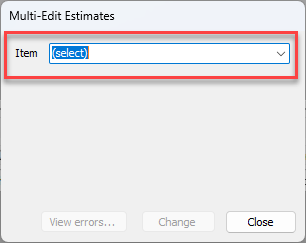
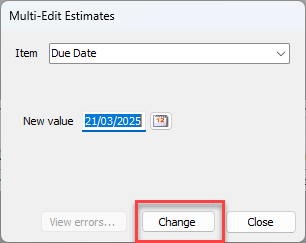
Click the new value dropdown list and select the appropriate value.
Note: If the New Value area contains a text field, click in the text field and enter the appropriate value.
Click Change.
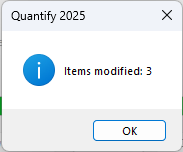
Click OK
Click Close
Refresh the tab by either selecting the refresh button os changing tab and returning to the Estimate tab
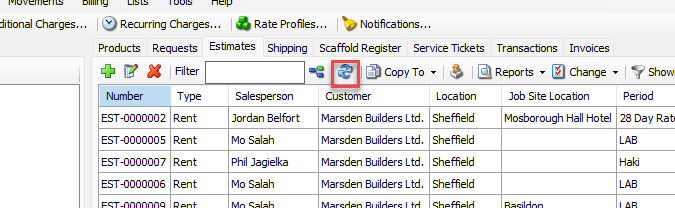
The estimate will be updated