Quantify's Print Preview feature enables you to quickly export your pivot reports.
To export a pivot report:
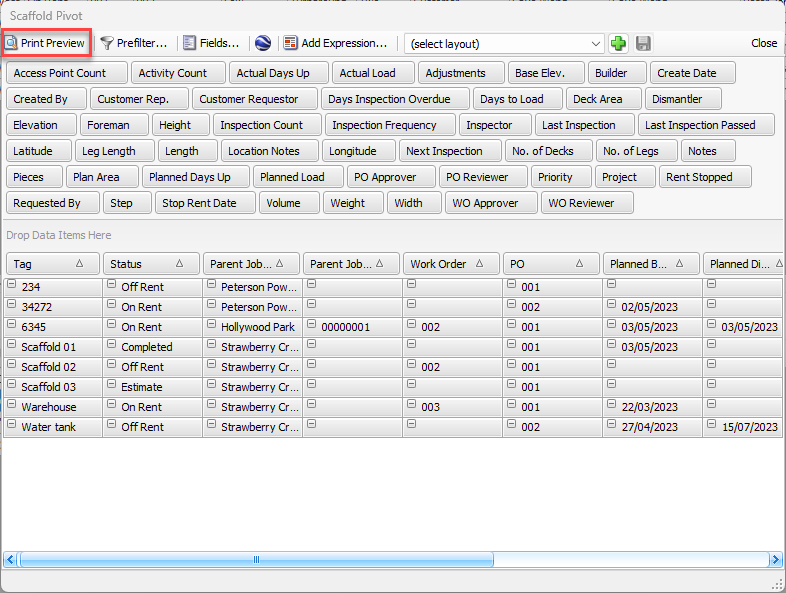
- Click Print Preview in the upper left of the pivot grid.
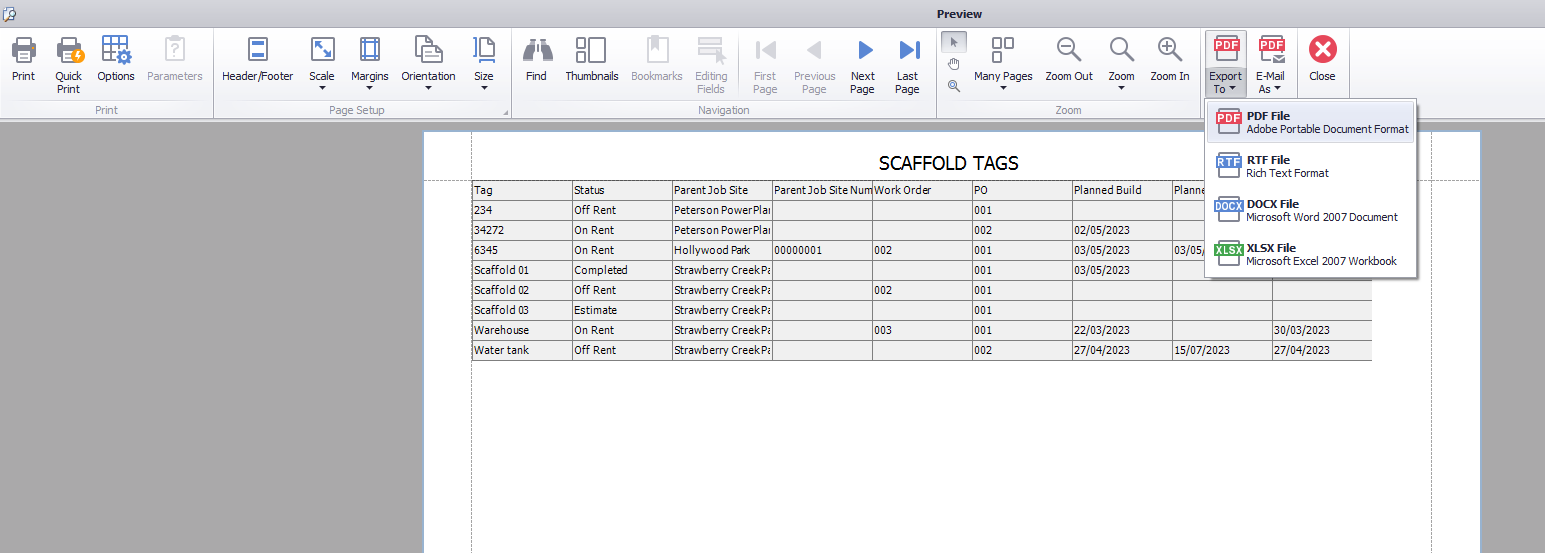
The Preview dialog appears. - Click the Export To dropdown and select the appropriate file type: PDF, RTF or XLSX (Excel).
The Save As dialog appears.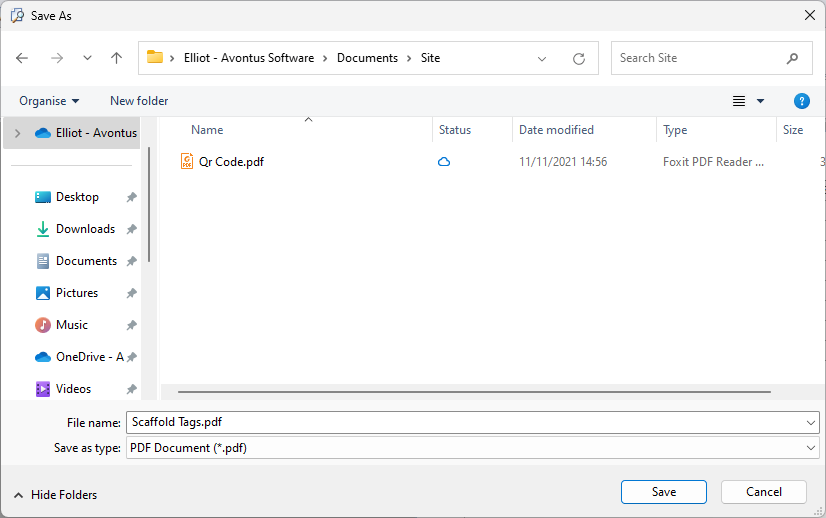
- Navigate to the folder into which you want to save the file and click Save.