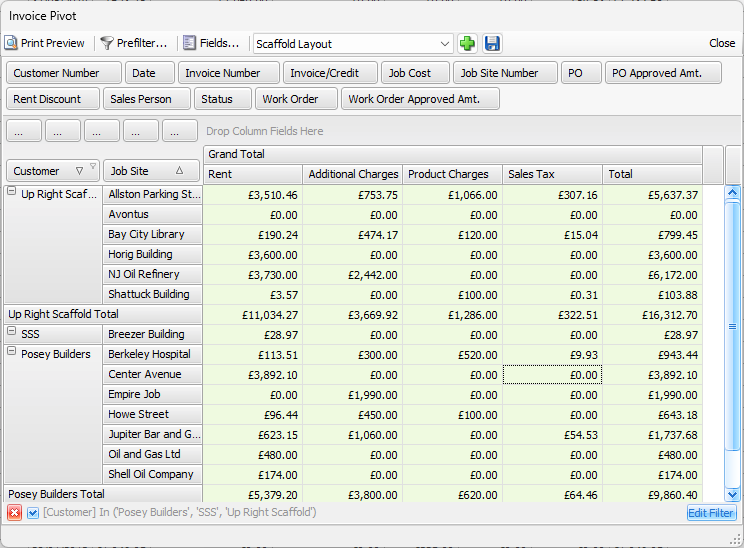
Quantify displays Filter buttons ( ) within field headers. When you click one, the Filter dropdown appears, enabling you to configure how you want to filter pivot grid data. For more information about filtering options, refer to Filter Buttons.
To filter a pivot report:
- Access the appropriate pivot report.
- Hover your cursor over the appropriate button and click its Filter button ().
The Filter dropdown appears.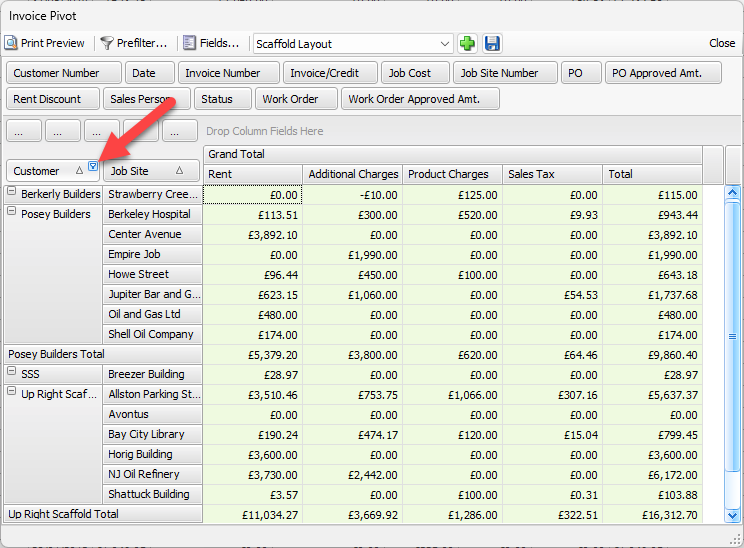
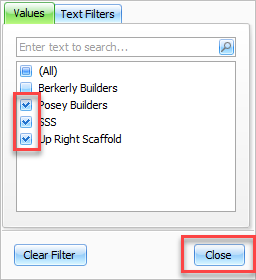
- Click the checkbox beside the filtering criteria you want to filter by.
- Click Close
Quantify filters the pivot report.