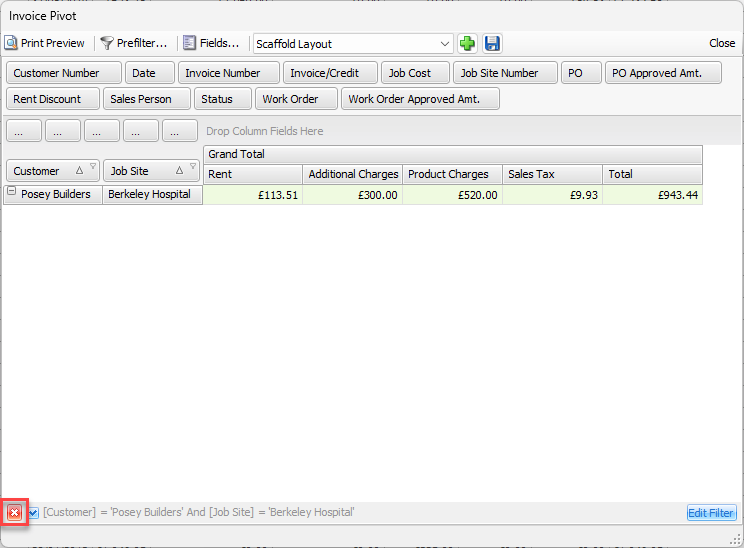
Quantify's Prefilter function enables you to build filter criteria that range from simple (with one or two criteria and logical operators) to complex (with an unlimited number of filter conditions combined with logical operators).
To prefilter a pivot report:
Access the appropriate pivot report.
Click the Prefilter button at the top of the pivot grid.
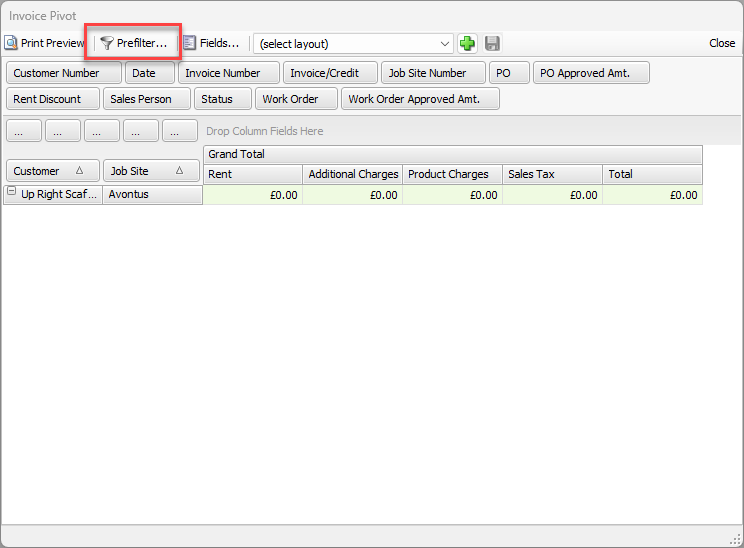
The PivotGrid Prefilter dialog appears.
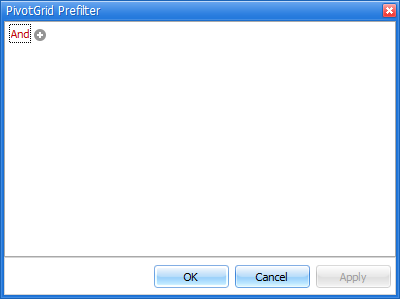
As necessary, click the current logical operator and select a new logical operator (Or, Not And, etc.).
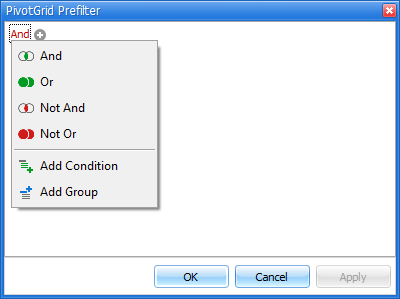
Click the plus sign (
 ).
).As necessary, click the filtering criteria and select the criteria you want to filter on from the dropdown that appears.
As necessary, click the condition and select the appropriate condition from the dropdown that appears.
As necessary, click <enter a value> and enter or select the value for the condition
Click outside the text field.
The value appears to the right of the condition..gif)
Click Apply to save the filter.
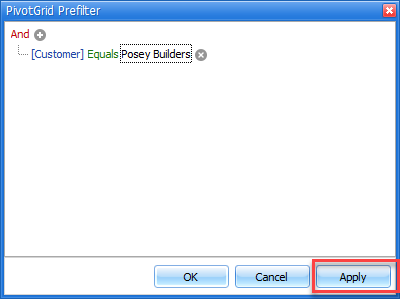
As necessary, use the steps above to add additional conditions or logical operators.
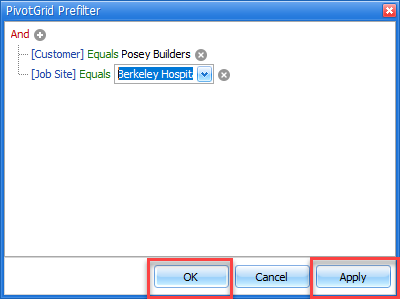
Click Apply and OK when you are done.
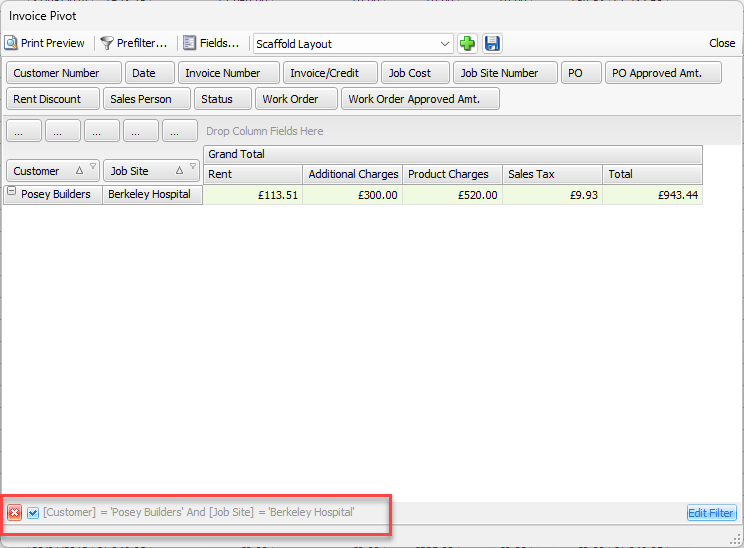
Once you apply the Prefilter, the prefilter panel reflects the prefilter at the bottom of the privot grid.
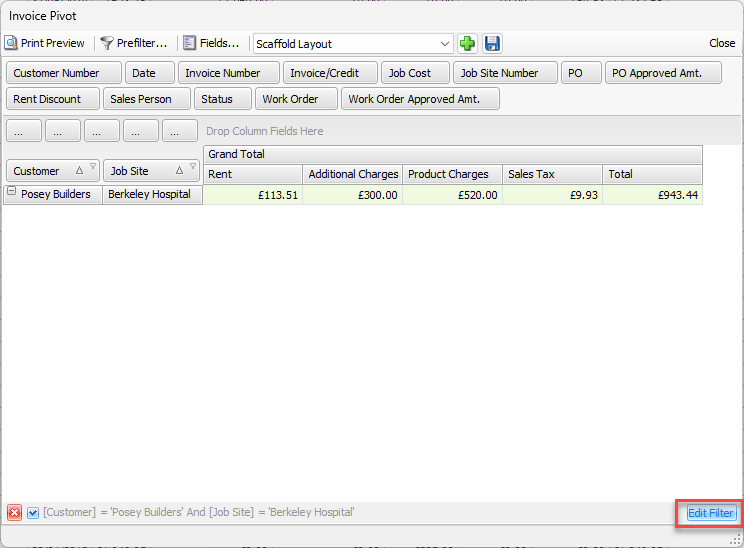
To edit the prefilter, click Edit Prefilter in lower the right of the dialog.
To disable/enable the prefilter, click the check box ( ) in the Prefilter panel.
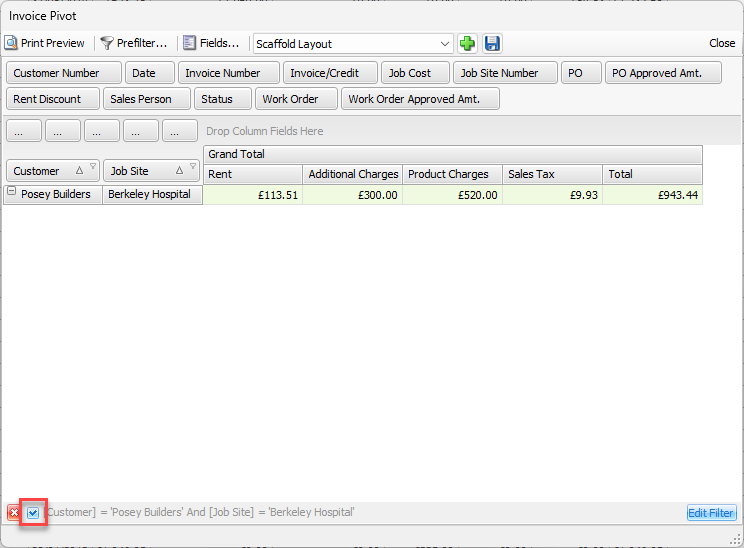
To remove the prefilter, click the Delete button ( ) in the lower left.