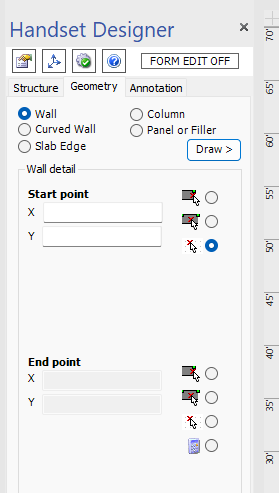
The Geometry tab provides X Y positioning tools for Walls, Slabs, Columns and Panels for precise placement on a drawing. Refer to About Coordinates.
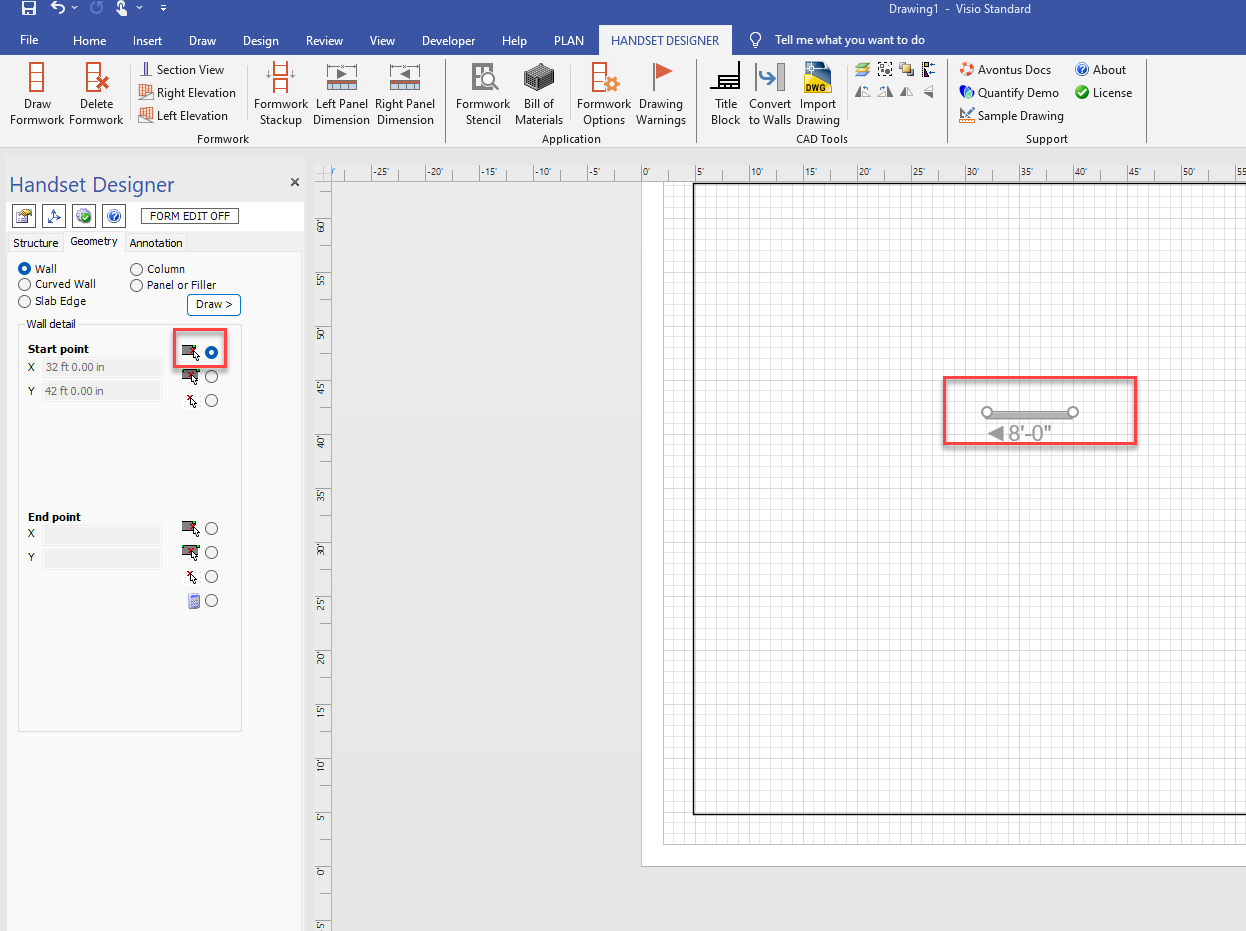
You will first need to select the Start Point of an object. Click the radio button and drag the object to the start point.
You will then need to select the endpoint by dragging the wall to that location
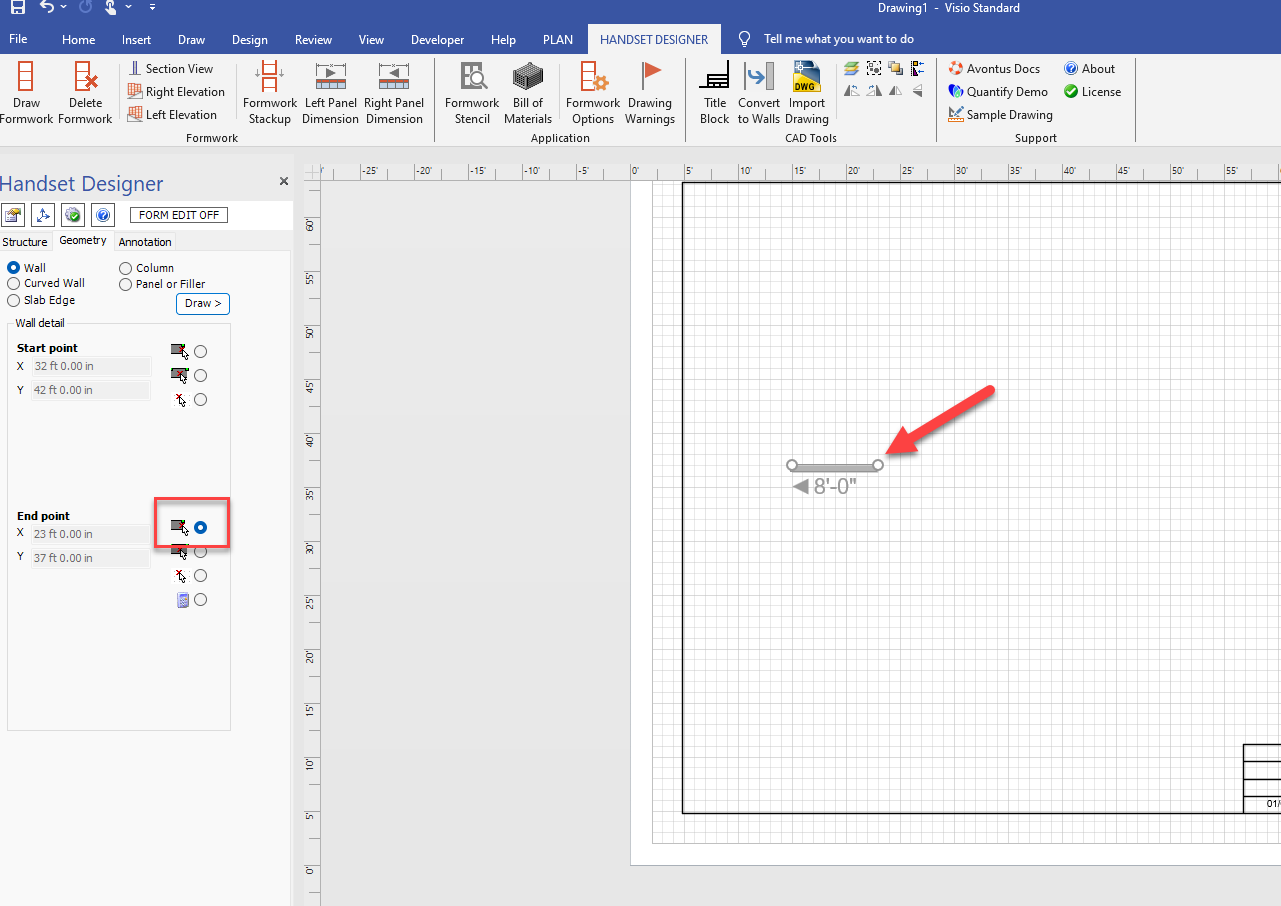
A wall will be created to link the start and endpoints together.