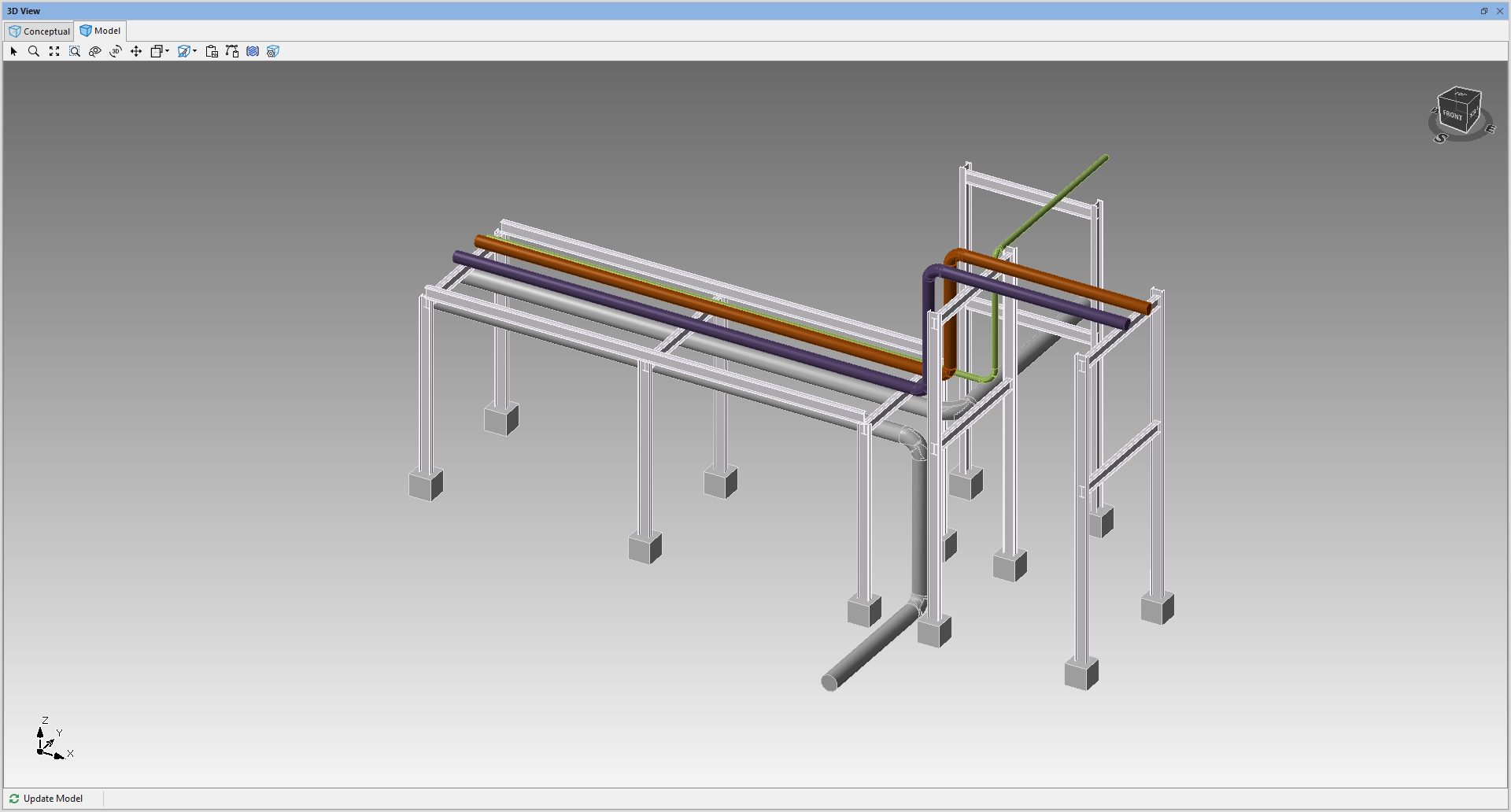
You can import a 3D CAD drawing.
Multiple models can be imported into the same Designer Drawing
This can be useful if you have multiple files for the same model.
- Separate Model files for different construction phases
- Walls
- Foundation
- Plumbing
- Electrical
- Separate Model files for different areas of a plant
- Separate Model files for different buildings in a complex
To do this:
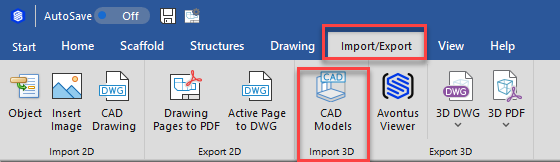
- Select the Import/Export Tab
- Click CAD Models
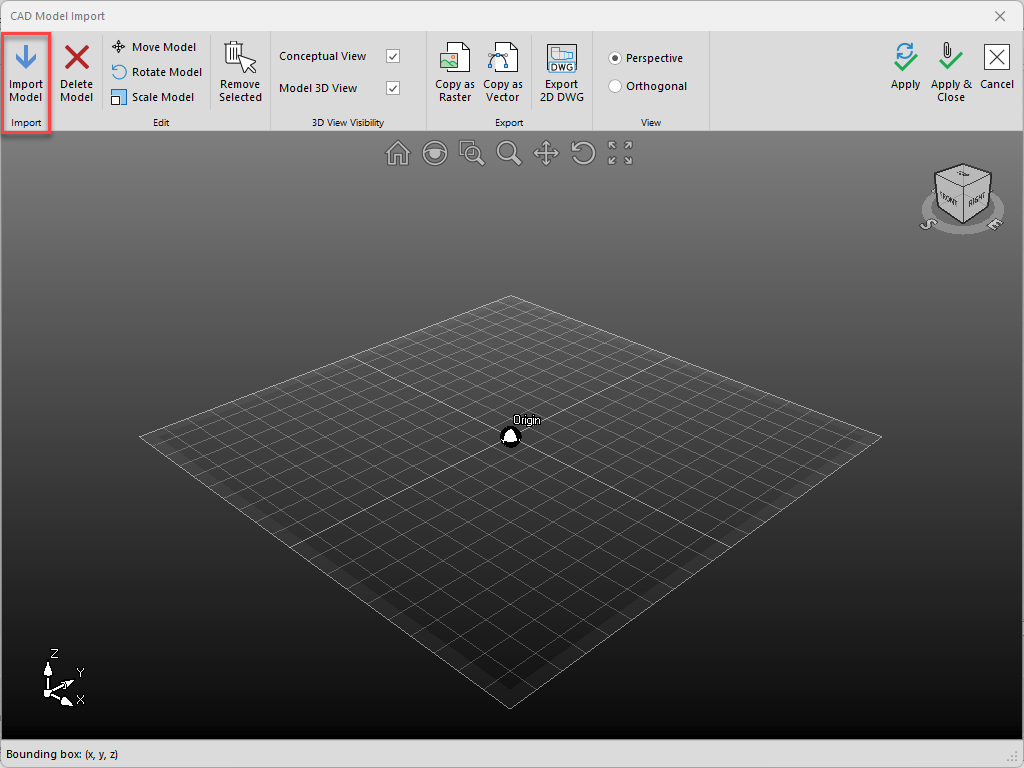
- In the CAD Model import dialog, select Import Model
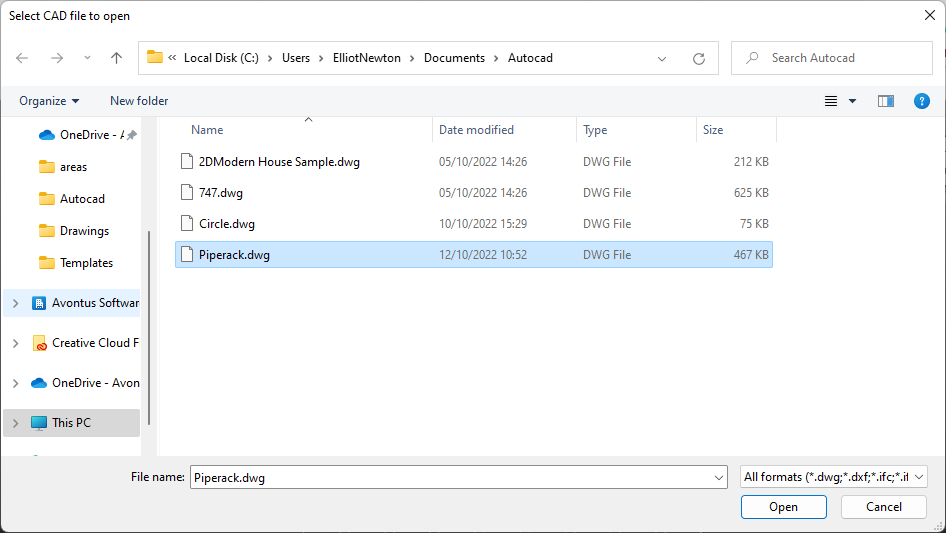
- Navigate to and open your chosen file
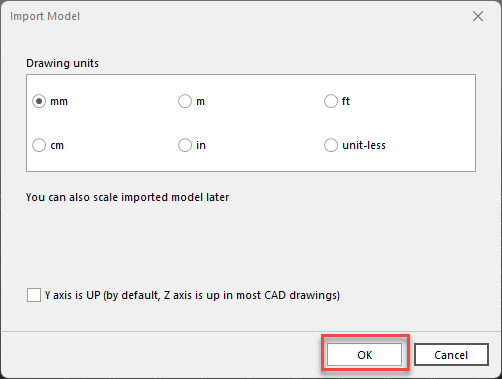
- Select the drawing units and click OK
- Click Apply or Apply & Close
You may need to move and rotate the model into the correct position, please see Orienting the model for more information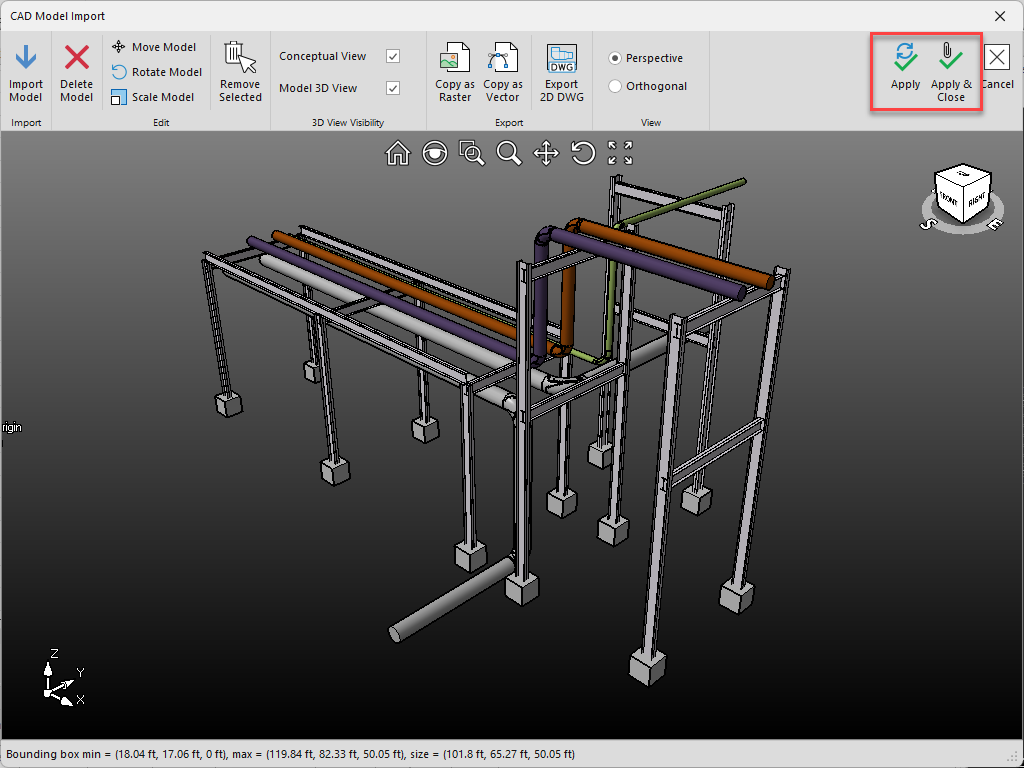
The model will be imported