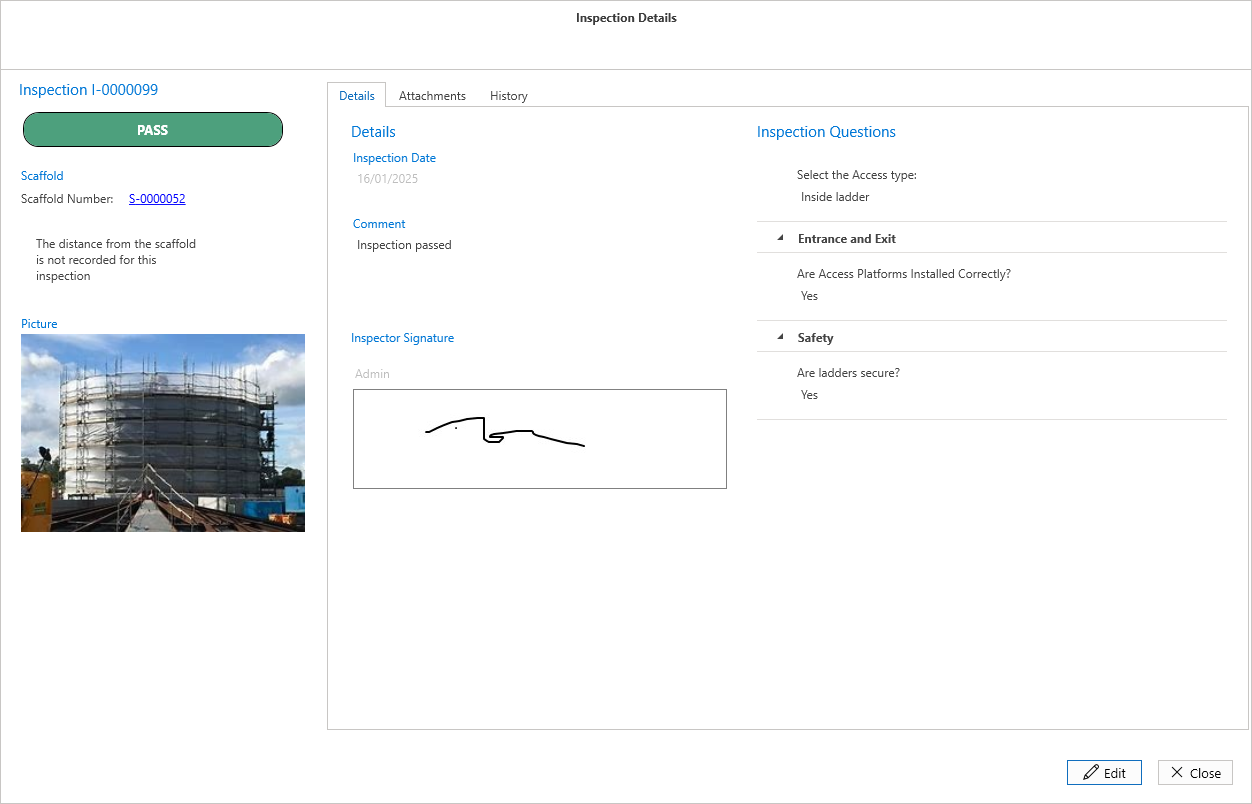
The Inspections Details dialog screen displays the inspection's details, such as the comment provided during the inspection of the scaffold.
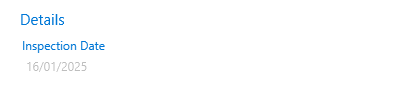
Inspection Date
The Inspection Date is the date the inspection was completed.
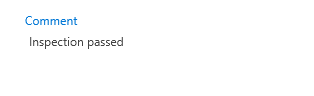
Comment
A comment is a note added by an inspector user that relates to the inspection, explaining why it has been passed or why it failed.
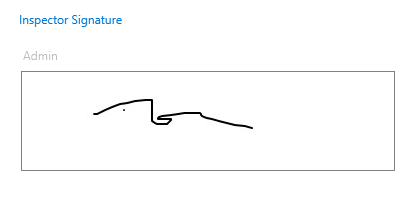
Inspector signature
This will be the signature of the inspector.
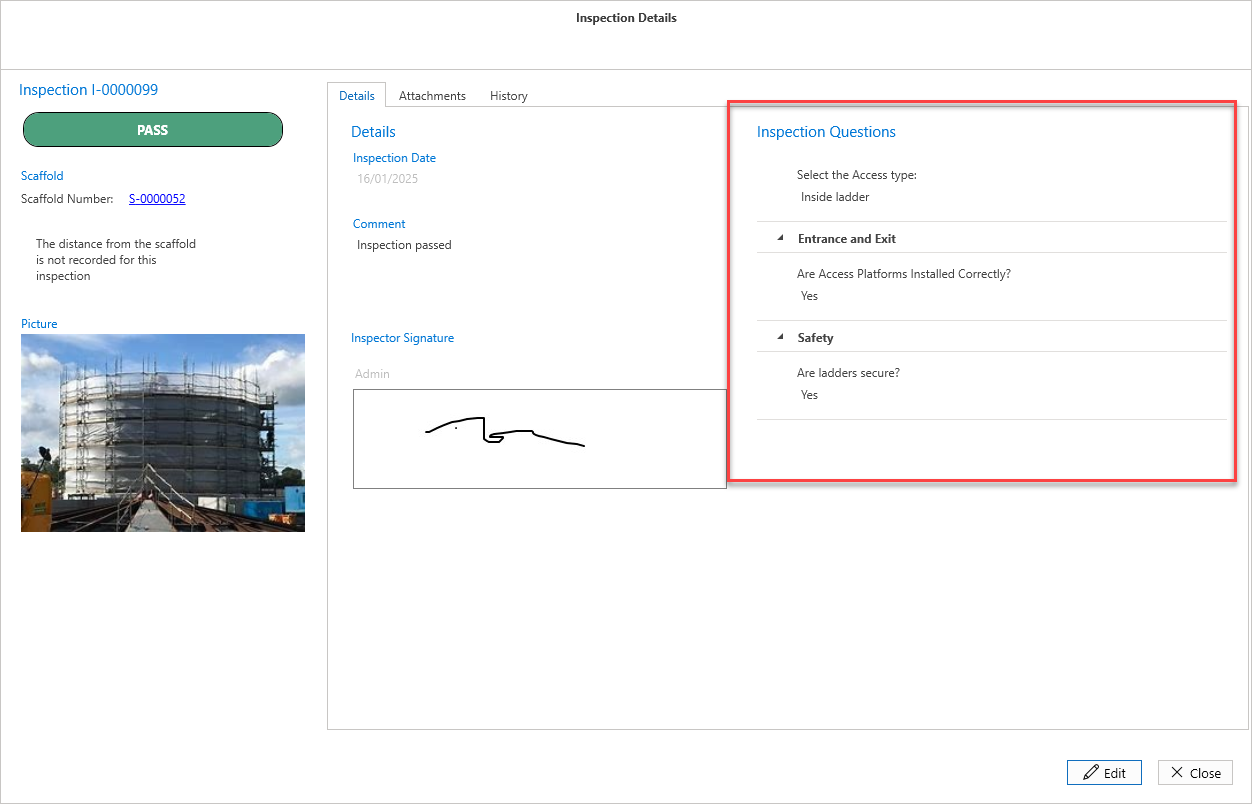
Inspections Questions
These are questions answered by the inspector in relation to the inspection of this scaffold.
For more information on Inspection Questions, please visit the Custom Properties guide.
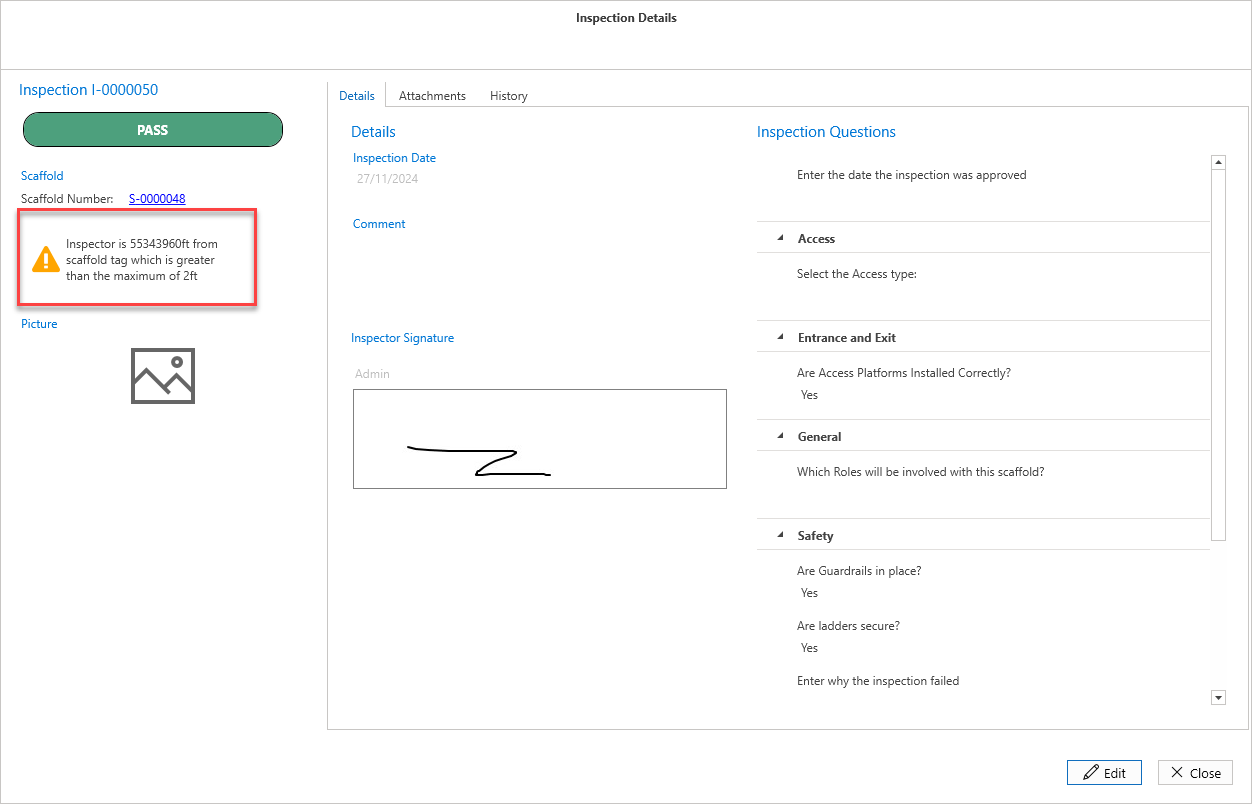
Some inspections may have a warning if the inspector exceeded the maximum distance away from the inspected scaffold. This value can be configured in the Global Settings screen. If it is exceeded, a warning will appear under the Scaffold Number.
Attachments
The Attachments tab is for adding any related documents to the inspection, such as an image of the scaffold or the Inspection Report.
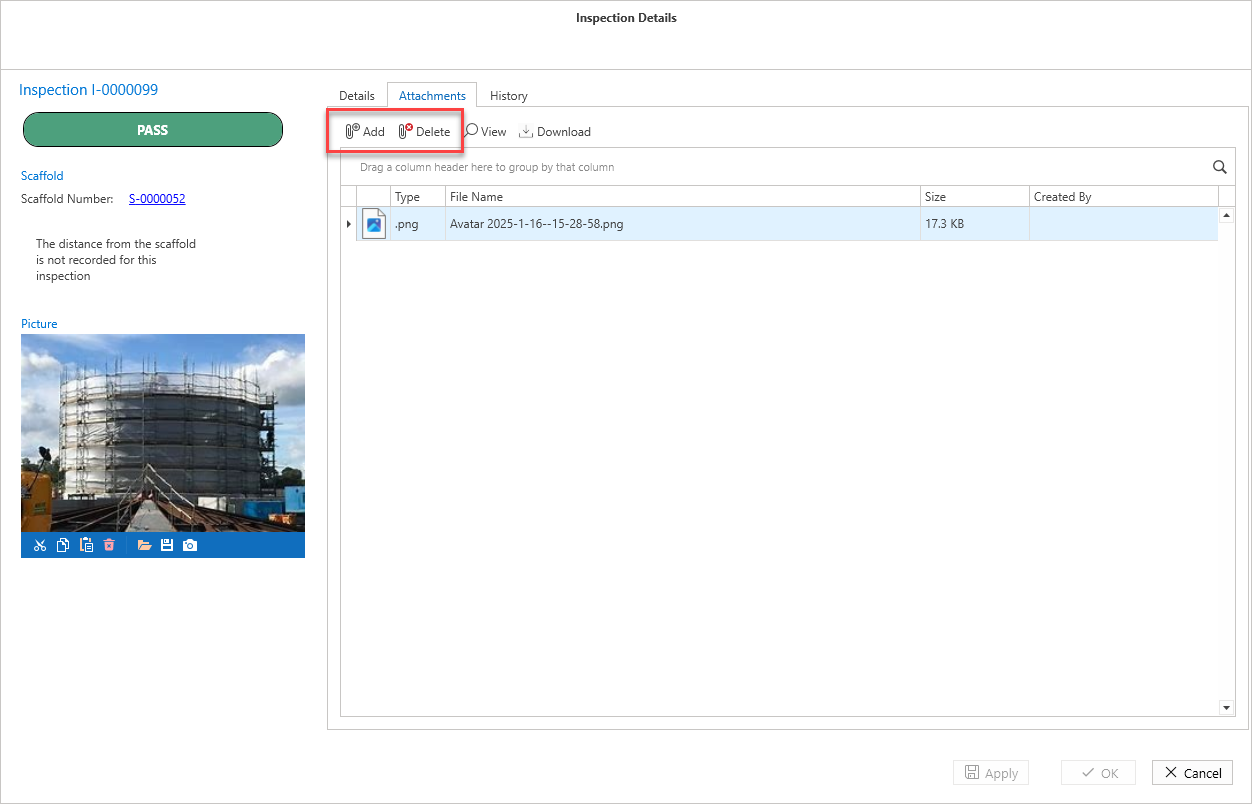
Click Edit to add or delete files.
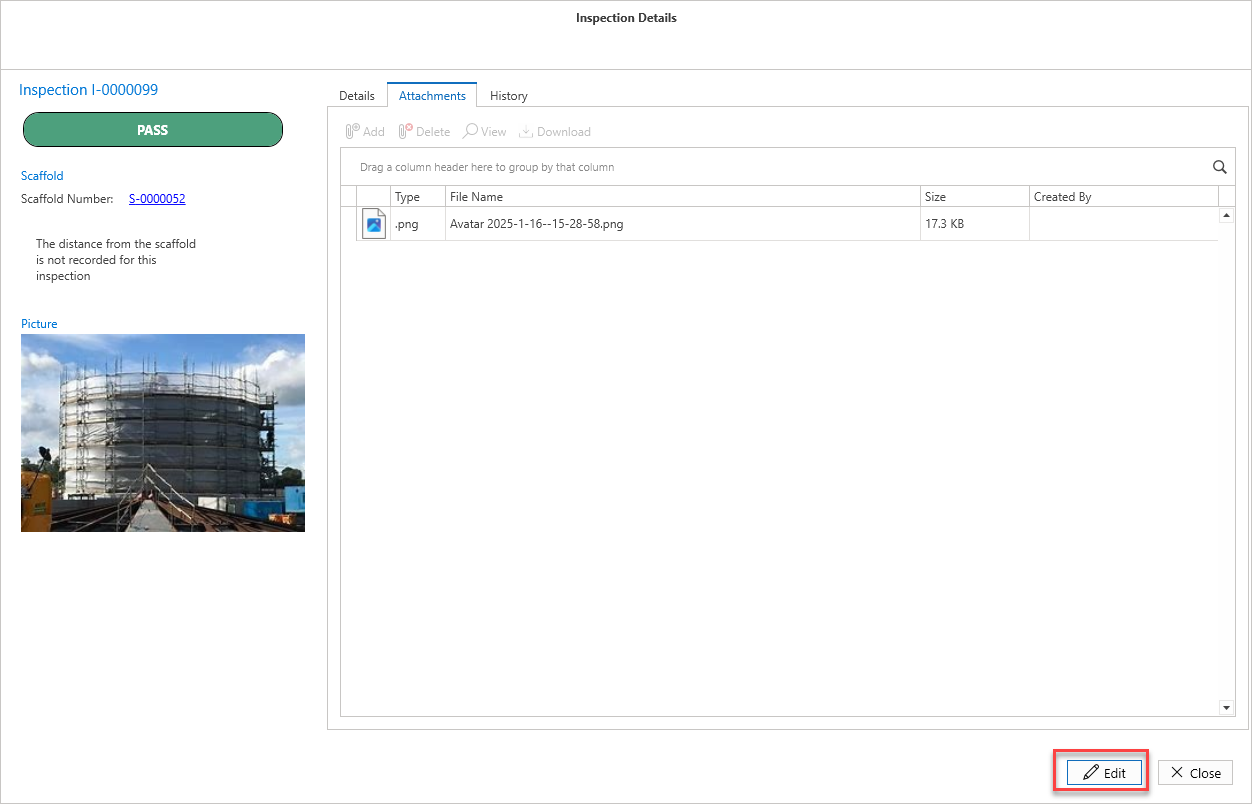
The options to Add and Delete attachments become available
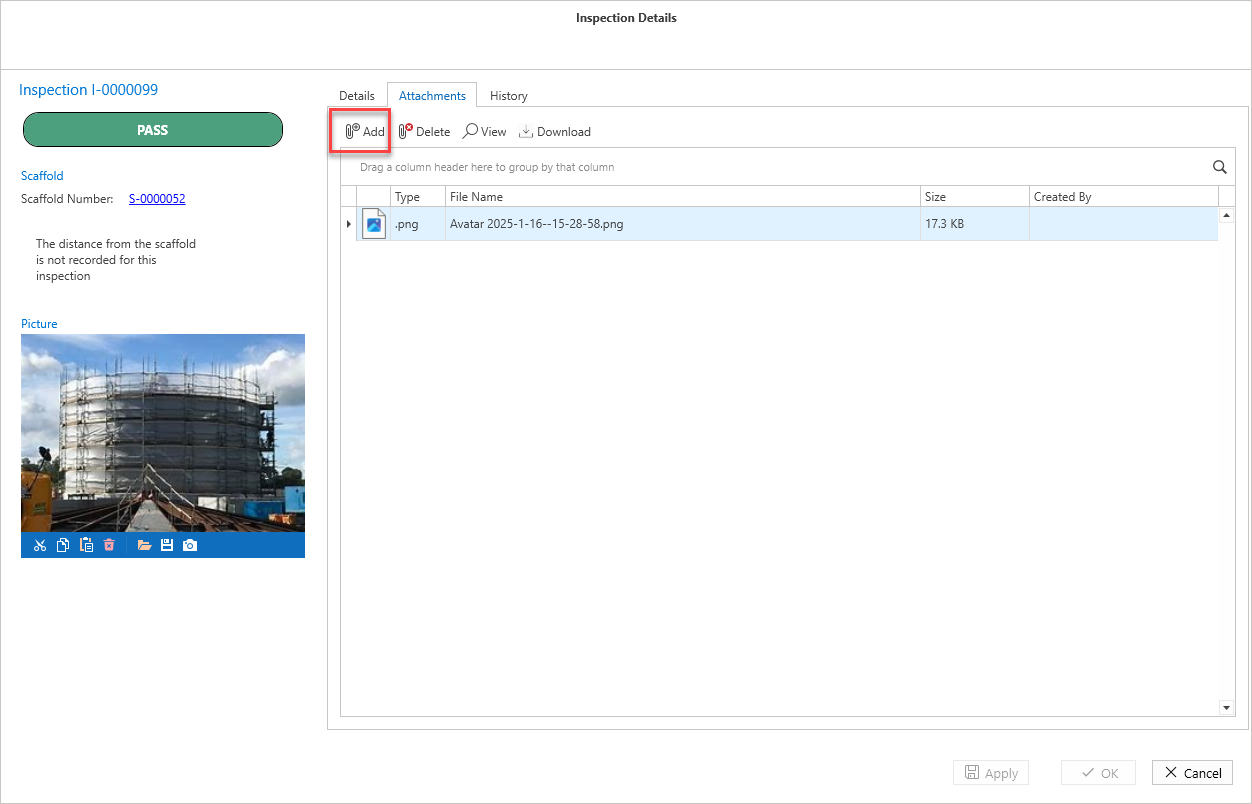
Click Add to add an attachment
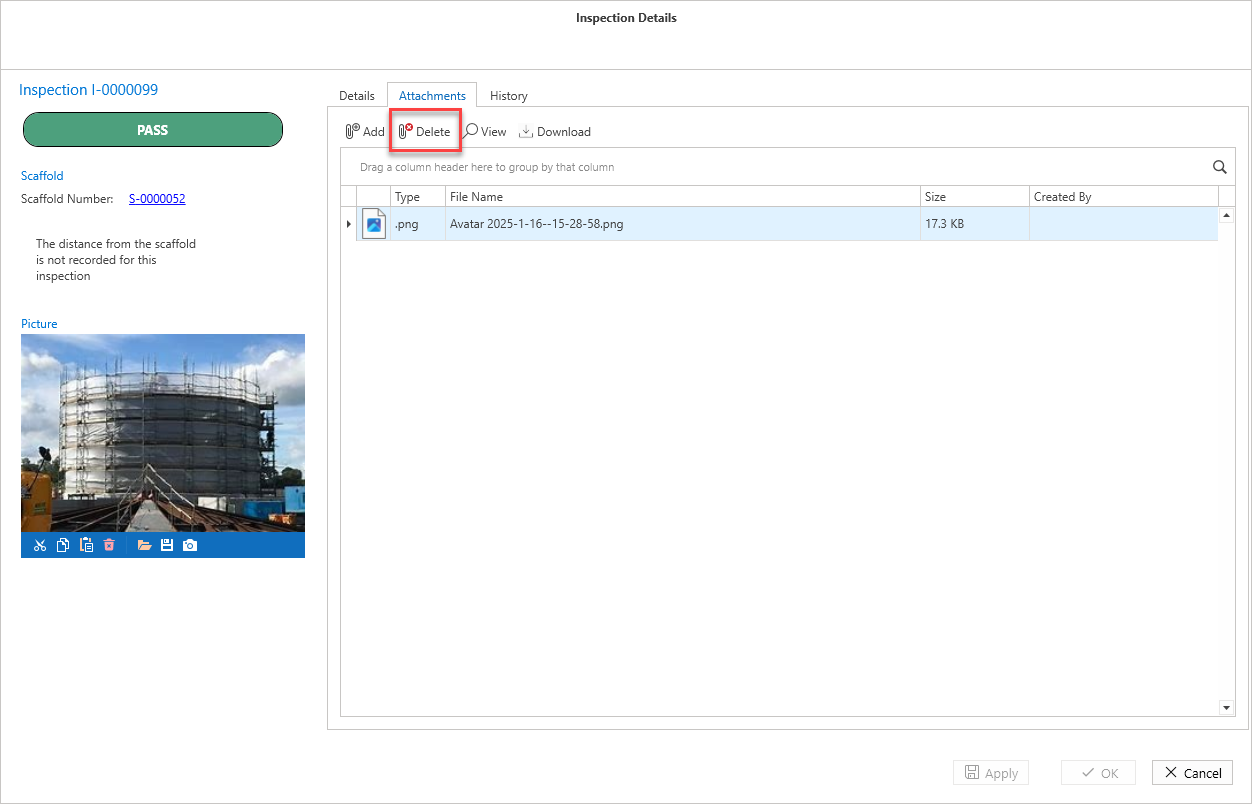
To delete a file, click on the file to be deleted then click Delete.
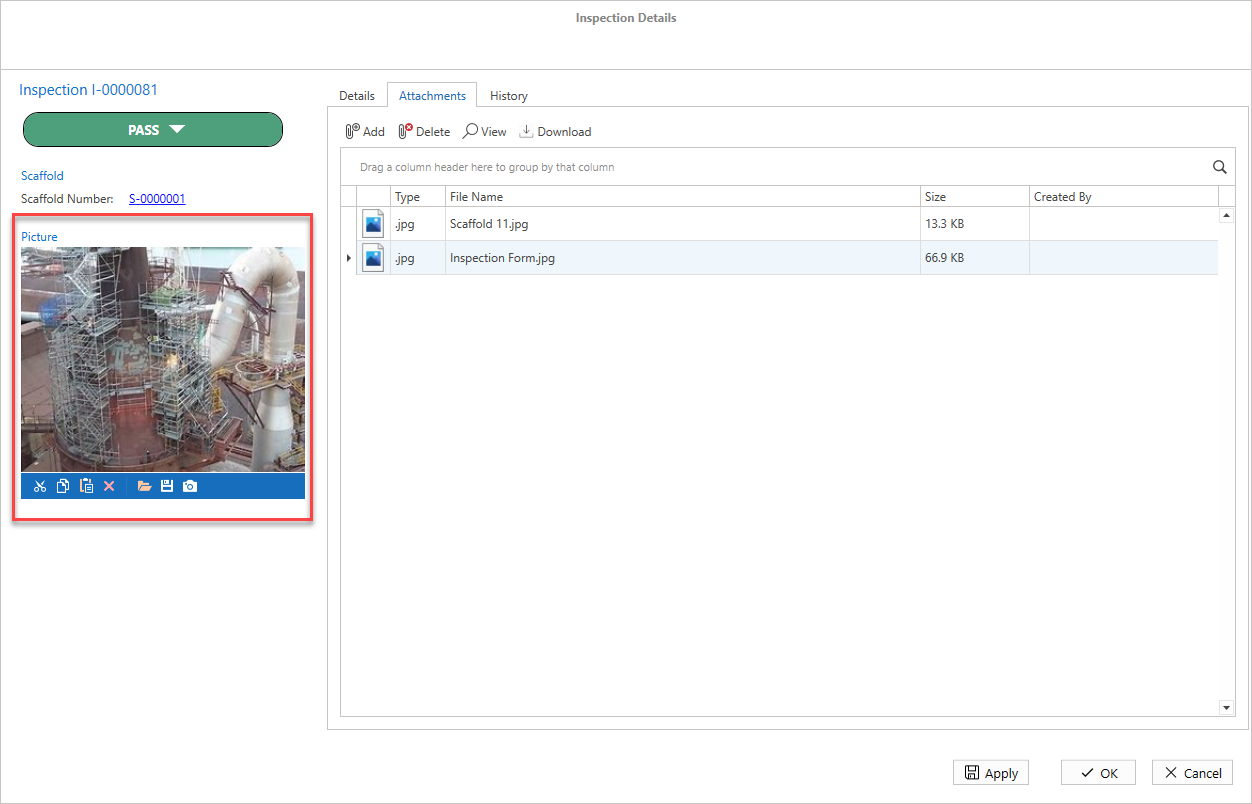
You can also add and delete a picture of the Scaffold.
Select  to delete the image and select
  to add a file.
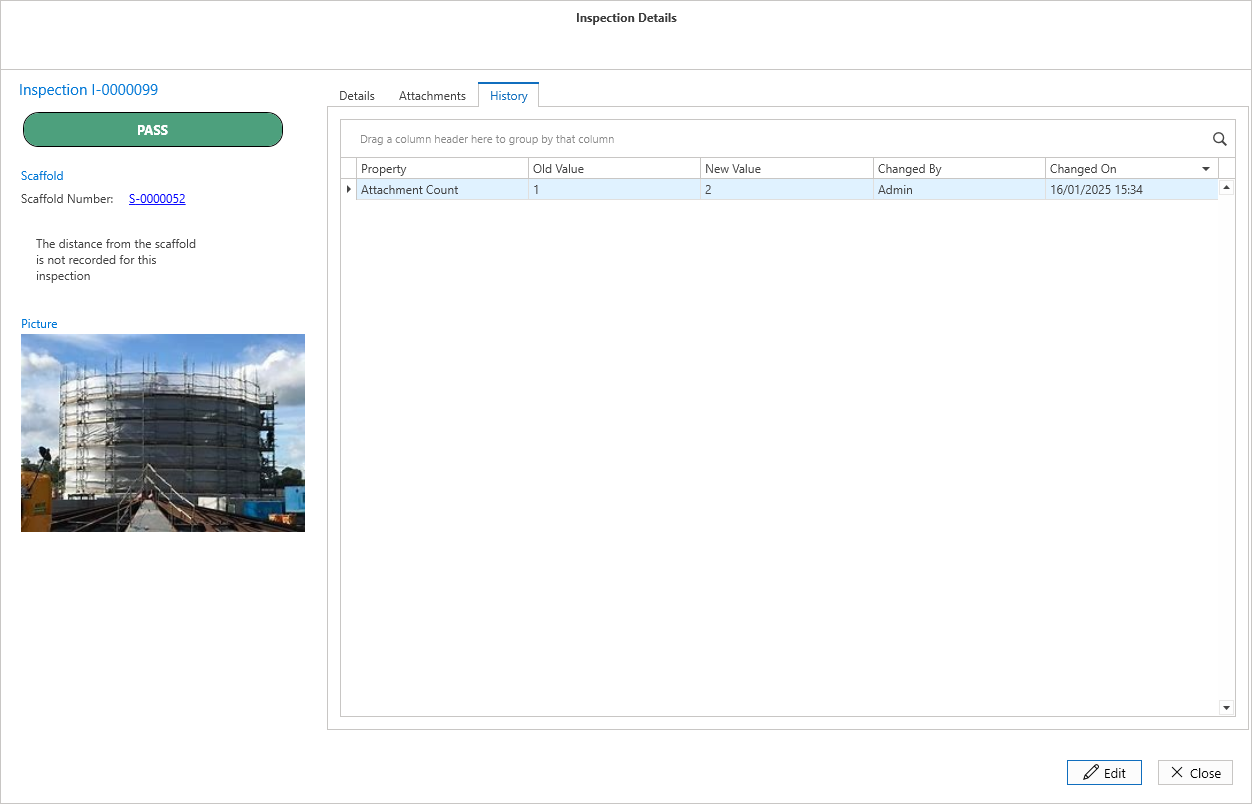
History
The History tab provides an overview of the inspection's history, such as newly added attachments.