The Handover section provides an overview of all passed and failed Handovers.
Note: You can only view passed or failed Handovers, not Handovers that are in progress.
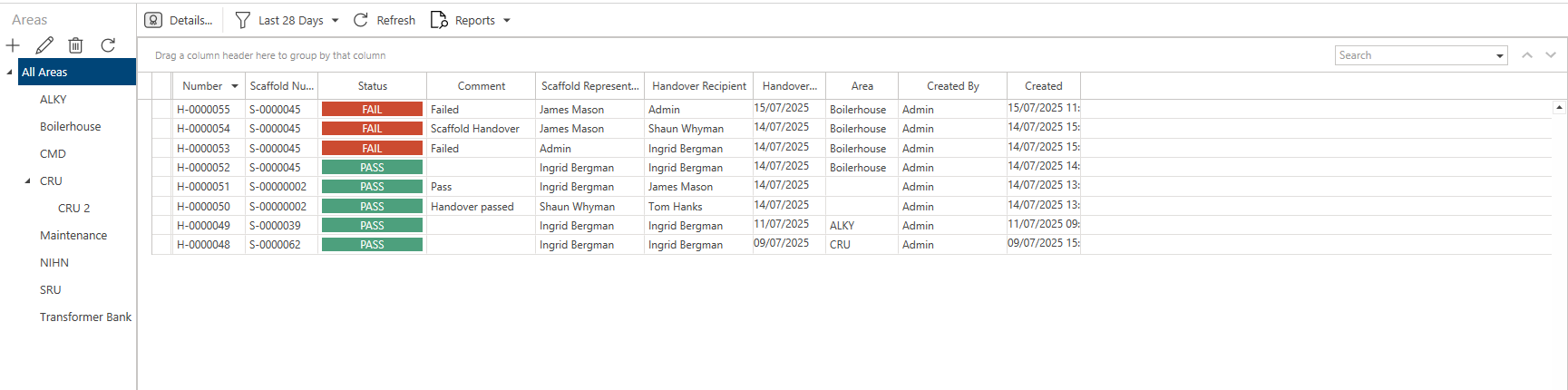
Click on a Handover (or select Details) to open the Handover Details screen.
Along the toolbar are five options.
Details
Open the selected Handover's details.

Delete
Delete the selected Handover.

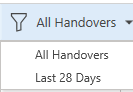
Last 28 Days/All Handovers.
Select to display all Handovers or only those that were performed in the last 28 days
Refresh
Refresh the screen.

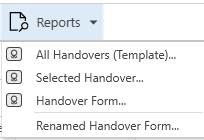
Reports
Click this to create a report on a selected Handover or all Handovers.
Note: See Custom Properties for more information on creating reports.