The Inspections section provides an overview of all passed or failed inspections. Whenever a scaffold's inspection is passed or failed you can find details of the scaffold inspection here.
Note: You can only view passed or failed inspections, not ongoing or scheduled inspections on the Inspections screen.
Click Details or double-click to open the details of an Inspection.
The table provides information on the scaffold, such the scaffold inspected, the status (whether it passed or failed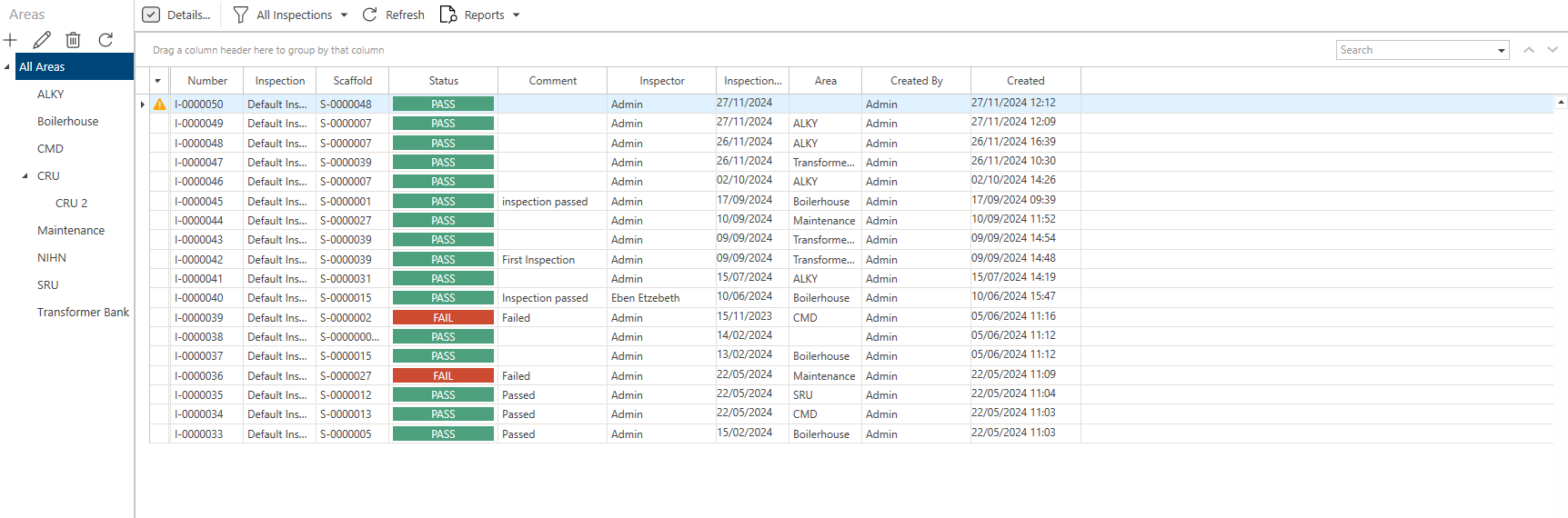
Note: You can click on an area to view Inspections assigned to that area.
Double-click on an inspection to open its details.
Note: You can also click an inspection and select Details to open the inspection's details.
Along the toolbar are five options.
Details
Open the select inspection's details.

Delete
Delete the selected inspection.

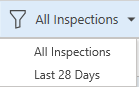
Last 28 Days/All Inspections
Select to display all inspections or only those performed in the last 28 days.
Refresh
Refresh the screen.

Reports
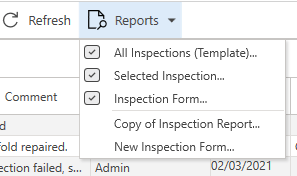
Click this to create a report on a selected inspection or all inspections.
Note: See Custom Properties for more information on creating reports.