When synchronizing Invoices to QuickBooks, Quantify first matches the Customer. If a Customer match is found, Quantify then looks for matching Job Site names.
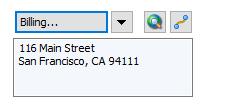
When synchronizing a new Job Site, the Job Site is automatically added to QuickBooks if a matching Job Site (by name) isn't found. The billing address on the Quantify Job Site is added to the QuickBooks job.
Quantify Job Site
| Corresponding QuickBooks Job Site 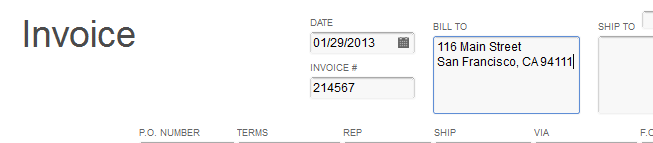 |