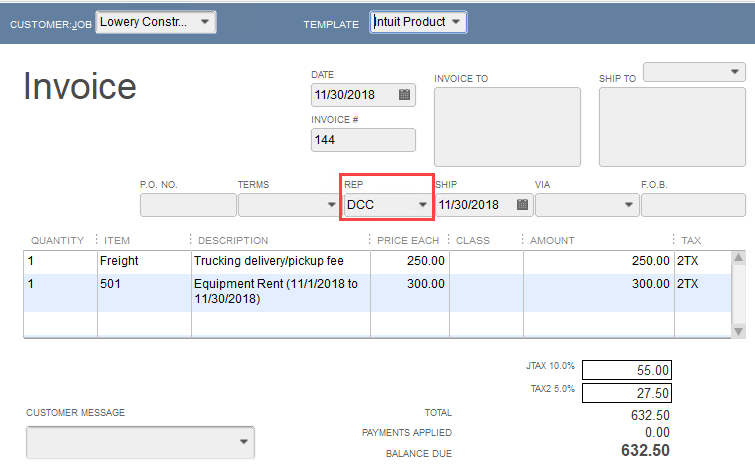
You can associate a Quantify User with a QuickBooks Sales Rep. The Quantify user assigned to a Job Site's User 1 control will automatically populate the QuickBooks invoice sales rep when a matching sales rep is found in QuickBooks.
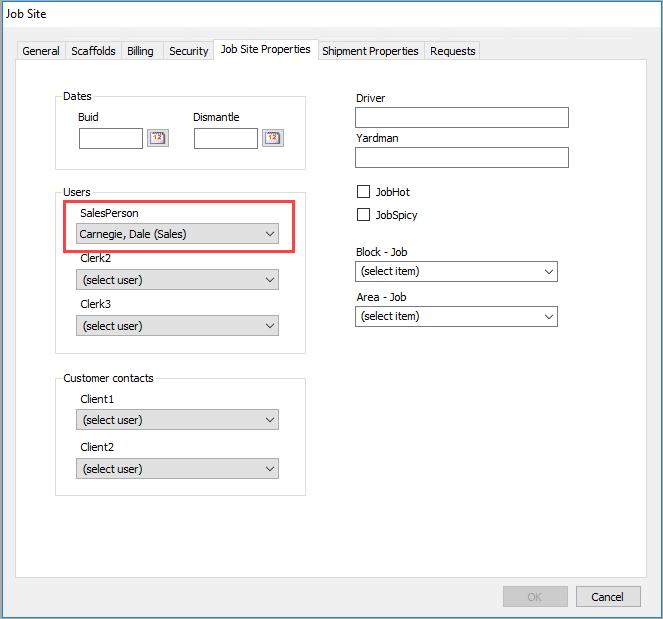
This association is obtained by assigning a user to the User 1 field in the Job Site dialog's Job Site Properties tab.
Note: In this example, the User 1 control has been renamed to SalesPerson in Global Options. Refer to About the Global Options Dialog Job Site Options Tab.
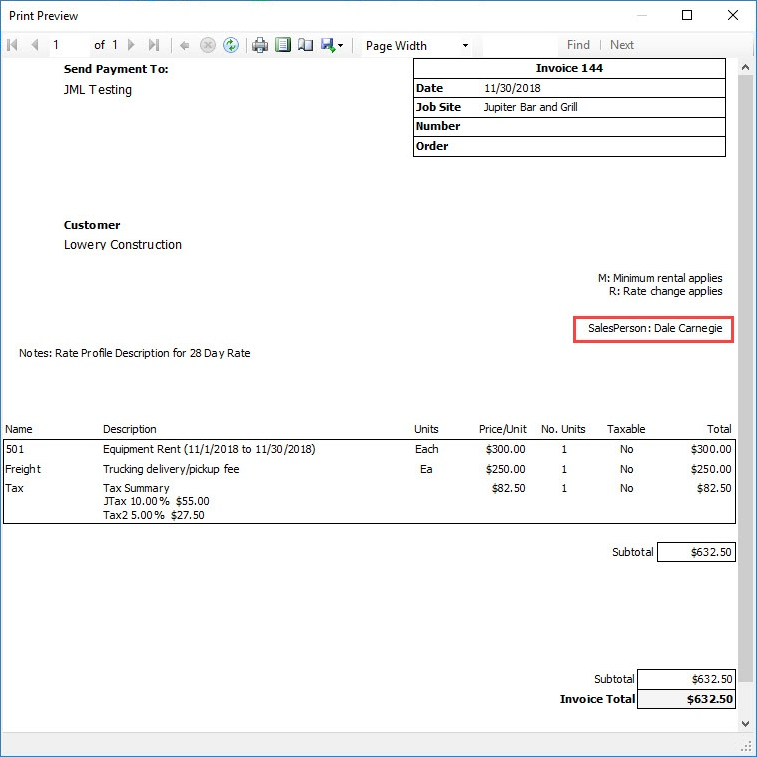
This user is reported on Shipments and on the Quantify Invoice.
After synchronizing with QuickBooks, the new invoice created in QuickBooks shows the Sales Rep association.