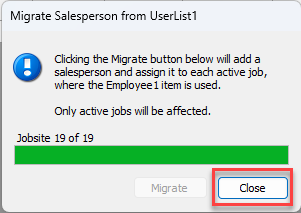
In past versions, you could configure Quantify so that every Job Site has a required Salesman field, which will appear in all invoices for that Job Site, using User Lists. Now you can create sales people, and you can migrate UserList1 to Salespeople.
To do this
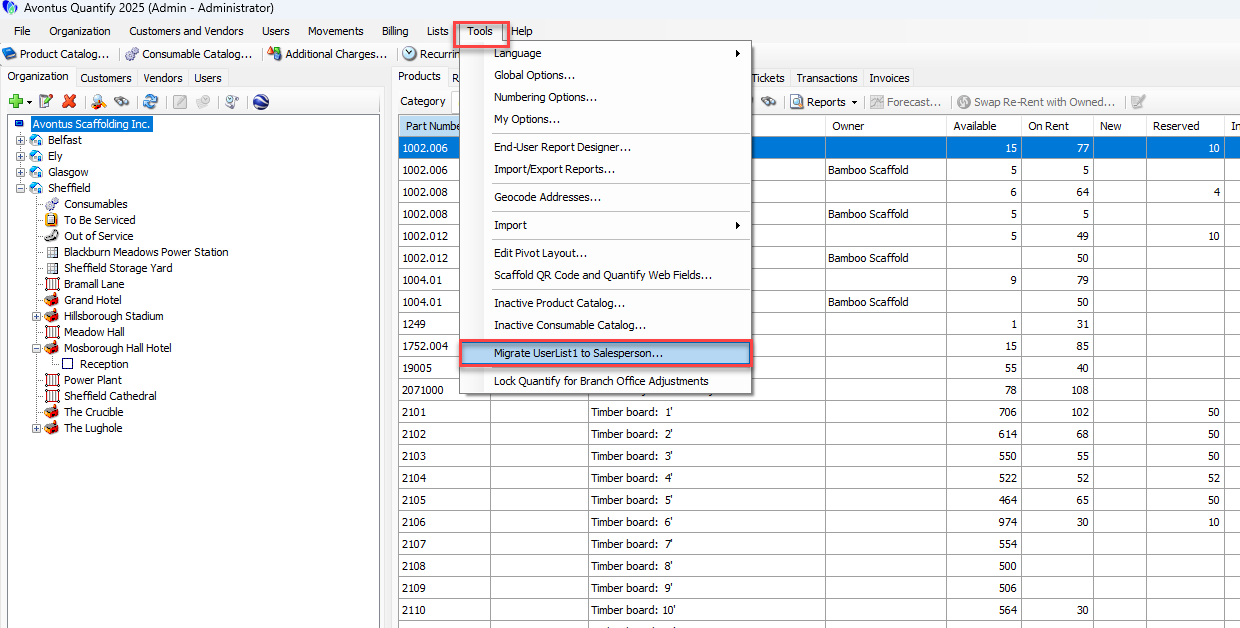
Select Tools
Select Migrate UserList1 to Salesperson
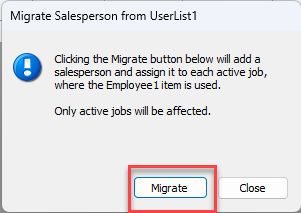
Click Migrate
All instances will be updated.
Click Close