There may be some circumstances where an erected scaffold requires some modifications. For instance, two extra bays need to be created for pipe welding.
Note: You can bypass the Handover stage after a modification by enabling the bypassing of the Handover stage in the Scaffold Settings screen
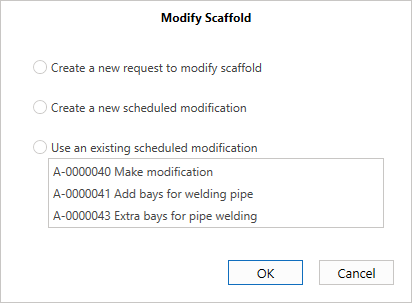
When modifying a scaffold, you will be given three options:
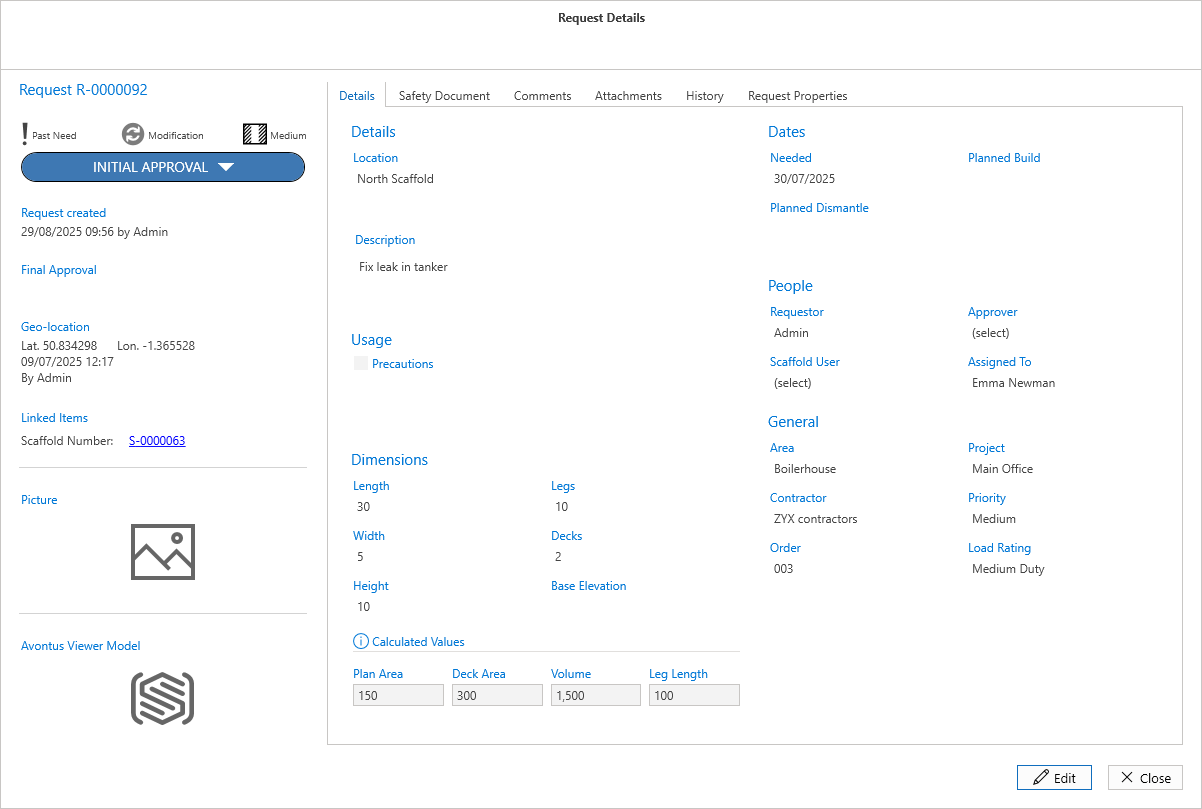
Create a new request to Modify Scaffold - This opens the Request Details screen allowing the requestor to specify the changes that need to be made to the scaffold and creates this as a new request. This request can be viewed in the Request screen and the Request screen of the scaffold. Once approved, this will create a modification that can be used again by selecting the Use an existing scheduled modification option.
Create a new scheduled modification - Create a scheduled modification without creating a new request. This will create a modification that can be used again by selecting the Use an existing scheduled modification option.
Use an existing scheduled modification - Create a scheduled modification from an already existing modification.
For more information, please see Scheduled Modification.