uantify enables you to move a Job Site with a simple click-and-drag procedure.
Moving a Job Site from One Branch Office to Another Branch Office
Quantify enables you to move one Job Site from its original location in a Branch Office and place into another Branch Office.
To move a Job Site from one Branch Office to another:
Expand the Branch Office that contains the Job Site you want to move.
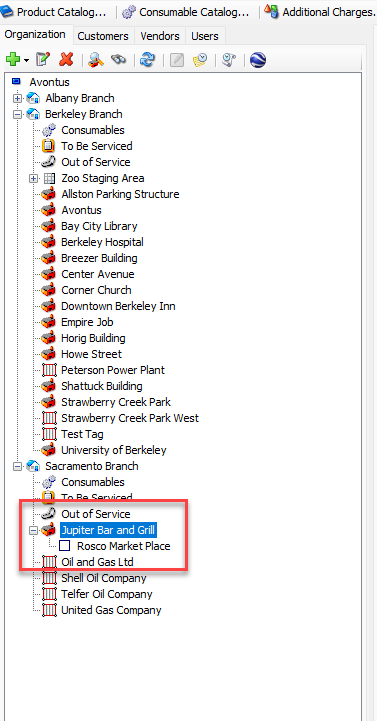
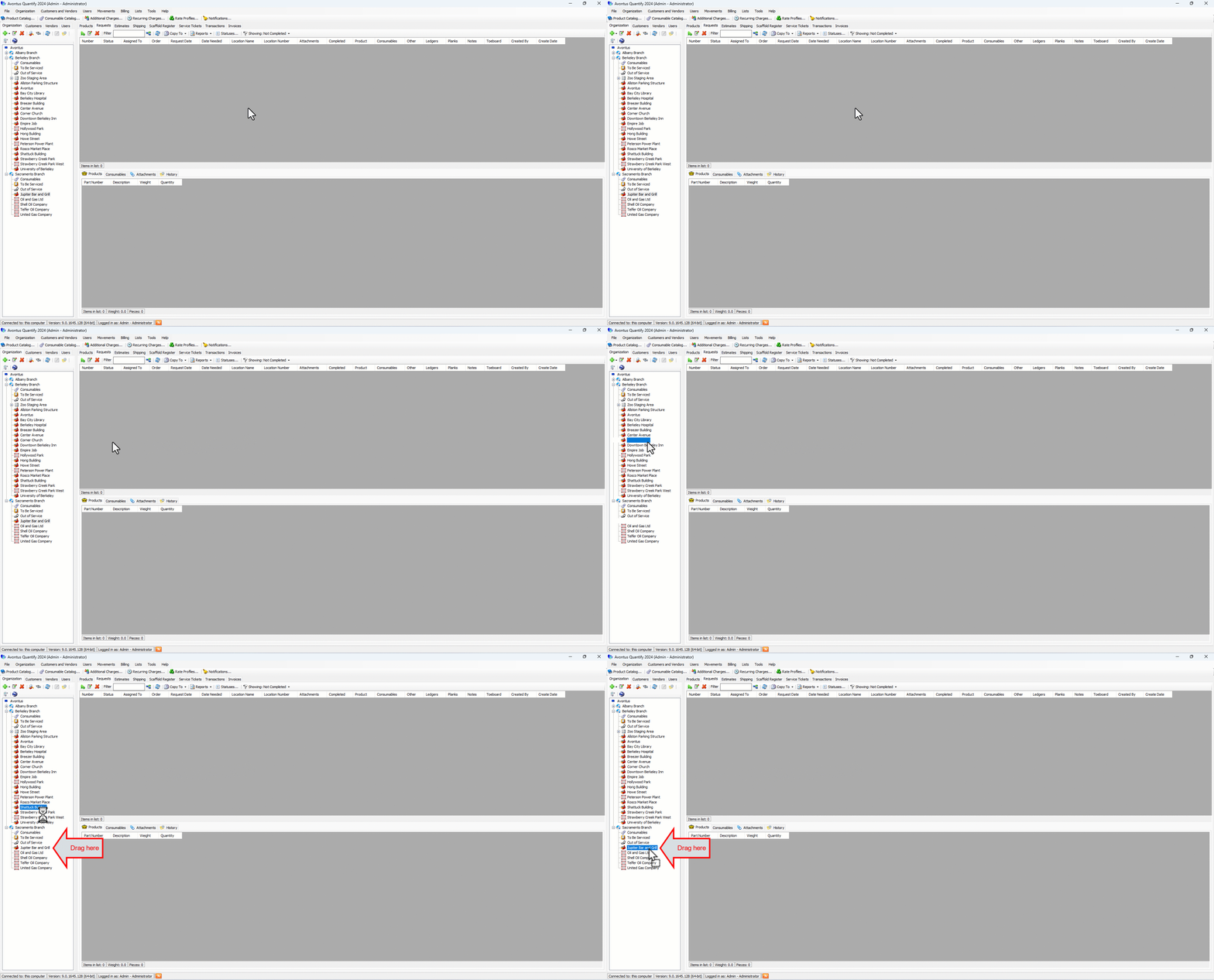
Click and drag the appropriate Job Site from its place in the original Branch Office onto the other Branch Office.
.gif)
A confirmation dialog appears.
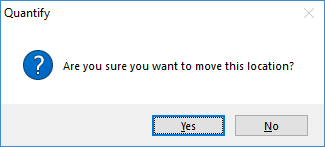
Click Yes.
A second confirmation dialog appears.
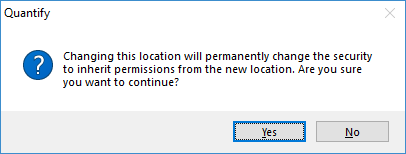
Click Yes.
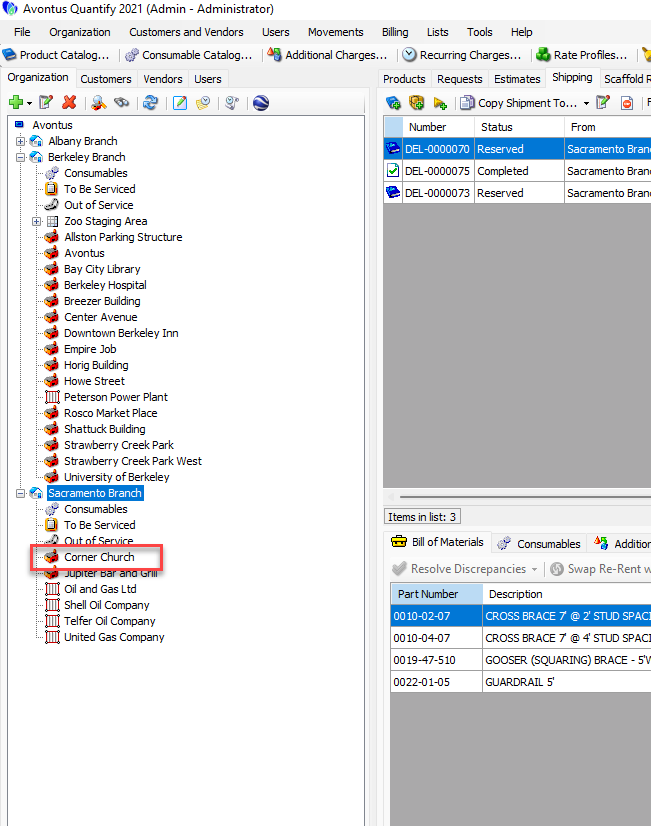
Quantify moves and converts the Job Site.
Moving a Job Site from One Branch Office to a Job Site in Another Branch Office
Quantify enables you to move one Job Site from its original location in a Branch Office onto another Job Site in a another Branch Office. When you do this, Quantify converts the Job Site into a group that resides under the selected Job site.
To move a Job Site from one Branch Office to a Job Site in another Branch Office:
Expand the two Branch Office you want to work with.
Click and drag the appropriate Job Site from its place in the original Branch Office onto the appropriate Job Site in the other Branch Office.
A confirmation dialog appears.
Click Yes.
A second confirmation dialog appears.
Click Yes.
Quantify moves and converts the Job Site.