Quantify enables you to quickly copy an existing Job Site. This is similar to creating a Group under a Job Site, but actually creates a copy of the Job Site under the same Branch Office.
To copy a Job Site:
Right-click the appropriate Job Site and select Copy Job Site from the menu that appears.
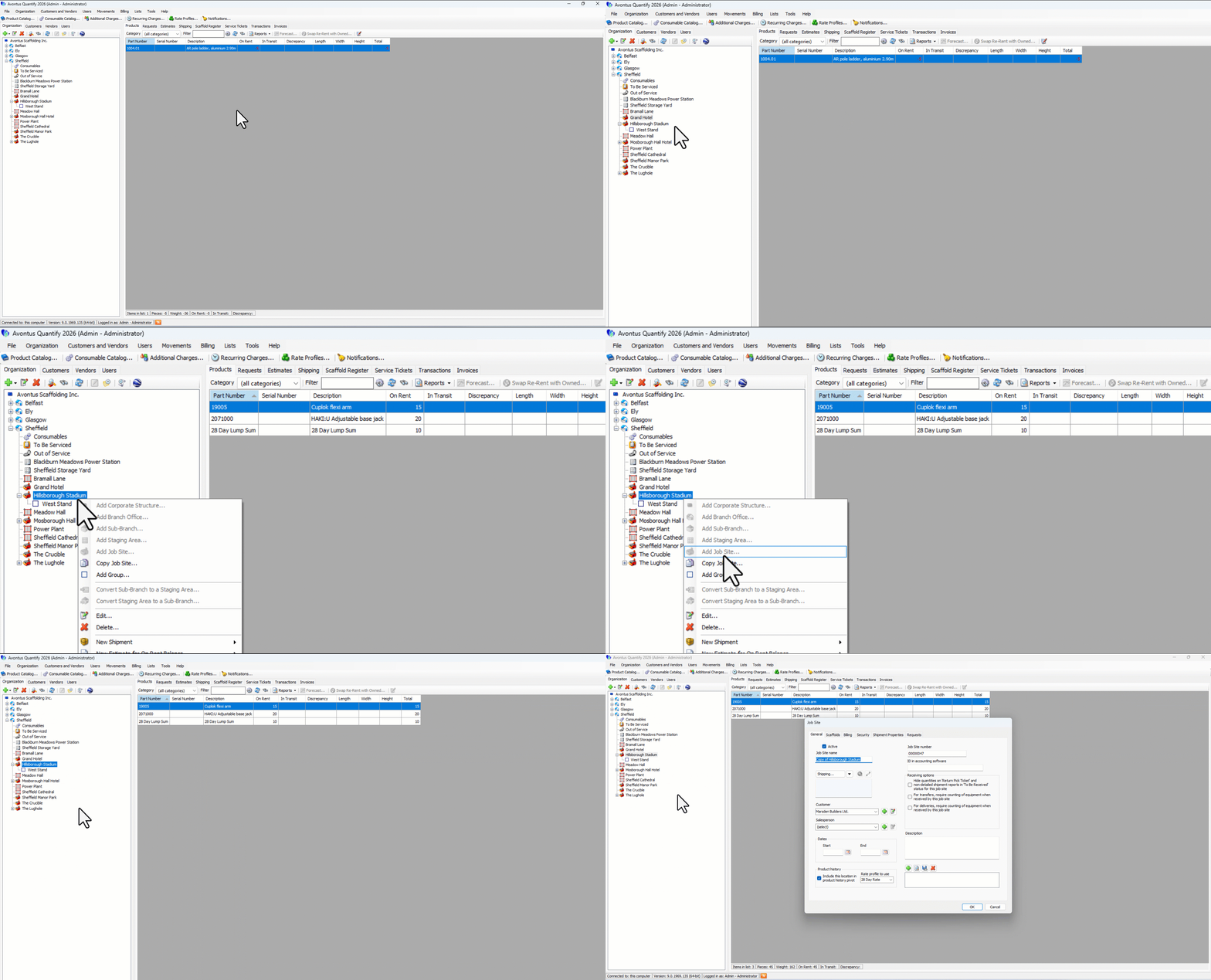
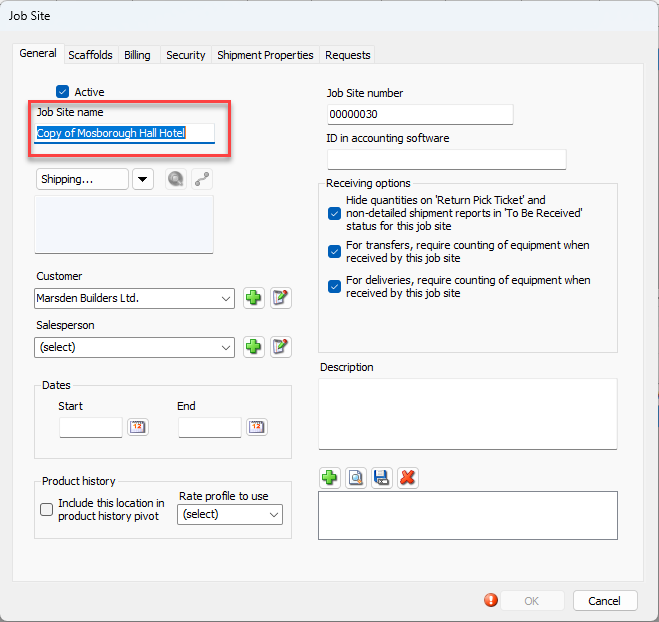
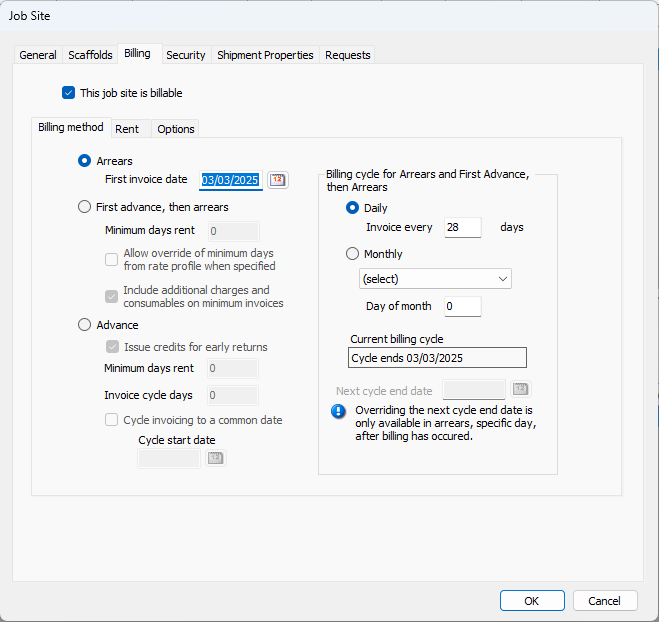
The Job Site dialog appears.As necessary, click in the Job Site Name text field and enter a name for the new Job Site.
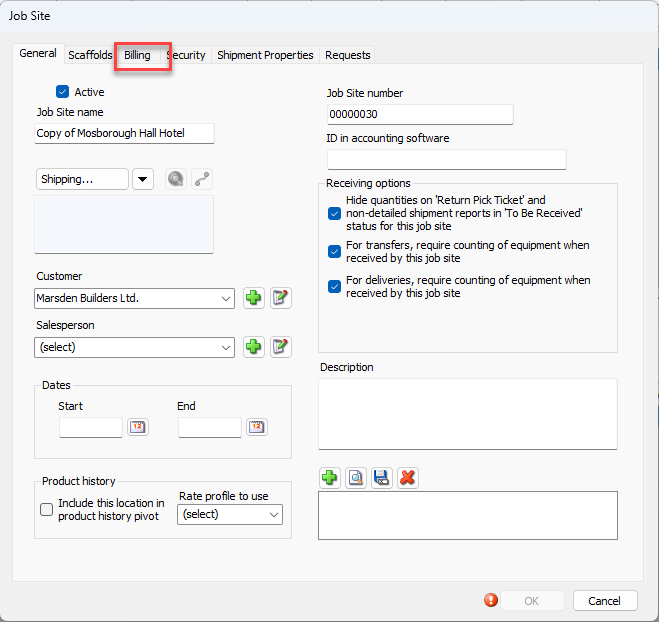
Click the Billing tab.
The Job Site dialog refreshes.
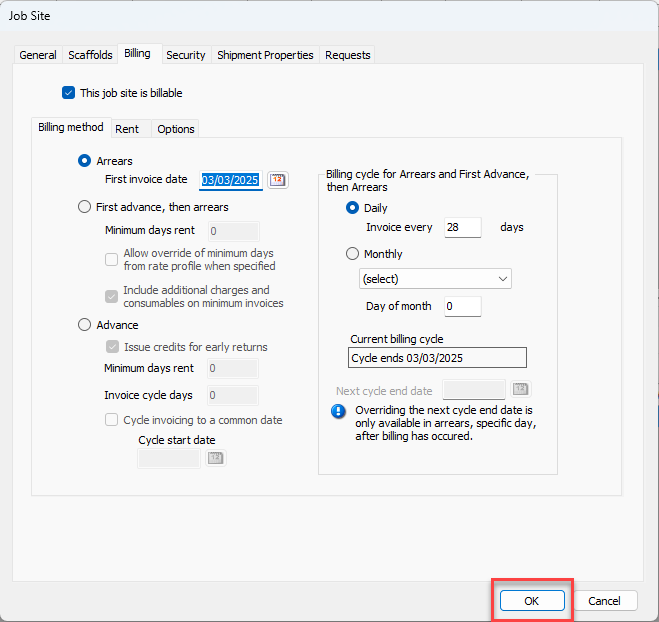
As necessary, update the billing options for this new job site. Refer to Working with Billing Methods and Configuring the Job Site Billing Tab.
Click OK when you are ready.