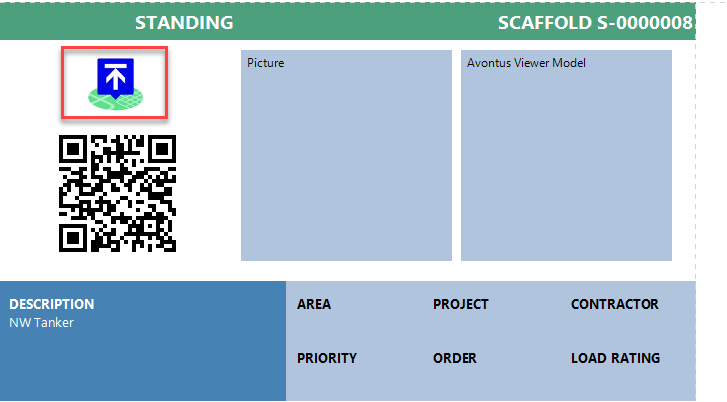
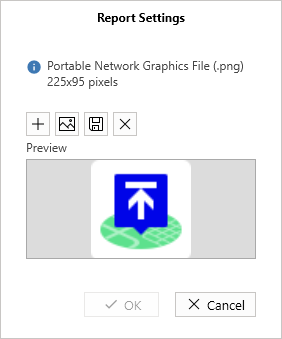
Report Settings is where you can upload the company logo and add it to a report such as a Scaffold and Request Reports.
You have the option to add a file of the company logo or copy an image.
The max image size is 10mb. Scaffold IQ will force any larger files, but less than 10mb, to fit the 225×95 dimension.
Iionf you launch a Scaffold Report, you will see the added logo at the top left of the Report.