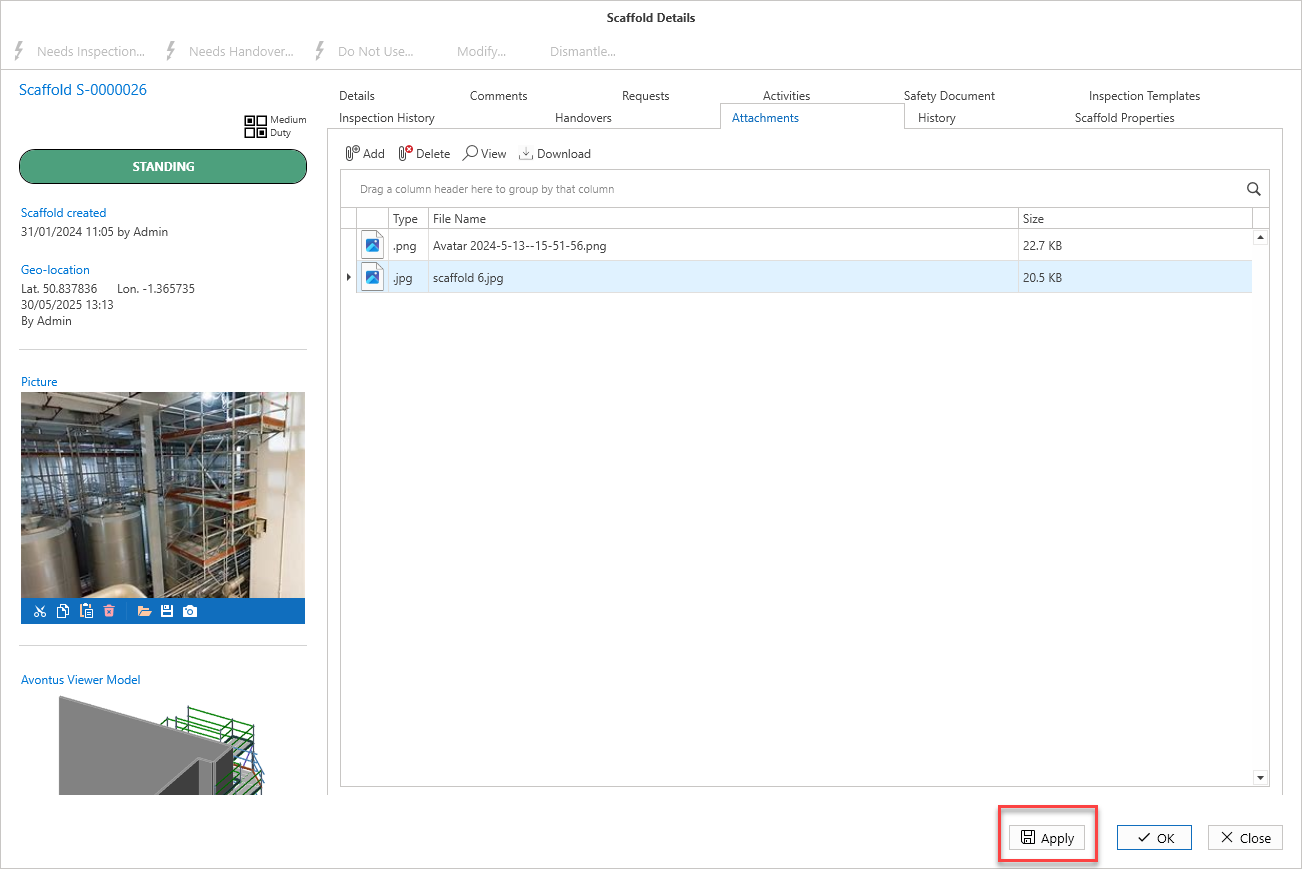
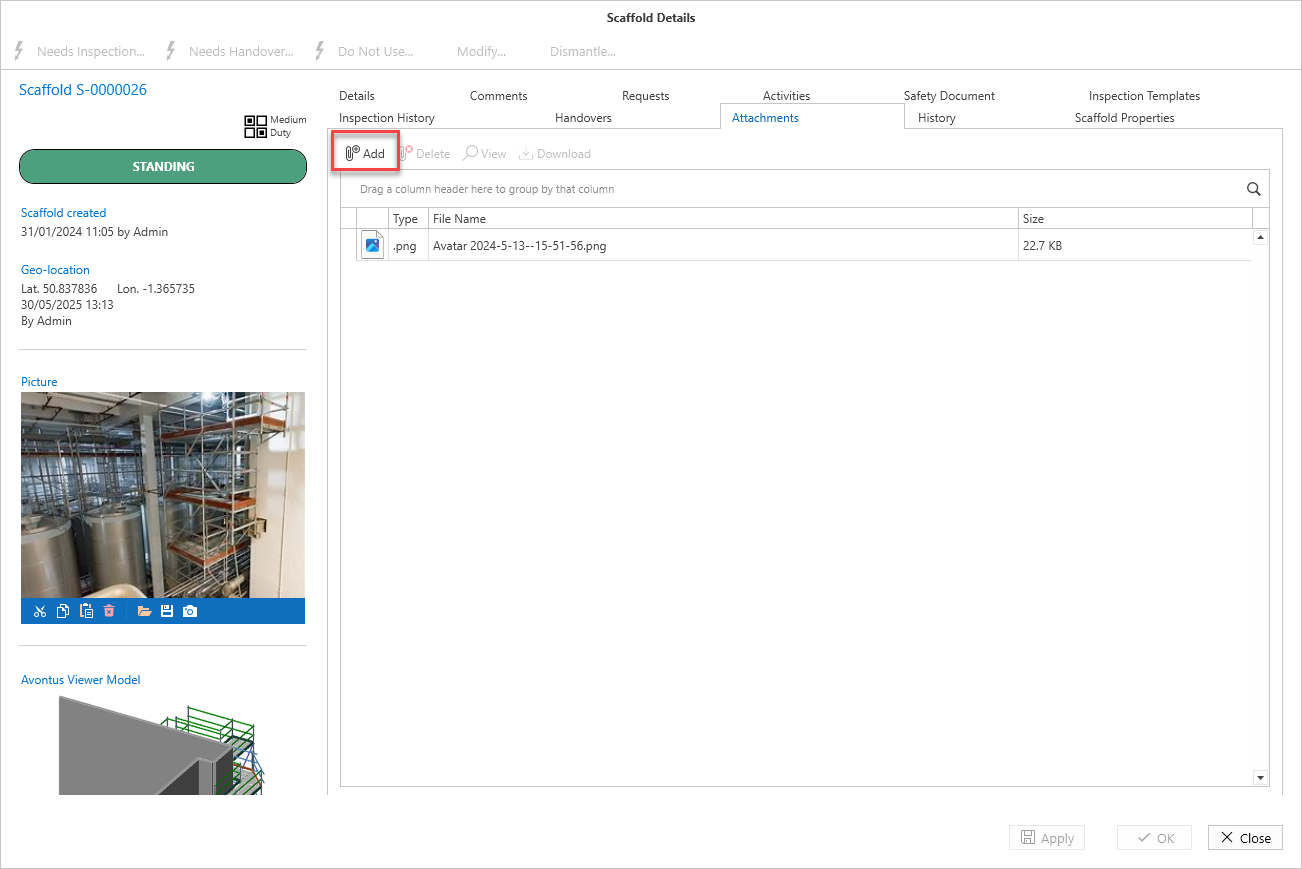
You can add attachments that are relevant to the Scaffold. This could be an inspection form, a file of the scaffold drawing, or an image of the scaffold itself.
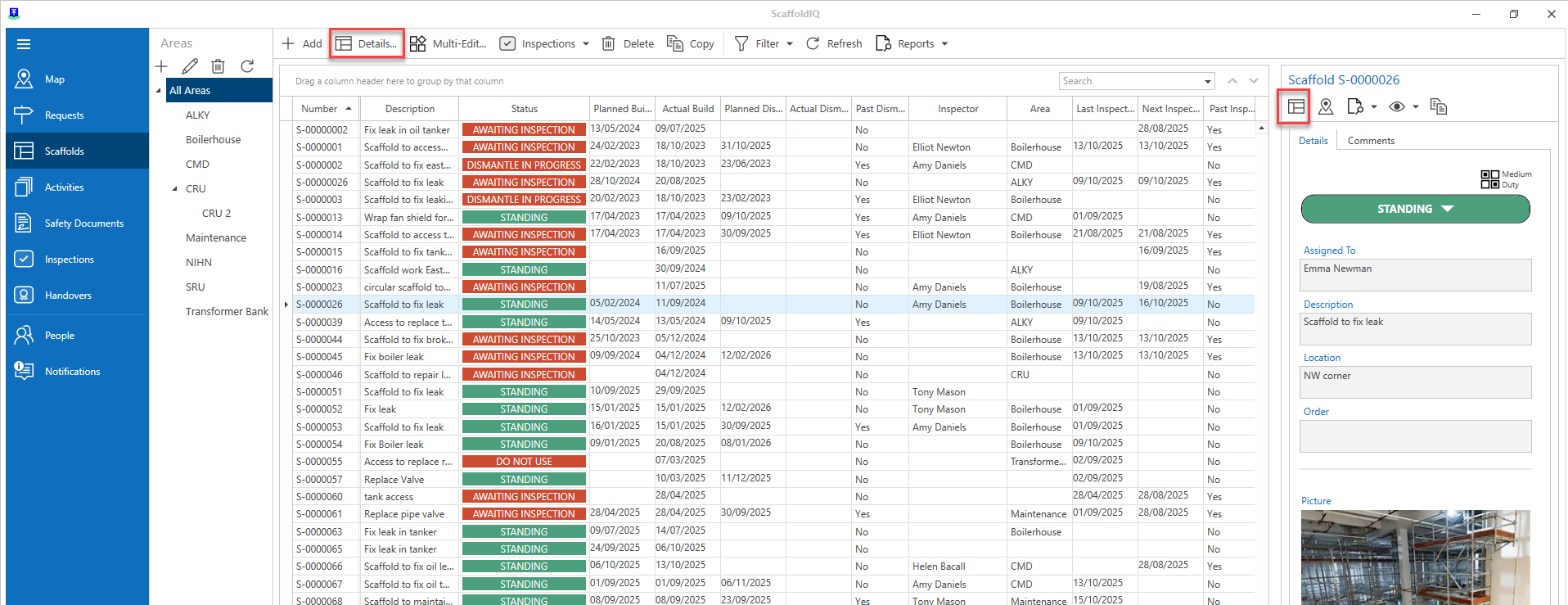
Note: You can also access the Scaffold Details via the Scaffolds screen
To do this:
From the Map screen, select the Request or Scaffold then click Details
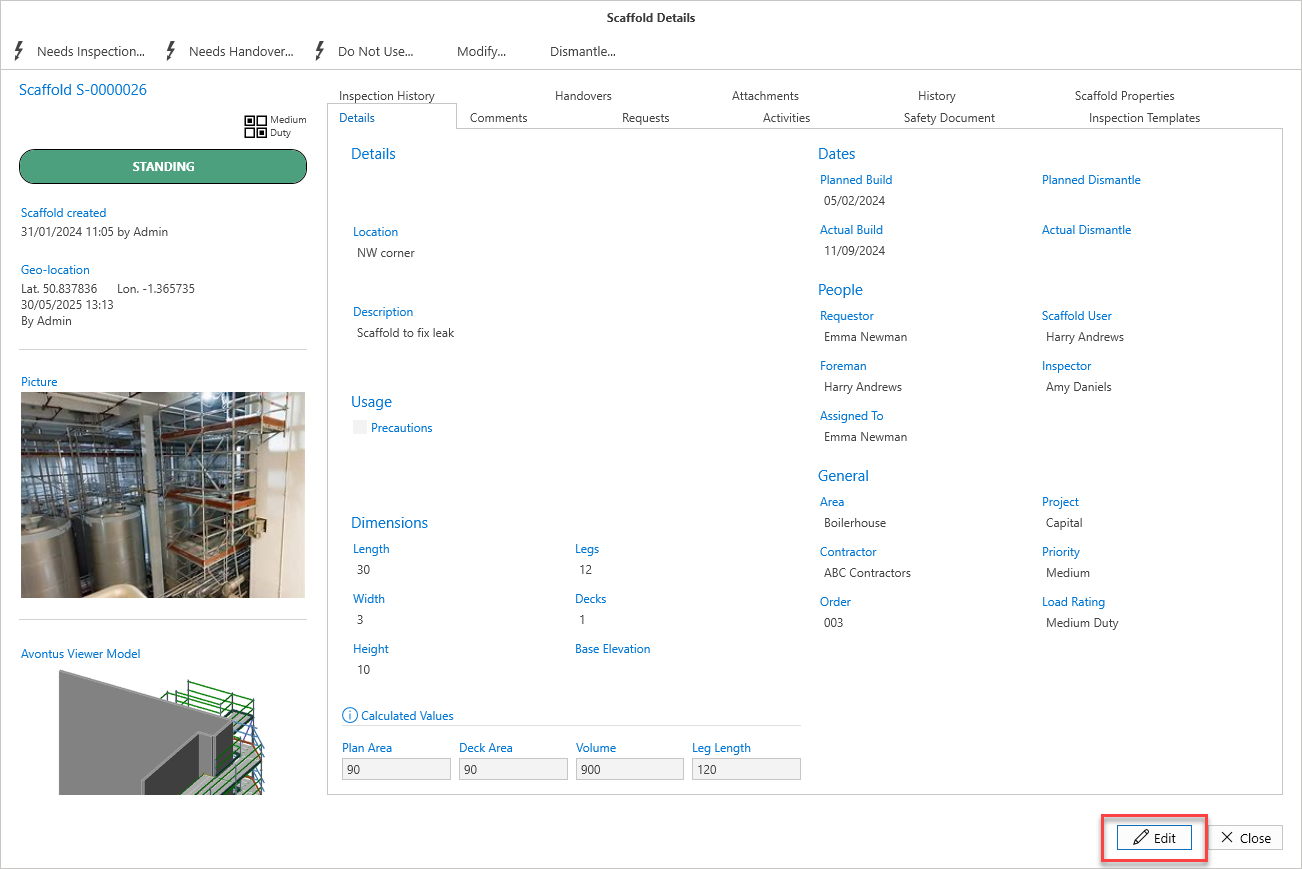
In the Request Details or Scaffold Details screen, click Edit in the bottom right of the window.
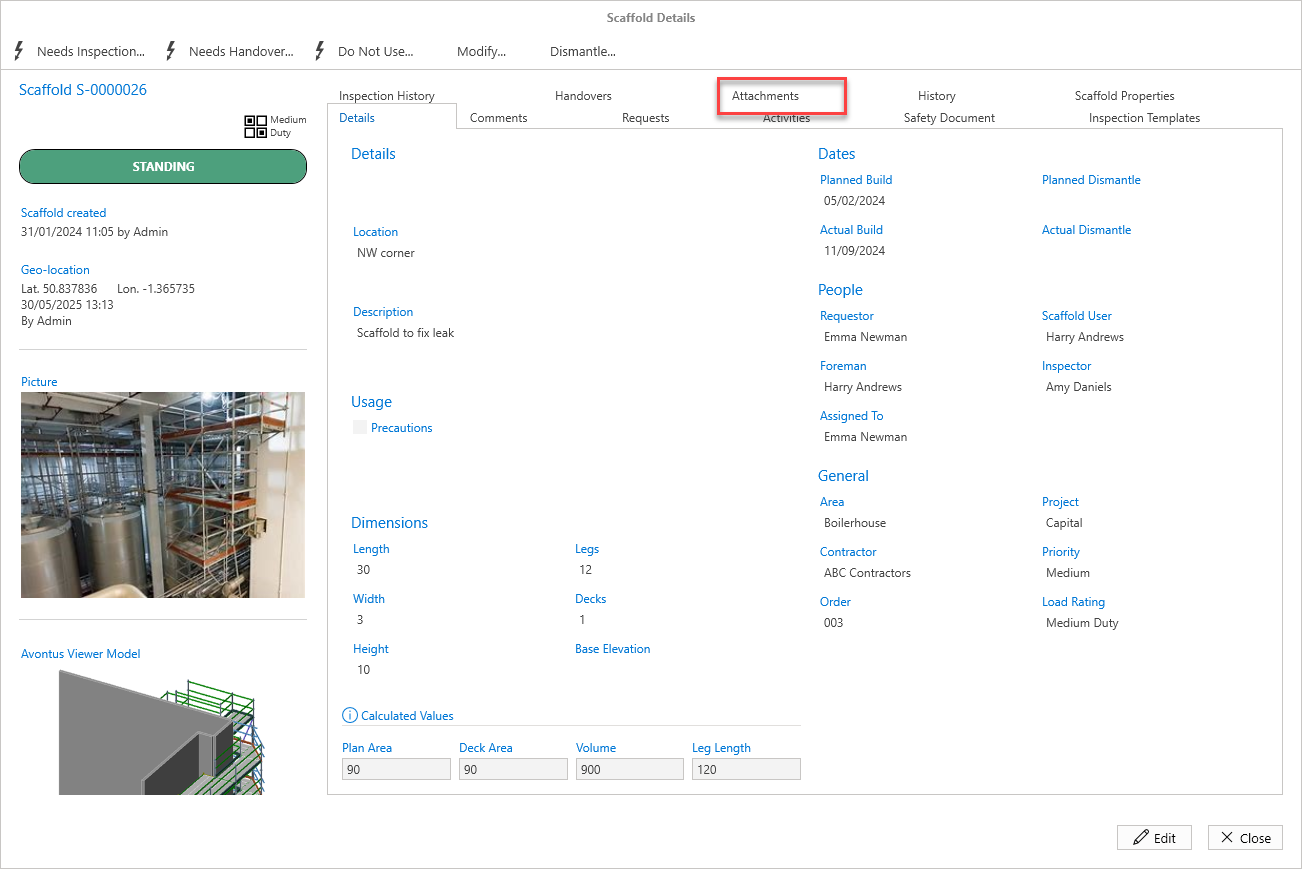
In the Scaffold Details screen, select the Attachments tab.
Click Add.
Navigate to your selected file and click Open.
Click Apply and the image will be added to the scaffold as an attachment.