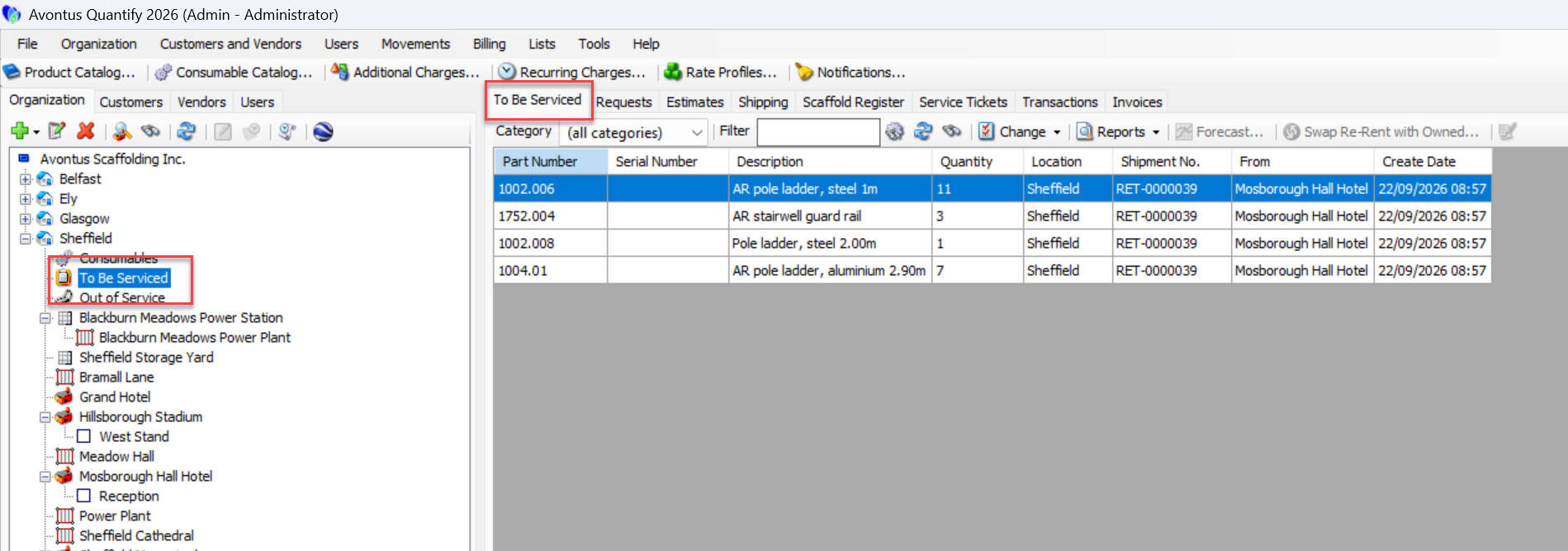
You can place equipment in the To Be Serviced queue at the time you return it to the Branch Office from a Job Site.
Note: If the Branch Office requires counting of returned equipment (refer to Receiving Options - Count Shipments upon Receipt ), Quantify will display the Service checkbox when you receive/count the returned equipment, rather than on the return Shipment.
To use a return Shipment to place equipment in the To Be Serviced queue:
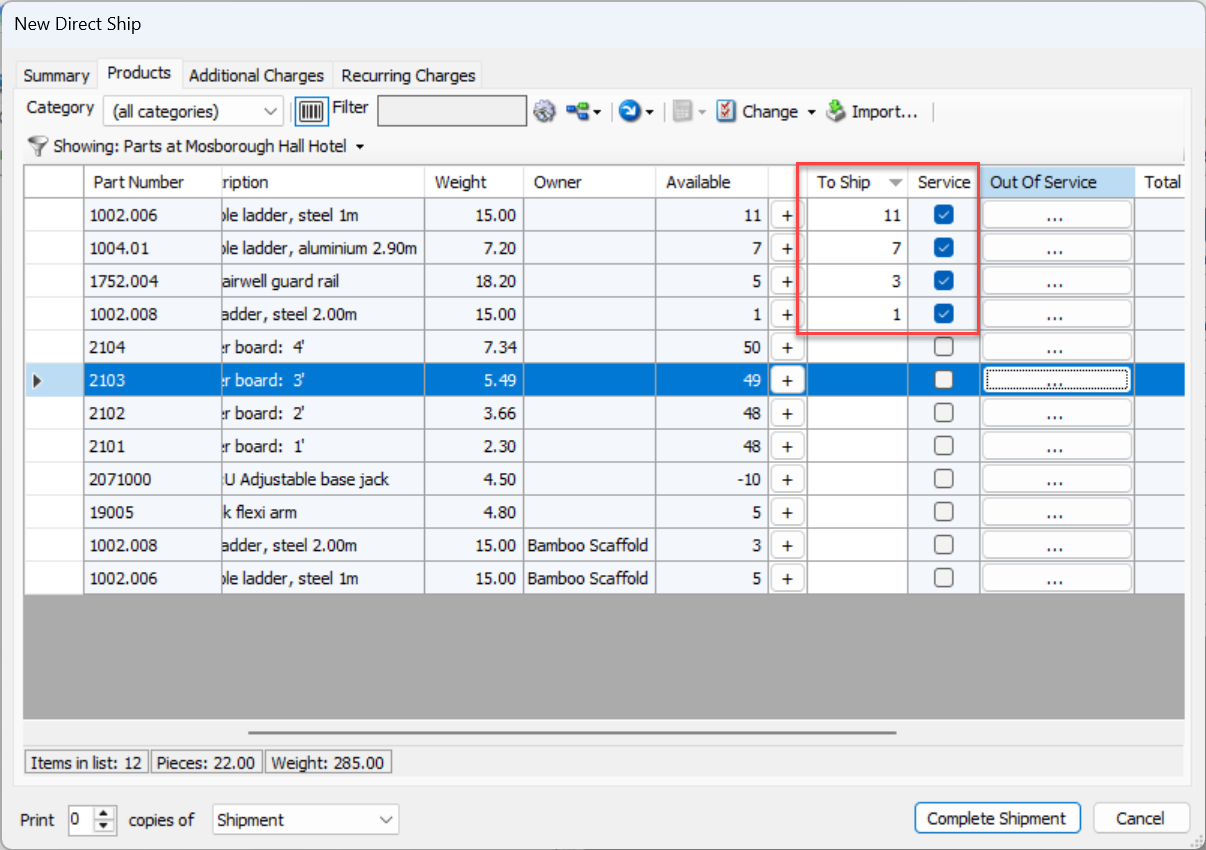
In the Products tab of the New Direct Ship dialog, click the Service checkbox for the Product(s) you want to move to the To Be Serviced queue.
Note: If the Service checkbox for the Product was checked in the Product Catalog, the checkbox will be set by default.
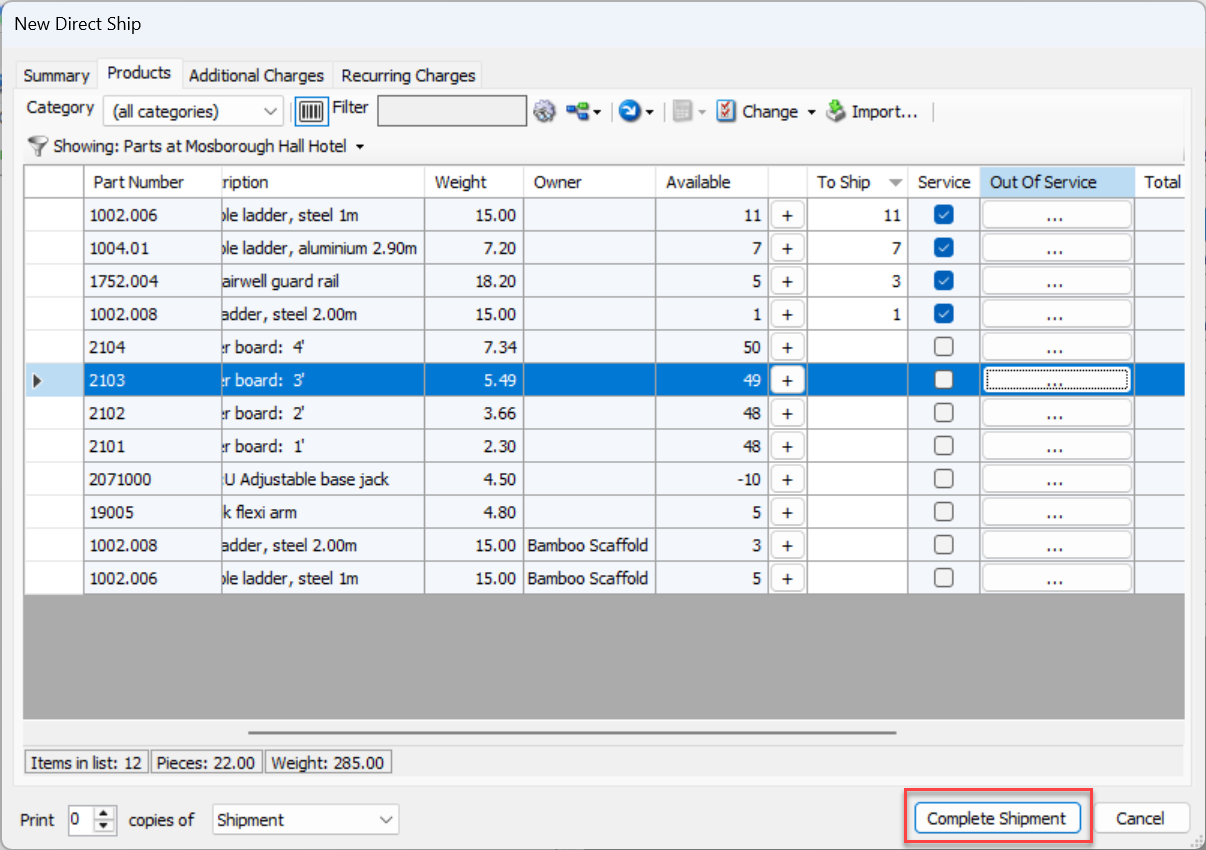
Click Complete Shipment when ready.
You can now view the selected Product(s) in the To Be Serviced tab of the To Be Serviced node.